


Vending management software (VMS) is the cloud platform that collects sales, stock and machine-status data from your vending machines through telemetry and turns it into live dashboards, alerts, restock lists and reports you can act on from a phone or laptop.
This guide explains how telemetry and remote monitoring actually work, which features matter, what the software costs per machine, and how to choose a platform for a US vending route, including where VMFS Cloud fits.
What Is Vending Management Software?
Vending management software is the back office of a modern vending route: it records every sale, tracks what is left in each slot, flags machines that need attention and builds the restock list for the next visit. Cantaloupe's industry glossary describes a VMS as a cloud-based platform that lets an operator control "all aspects" of the business, from inventory and revenue tracking to back-office reporting. Without one, you only learn what sold when you open the door, count the coils and reconcile the cash box, which means every decision about product mix, pricing and service frequency is made after the fact.
Three terms get mixed up in sales pitches, and separating them makes every buying decision easier. Telemetry is the data link that moves information off the machine. Remote monitoring is the act of watching that information in real time, mostly through status screens and alerts. Vending management software is the layer that does something useful with the data: margin reports, planograms, pick lists, user permissions and exports. A platform can be strong at one layer and thin at another, so ask which layers you are actually buying.
There are also three common ways operators end up with software. Many already have a basic dashboard through their card reader, because Nayax and Cantaloupe readers include their own telemetry and cloud reporting. Some machines ship with native software that reads data straight from the machine controller. Larger or mixed fleets often add a standalone VMS that pulls data from several readers and machine brands into one view. The table below compares the three.
| Software type | Where the data comes from | Typical strengths | Typical gaps |
|---|---|---|---|
| Card reader dashboard (e.g. Nayax, Cantaloupe Seed Live) | The cashless reader on the machine's MDB bus, plus a DEX audit cable where fitted | Payment analytics, cashless sales in real time, reader health, loyalty tools | Slot-level stock and machine faults depend on DEX support; cash sales may be missing without DEX |
| Machine-native software (e.g. VMFS Cloud) | A communication module built into the machine controller | Slot-level stock, temperature, jams, door status, screen control, ads, remote pricing | Covers that manufacturer's machines; other brands need their own platform |
| Standalone VMS (e.g. VendSoft, Cantaloupe Seed Pro) | Integrations with telemetry providers and readers across brands | Warehouse, purchasing, routing and reporting for mixed fleets | Only as detailed as the telemetry feeding it; separate subscription |
Who needs it? An operator with one countertop machine in a quiet office can get by on a reader dashboard. Once a route spreads across several locations, labor and drive time become the biggest controllable cost, and software pays for itself by cutting wasted stops. In a route case study published by Upper, a vending service company reported that a basic restock took 15 minutes, a restock with cleaning took 25 minutes and a machine needing repair could take 45 minutes or more, before any driving. A visit to a machine that did not need service, or a drive to fix something that could have been fixed remotely, burns that time for nothing.
How Vending Telemetry and Remote Monitoring Work
Vending telemetry is the wireless transfer of data from a vending machine to a database, where software turns it into reports and alerts; that is close to word-for-word how Cantaloupe's glossary defines it. The machine's controller already records sales, cash, errors and settings. A telemetry device, either a card reader with a modem, a standalone telemeter or a built-in communication module, reads that record and sends it over a cellular or WiFi connection to the cloud.
MDB, DEX and EVA-DTS in plain language
Two standards do most of the work. MDB, short for Multi-Drop Bus, is the serial interface that connects the controller to payment peripherals such as the bill validator, coin mechanism and card reader. The National Automatic Merchandising Association (NAMA) maintains it; version 4.3, released August 22, 2019, revised only the section on cashless devices. DEX, short for Data Exchange, is the audit data format: a structured file of sales by selection, cash collected, prices and error events. DEX grew out of the DEX/UCS standard first designed for direct-store delivery, and the European Vending Association publishes EVA-DTS, a standard format for storing and transmitting the data vending operators need, which supports both DEX/UCS and the older DDCMP protocol. Our MDB and DEX guide covers wiring and troubleshooting in detail.
The practical difference matters when you compare platforms. A reader connected only through MDB knows about card and mobile payments it handled. A reader with a DEX cable can also pull the machine's audit file, which adds cash sales and per-selection counts, usually in periodic uploads. A machine-native module sits inside the controller and can stream slot-level stock, temperature and fault events continuously, which is why it can power features such as live planograms and remote screen view.
What data does vending telemetry capture?
Vending telemetry typically captures what sold, when, from which slot and how it was paid for, plus the machine's health. Depending on the hardware, that includes sales by selection and hour, card versus cash versus mobile wallet, cash in the box and coin tubes, remaining stock per slot, price changes, door-open events, cabinet temperature, jams and motor errors, bill validator or coin mechanism faults, card reader status and a regular "heartbeat" that proves the machine is online. More data points are not automatically better; what matters is whether the platform turns them into a decision you can make today.
Cellular, WiFi and the 3G problem
Telemetry needs a reliable connection, and the choice is usually cellular or the location's WiFi. Cellular works anywhere with coverage and keeps you independent of the host's network, at the cost of a data plan; VMFS lists optional SIM data at about $15 per month as a third-party fee and notes it is not needed on a stable WiFi connection. WiFi is cheaper but depends on a password and a router you do not control. Before you buy used vending machines or a secondhand telemeter, check the modem generation. According to the FCC, AT&T began phasing out 3G in February 2022, T-Mobile shut down Sprint's 3G CDMA network on March 31, 2022 and its own 3G UMTS network on July 1, 2022, and Verizon finished its 3G shutdown by December 31, 2022, so a 3G-only device will not report at all. Our checklist for buying a used vending machine covers what else to inspect.
Ask every vendor what happens when the connection drops. A well-designed system keeps vending, stores transactions locally and syncs them when the link returns, and it sends you an offline alert so a dead router does not hide a dead machine for a week. VMFS Cloud works this way: the machine keeps selling, you get an SMS or email offline alert, and sales sync once the connection is back.
Core Features of Vending Machine Software
Good vending machine software combines live sales with margin, slot-level inventory, configurable alerts, remote control of prices and settings, restock planning and clean exports; anything less leaves you doing part of the job on paper. The cards below cover the features worth paying for and what to look for in each.
Live sales with margin
Every transaction with machine, slot, product, payment type and time, plus cost, retail, tax and margin per line instead of a gross total at day end.
Slot-level inventory
Remaining units per slot and per machine, with par levels, so you know exactly which coils will run empty before the next visit.
Visual planogram
The machine drawn on screen with product, price, capacity and stock per slot, plus the ability to copy a layout to a new machine.
Alerts with thresholds
Jam, offline, temperature, door, payment reader and low-stock alerts, each routed by SMS, email or dashboard to the person who can act.
Remote pricing and settings
Change a price on one slot, one machine or the whole fleet without a truck roll, and see the screen as the customer does.
Pick lists and routing
Restock lists built from live counts, warehouse stock and dynamic schedules so drivers visit only the machines that need service.
Reports and exports
Sales by machine, location, product, hour and payment type, sales tax and commissions, exported in one click for your accountant.
Users and permissions
Separate logins for drivers, partners and location managers, each limited to the machines and actions they need.
Two questions separate serious platforms from basic ones. First, is inventory tracked per slot or only per machine? Per-machine totals tell you a machine is half empty; per-slot data tells you the top seller is already gone while slow movers sit full. Second, can you act from the dashboard, or only look? A platform that lets you reprice, hide a failed slot or push a new ad from your desk saves trips; one that only reports still needs a visit for every change. Screen-based smart vending machines get the most out of the second group of features.
Turning Vending Data Into Better Decisions
Vending data analytics pays off when it changes three things: what goes in each slot, what each item costs the buyer, and where each machine sits. Reports that do not lead to one of those decisions are just screens to scroll.
Product mix and slot performance
Start with best and worst sellers per machine, not per route, because the same item can lead in a warehouse break room and lag in a gym. Cantaloupe defines coil alerts as notifications about coils that have not sold anything in a set period, which points to either a slow mover worth swapping or a jam in a normally strong seller. Replace the bottom few performers each cycle, give the leaders more facings in your planogram, and place items people buy together side by side. Seasonal patterns show up quickly in the data: cold drinks climb in summer, hot drinks and heavier snacks in winter, so the slot plan should change with the calendar rather than stay fixed. This is what data-driven merchandising in vending means in practice: small, measured changes, checked against the next month's sales.
Pricing with evidence
Price tests are cheap with telemetry. Raise one item by a small step on a few machines, leave the rest as a control, and compare unit sales and margin after a few weeks. Payment mix matters as well: Cantaloupe's 2026 micropayment trends report found that 78% of vending sales were cashless in 2025, up from 73% the year before, and that the average cashless ticket was $2.45 against $1.57 for cash. If your data shows a location still running mostly on cash, a card reader or contactless upgrade may move revenue more than any price change. Our guide on how to set vending product prices covers margin targets, and remote pricing lets you roll a winning price out to the fleet in minutes. Some platforms add rule-based dynamic pricing, such as a lower price after the lunch peak; keep any such rule simple and visible so regular customers do not feel tricked.
Location benchmarking and growth
Rank machines by profit per service visit rather than by gross sales. A busy machine that needs two visits a week can earn less per hour of labor than a quieter one serviced every ten days. Benchmarking every site the same way shows which locations to keep, which to renegotiate and which to replace. That evidence also strengthens commission talks, because you can show the host what the machine actually earns before any revenue split. When a machine type or product mix performs well at one kind of site, use it as the template when you find and pitch new locations.
Remote Monitoring, Alerts and Predictive Maintenance
Remote monitoring means you know a machine is down, empty or warm before the customer or the location manager calls you. Every hour a machine sits with a jammed best seller or a failed reader is lost revenue and a little lost trust with the host, and those hours add up quietly when nobody is watching.
Alerts that reach the right person
The most useful alerts are jam, offline, malfunction, door open, temperature out of range, payment reader down and low stock. Each needs its own threshold, because a single failed vend is noise while three failures on one coil in an hour is a problem. Routing matters just as much: the driver should get low-stock alerts, the technician should get faults, and the owner should get offline and temperature alerts. An alert that goes to everyone soon gets ignored by everyone.
Alert rule of thumb: if nobody would change their plans because of an alert, turn it off or raise its threshold. Keep the alerts that send someone to a machine, change the next pick list or trigger a refund, and route each one to a single owner.
Fixing problems without a truck roll
Remote tools resolve a share of issues from the desk. Remote screen view lets you see the machine exactly as the customer does, so you can check a price, a product image or an ad and change it on the spot. Some machines hide a failed aisle automatically so customers never pick a dead slot, while the rest of the machine keeps selling. Refund sensors that detect a product that did not drop can refund the buyer automatically and flag the slot. Software and settings updates can also be pushed over the air instead of with a laptop on site.
Predictive maintenance
Predictive maintenance uses the machine's own history to fix problems before they become breakdowns. Repeated jams on one coil, a refrigeration unit that takes longer to pull back down to temperature, or a bill validator rejecting more notes than usual are early signs worth a scheduled visit. Servicing on actual usage instead of a fixed calendar puts technician time where wear is happening and helps extend machine life. Pair the data with a routine from our vending machine maintenance guide and the field fixes in common vending machine issues.
See every machine from one dashboard
VMFS Cloud shows live sales, slot stock, alerts and the machine screen itself, built in-house by VMFS engineers in the United States.
Explore VMFS CloudInventory, Pick Lists and Route Planning
Telemetry turns restocking from a fixed calendar into a simple rule: visit the machines that need it, carrying exactly what each one needs. That single change is where most operators see the first measurable savings from vending machine inventory software.
Three terms from the industry glossary explain how it works. Par level is the number of units a slot should hold after a fill, so the restock quantity is simply par minus what remains. Pre-kitting means packing each machine's products into its own tote before the route, which cuts trips between the truck and the machine. Dynamic scheduling calculates which machines to visit from criteria such as location and real-time product depletion, so a driver skips machines that are still well stocked. With live slot counts, the software can build the pick list automatically the night before.
The math is easy to check on your own route. Using the on-site times from the Upper case study, skipping four machines that did not need a visit saves about 60 minutes of basic restocking, or about 100 minutes if those stops would have included cleaning, before counting the drive between them. Our guides to restock scheduling and routes and loading and stocking a vending machine show how to build the route around that data.
Deeper platforms track stock from the warehouse, not just inside the machine. When purchases are received, kitted for the route, loaded and sold in one system, purchase cost flows straight into margin reports, and comparing what was loaded against what sold exposes jams, mis-loads and shrink without a site visit. Expiry tracking matters for food: Cantaloupe defines spoilage as units thrown out relative to units sold, so 5 discarded for every 95 sold is 5% spoilage, and a pick list that rotates short-dated stock forward keeps that number down. Cash accountability works the same way, comparing cash the driver collects with the cash the machine reports, which protects your cash flow as the team grows.
Integrations, Mobile Apps and Customer-Facing Features
Integrations decide whether vending data flows into the rest of the business or gets retyped by hand. The minimum is a clean export of sales, sales tax, cost and commission reports that your accountant can import; larger operators should look for an API or business-intelligence connectors.
Accounting, BI and enterprise systems
Most operators start with spreadsheet exports for bookkeeping and tax. At the high end, VendSoft's pricing page lists API access and Looker Studio and Power BI integrations on its Business plan, and Cantaloupe's enterprise VMS kit adds micro market and office coffee integration. For corporate, campus or multi-site clients that need machines to talk to their own systems, see how VMFS machines connect to enterprise systems. Before signing, confirm which systems a platform actually integrates with today rather than on a roadmap.
Operator and driver apps
Running a route from a phone is now the norm. Driver apps show the pick list, record what was loaded and capture cash collected at the machine; owner apps show sales and alerts on the go. Check whether the "app" is a native iOS or Android app or a mobile browser dashboard, and what works without signal inside a basement break room. The VMFS Cloud iOS and Android apps are in development, and the dashboard already works in any browser on a phone or tablet.
Customer-facing apps, loyalty and screens
On the customer side, vending machine apps mostly come from payment providers: mobile wallets, loyalty points, promotions and digital receipts. Contactless payment made up 85% of cashless vending sales in 2025 according to Cantaloupe, so tap-to-pay support matters more than any standalone app most customers will never download. Touchscreen machines add product photos, nutrition details, ads and promotions on the glass, and ad management software lets you schedule image and video playlists by machine, location and hour or sell screen time to local businesses. If screens are part of the plan, compare advertising vending machines, and see our guides to vending machine marketing and improving the vending customer experience.
Security, Data Ownership and Compliance
Vending software touches payments, sales tax and sometimes age-restricted products, so security and compliance belong on the checklist from day one. The PCI Security Standards Council says PCI DSS applies to every entity that stores, processes or transmits cardholder data, including merchants, processors and service providers. In practice, use certified card readers and established processors so card data stays in their systems, and avoid any setup where your own software stores card numbers.
Account security is the next layer. Give every driver, partner and location manager their own login scoped to the machines and actions they need, such as view only, restock, pricing or admin, and remove access the day someone leaves. A location-manager view lets a host see its own site's sales without seeing the rest of your route, which supports transparent revenue-share placements. Ask how data is backed up and whether you can export everything in one click; your sales history is a business asset, and it should leave with you if you switch platforms.
Compliance features vary by product. Per-machine sales tax settings that show a clear total at checkout and track tax on every line simplify filing. For age-restricted products, scheduled age verification can require an ID scan only at certain hours or locations, subject to your state and local rules. Door-open alerts and transaction anomalies support physical security, especially for exposed sites covered in our outdoor vending machine security guide. Telemetry also helps with energy use: ENERGY STAR says certified refrigerated beverage vending machines are on average 9% more efficient, save about 1,000 kWh a year and offer a low power mode during inactivity, and your sales-by-hour data shows exactly when those quiet hours are. More on that in our eco-friendly vending machines guide.
How Much Does Vending Management Software Cost?
Vending management software typically costs from under $10 to about $40 per machine per month, depending on whether it is billed per machine, in fleet tiers or bundled with a card reader, and card processing fees come on top. The published prices below come from each vendor's own pricing page as of October 2026; confirm current terms before you buy.
| Platform | Pricing model | Published price | What the price covers |
|---|---|---|---|
| VMFS Cloud Basic | Per machine | $7.99 per machine per month | Live inventory and slot stock, real-time sales with margin, fault and low-stock alerts, planogram, Customer Hub |
| VMFS Advertising Cloud | Per machine | $16 per machine per month | Basic plus screen ads, video playlists, remote pricing and settings, advanced analytics, advertising network access |
| VMFS AI Cloud | Per machine plus usage | $39.99 per machine per month; $0.07 per AI-recognized transaction (+$0.03 with weight sensors); no recognition fee on NEO GO and NEO PRO | Advertising plus computer-vision stock detection, behavior analytics, dynamic pricing rules, remote diagnostics |
| VendSoft (standalone VMS) | Fleet tiers | $19/mo up to 5 machines; $49/mo up to 30; $199/mo up to 120; $1.25 to $1.50 per extra machine | Inventory, routing, picklists, reporting and telemetry integrations; higher tiers add alerts, expiry tracking, API and BI |
| Nayax VPOS Touch | Reader plus monthly plan | $9.99/mo plan; device $289 to $399 per unit | "Cashless, Operations & Inventory" plan on Nayax's US shop |
| Cantaloupe One Card Reader and VMS Starter Kit | Bundled subscription | From $19.95/mo, 36-month term, nothing upfront beyond shipping | Cashless reader, Seed Cashless+ VMS and the Seed Driver app |
The subscription is only part of the bill. Card processing typically runs about 3% to 6% of each cashless sale; VMFS's payment comparison lists roughly 2.5% plus $0.10 or about 5.95% flat depending on plan, and card reader service fees of about $7.95 to $18.95 per device per month. Add cellular data if the location has no reliable WiFi. Watch for costs that scale with success: per-transaction software fees stacked on the processor's rate, per-scan charges for ID checks, paid upgrades for new features, and long contract terms with early termination fees.
A quick way to judge value is to compare the subscription with your own sales. At Cantaloupe's 2025 average cashless ticket of $2.45, a $7.99 monthly plan equals a little over three cashless sales a month, and one avoided stockout of a top seller or one skipped trip to a full machine usually covers it. The total cost picture for a new machine is in our guide to how much a vending machine costs.
How to Choose Vending Management Software
Choose vending management software by starting with your machines and payment hardware, then matching the platform to the decisions you need to make every week; the best vending machine software for a five-machine route is rarely the right fit for a 200-machine operation. If your machines ship with native software, start there, use your reader's dashboard for payment detail, and add a standalone VMS only when a mixed fleet makes one combined view worth paying for.
- Data source. Does it read slot-level data from the machine, a DEX audit file, or only payment events from the reader?
- Compatibility. Confirm support for your exact machine models, controllers and card readers, in writing.
- Connectivity and offline behavior. Cellular, WiFi or both, who pays for data, and whether sales sync after an outage.
- Total cost. Per-machine fee, transaction or scan fees, hardware, data plans, contract length and termination terms.
- Alerts. Which events, adjustable thresholds and routing to specific people.
- Inventory depth. Par levels, pick lists, warehouse stock, expiry dates and loaded-versus-sold reconciliation.
- Remote control. Prices, planograms, screen content and settings changed from the dashboard.
- Users, exports and support. Scoped logins, one-click exports or an API, and support hours and language that match your route.
Machine-native software
- Slot-level stock, faults and temperature straight from the controller
- Can control the machine: prices, screen, ads, hidden slots
- No extra telemetry hardware to buy or wire
- One vendor for machine and software support
Trade-offs to weigh
- Native software covers that manufacturer's machines; other brands need their own platform
- Standalone VMS tools are stronger for mixed fleets and deep warehouse workflows
- Reader dashboards remain the best view of payment detail
- Running two systems means two logins unless they integrate
Where VMFS Cloud fits
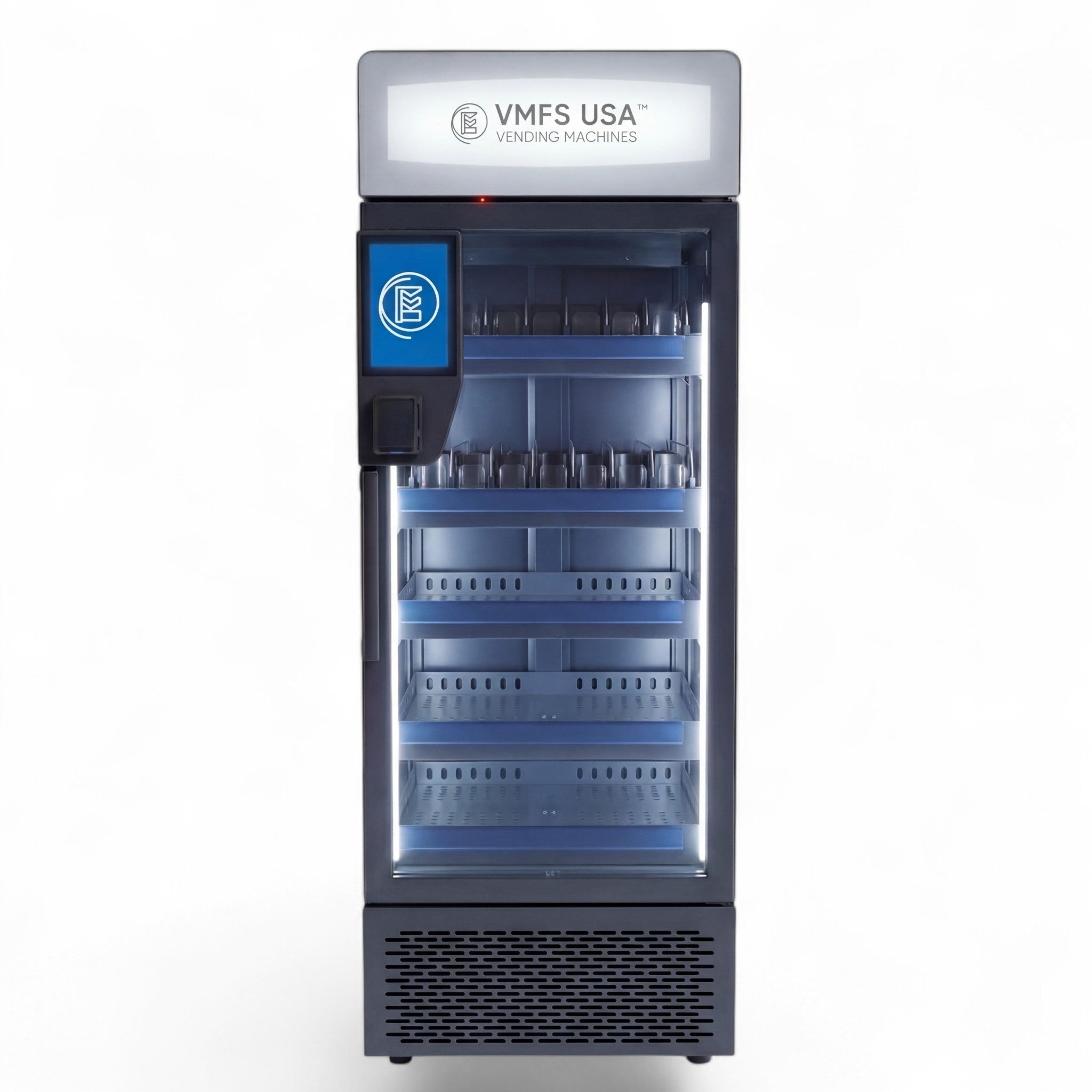
VMFS Cloud is the machine-native option for VMFS routes. VMFS Cloud works with every VMFS machine; plans start at $7.99 per machine per month. The communication module is built into the machine at the factory and connects over cellular or WiFi, so a new machine can be claimed by its ID, assigned to a location and shown on the map with live status without a technician visit. VMFS designs, builds and updates the software with its own engineers in the United States, covering firmware, dashboard and app, so operator feature requests go to the team that writes the code, and updates are included. Depending on the plan, the platform includes the visual planogram, warehouse-to-sale inventory, alerts by SMS or email, remote screen view, refund sensor, auto-hide for failed aisles, sales tax passthrough, ad management and scoped sub-accounts, with white label available for operators who manage machines for others. VMFS does not charge a per-scan fee for optional age verification or a software transaction fee on top of your processor's rate. Support runs through live chat, tickets, a help center and training videos, with phones answered around the clock and help in English and Spanish.
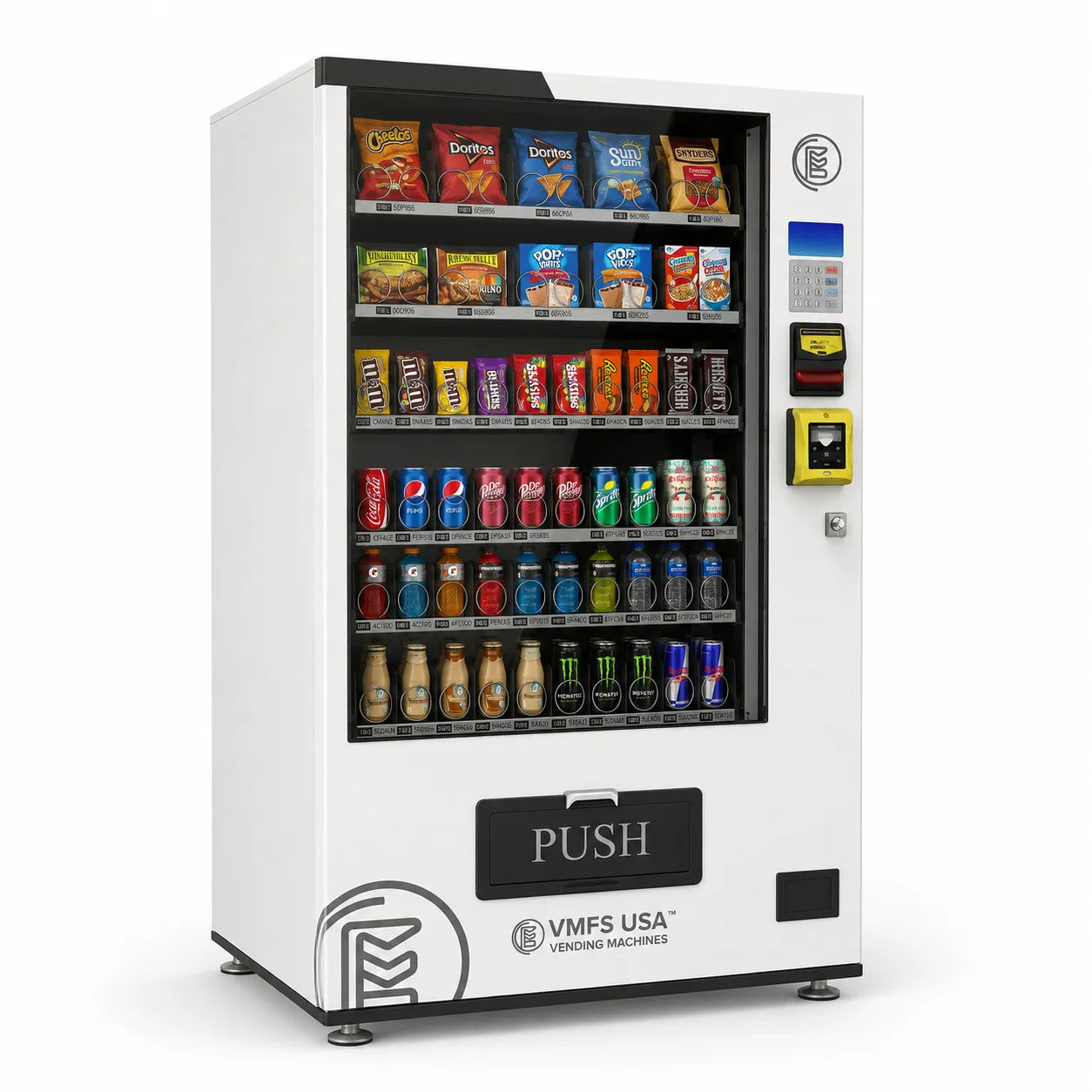
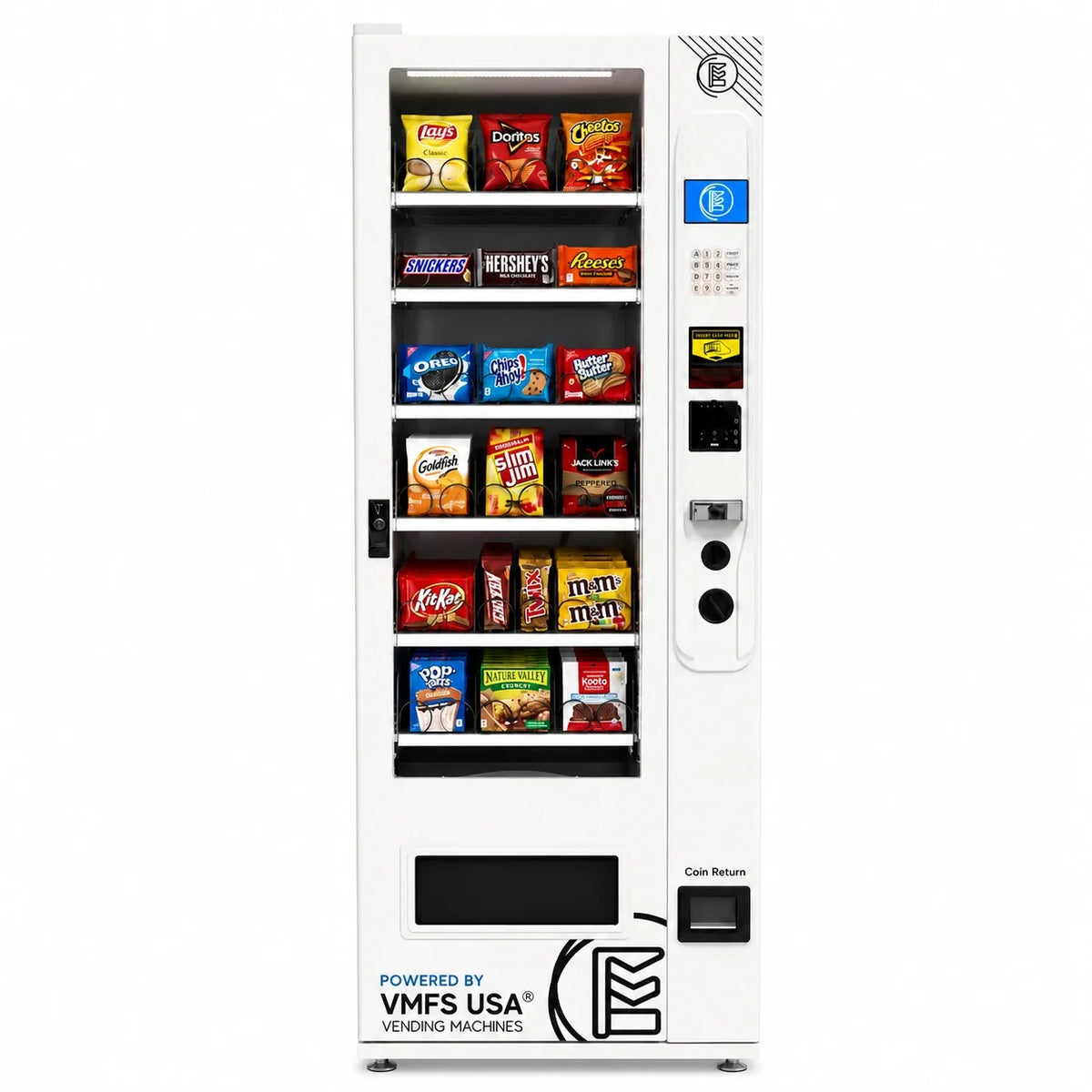
VMFS machines also ship MDB-ready for Nayax or Cantaloupe readers, so you can keep your reader's payment dashboard alongside VMFS Cloud; browse vending machines with card readers if cashless hardware is still on your list. Combo, slim, coffee, elevator and AI grab-and-go machines from VMFS run on the same dashboard and login, from a WallMount Vending Machine ($3,450) to the Smart Elevator Vending Machine ($8,650).
When you need AI vending machine software
Computer-vision coolers need more than telemetry: the software has to recognize what a customer took, charge the right amount and flag misplaced stock. That is a separate category with its own pricing, covered in our guide to AI vending machine software. On VMFS hardware it runs on the AI Cloud plan, used by AI grab-and-go coolers such as the AI Grab & Go Cooler ($2,950).
Machines that ship cloud-ready
VMFS machines ship with the communication module built in at the factory, so your VMFS Cloud dashboard can be live the day the machine is installed.
Shop Smart MachinesFrequently Asked Questions
Sources
- Cantaloupe — Vending Glossary (telemetry, VMS, par level, pre-kitting, dynamic scheduling, coil alerts, spoilage)
- Cantaloupe — Micropayment Trends Report 2026
- NAMA — NAMA Releases MDB Version 4.3
- Vending Times — EVA Publishes Updated Vending Data Transfer Standard (EVA-DTS)
- FCC — Plan Ahead for Phase Out of 3G Cellular Networks and Service
- PCI Security Standards Council — PCI DSS
- ENERGY STAR — Refrigerated Beverage Vending Machines
- Upper Route Planner — Vendmax Services Case Study
- VendSoft — Pricing
- Nayax US Shop — VPOS Touch
- Cantaloupe — Cantaloupe One Pricing
- VMFS USA — VMFS Cloud features and plans
- VMFS USA — Payment Systems, processing fees and third-party costs
Share:
Vending Machine Marketing Strategy: A Practical Guide for Operators
Vending Machine Marketing Strategy: A Practical Guide for Operators