




Design the perfect vending solution for your location and customers.

Join the VMFS newsletter and step into a thriving network dedicated to collective success.
One signup. Endless possibilities.
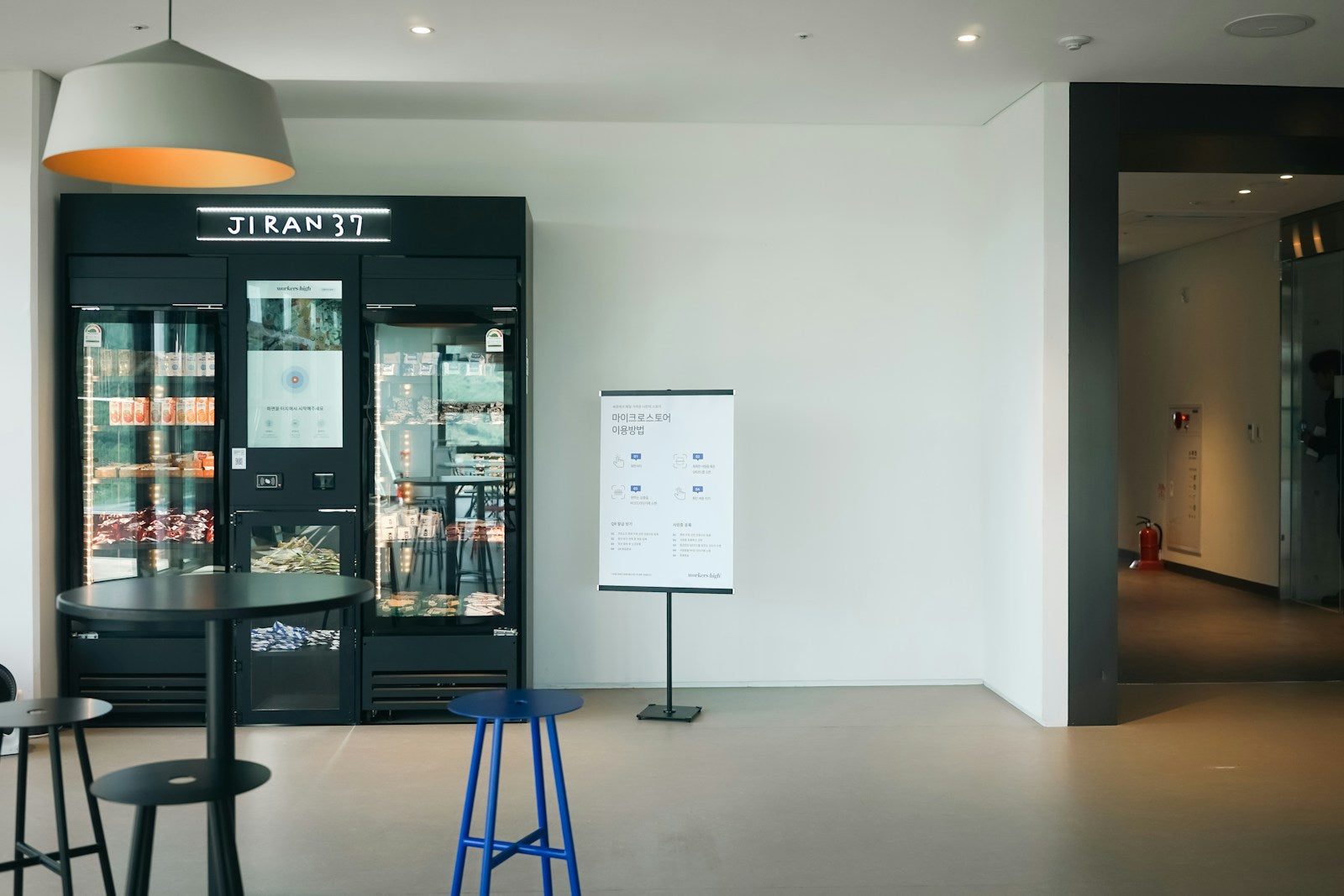
Office vending machines put snacks, cold drinks and coffee inside the building around the clock, and an employer can get one in three ways: host an operator's machine at no cost (VMFS location matching puts offices at 0% to 15% of gross sales as commission), buy a machine outright (new VMFS machines start at $1,900), or subsidize what employees buy as a perk.
This guide covers the benefits that hold up, which model and machine fit your headcount, what to stock, how cashless and badge payments work, what a placement agreement should say, and the VMFS machines that suit an office, with current prices.
The main benefit of an office vending machine is simple access: employees can get food and drinks on site at any hour, without leaving the building and without the employer staffing a kitchen or café. Everything else follows from that. A trip to a nearby coffee shop or convenience store takes people away from their desks and out of the building, while a machine in the breakroom turns the same errand into a short walk down the hall. That matters most for teams that cannot easily step out, such as reception, support desks, labs and anyone covering a phone line.
It is worth being clear about what the evidence does and does not show. There is no reliable study that puts a percentage on how much a vending machine raises productivity, and this guide does not claim one. The case for workplace vending machines, and for vending machines at work generally, rests on practical, verifiable points: on-site access, coverage for every shift, a menu employees can influence, payment methods people already carry, and a cost profile that is low or zero for the host.
A machine keeps working after the café closes and before the first coffee run. According to the U.S. Bureau of Labor Statistics, 85% of wage and salary workers worked a regular daytime schedule in 2024–25, which means a meaningful minority did not, and part-time workers were almost twice as likely as full-time workers to work a non-daytime schedule (23% compared with 13%). Multi-shift offices, call centers, warehouses and plants are exactly where a 24-hour machine fills a gap, and where a night crew notices whether the employer thought about them too.
Building a cafeteria or hiring a caterer means space, staff, equipment and food safety work. A vending machine needs a floor spot, a standard outlet and someone to keep it stocked, which is the operator's job under a full-service placement. For a small or mid-sized office, that is the difference between an amenity you can offer this month and one you keep postponing. The host's ongoing costs are usually limited to the electricity the machine draws, which is covered in the placement section below.
Clients increasingly ask operators for healthier options. In NAMA's industry census released in March 2026, 65% of operators cited client requests for healthier product mixes. A modern office machine can carry protein bars, nuts, sparkling water and low-sugar drinks next to the classics, and a refrigerated unit can add yogurt, salads and sandwiches. That lets HR point to something concrete when it talks about wellness, without forcing one diet on everyone.
Under a full-service placement the operator owns the machine, so the office pays nothing for equipment and often earns a commission on sales. VMFS location matching publishes its ranges: offices under 50 staff typically fall in the 0% to 5% tier, and mid-size offices in the 5% to 15% tier. Many small offices accept little or no commission and treat the machine purely as a perk. Larger employers can flip the model and spend money instead, subsidizing prices for staff, which the next section explains.
Most offices choose between four models: free full-service placement by an operator, renting a machine, buying your own, or subsidizing purchases so employees pay less or nothing. The right choice depends on who you want to do the restocking, whether you want income or control, and whether vending is a revenue line or a benefit.
In a full-service placement, a vending operator supplies, installs, stocks, cleans and repairs the machine at no charge to you, and keeps most of the sales. The office provides space and power and may receive a commission. Across industry sources, location commissions typically range from 5% to 25% of sales; NerdWallet gives that range for what operators pay property owners. Offices usually sit at the lower end because a breakroom serves a fixed group of people rather than public foot traffic.
Renting puts the machine in your building for a monthly fee while you handle stock. Vending Group puts traditional rental at $50 to $250 per month for the machine itself, with stocking not included, and notes that in many flat-fee rentals keeping the machine full is the renter's responsibility. Buying gives you full control over products and prices and all of the margin, but your team (or a hired operator) restocks, cleans and services it. Owning makes most sense for a company with a facilities team, a campus, or a business owner who wants to learn vending before starting a route.
| Model | Who owns and stocks it | Cost to the office | Money to the office | Best fit |
|---|---|---|---|---|
| Full-service placement | Operator | Usually electricity only | 0%–15% of gross sales for offices on VMFS location matching; 5%–25% is the wider industry range | Most offices that want an amenity with no work |
| Rental | Rental company owns; you usually stock | $50–$250 per month for the machine (Vending Group), plus product | Your sales minus product and fees | Short-term needs or testing demand |
| Owned machine | You, or an operator you hire | From $1,900 for a new VMFS machine, plus product and card fees | All of the margin | Campuses, facilities teams, future operators |
| Subsidized or free vend | Operator or you; employer pays part or all of each item | The subsidy you set | None; it is a benefit | Employers using food as a retention perk |
Free operator placement
Trade-offs versus owning
Subsidized vending means the employer pays part of each purchase, and free vend means the employer pays all of it. The simplest version sets selected items or a whole machine to vend at no charge and the operator invoices the employer for what was taken. The more flexible version uses prepaid credit: Nayax describes employers topping up employee cards with a daily, weekly or monthly amount and setting staff discounts on office vending or coffee machines through those cards. That approach lets you subsidize healthy items more than others, or fund a set amount per person rather than an open tab.
Tax check before you subsidize: IRS Publication 15-B lists coffee, doughnuts or soft drinks as examples of de minimis benefits employers can generally exclude from wages. It also says that for amounts paid after 2025, employers can no longer deduct food and beverage costs provided through an eating facility that meets the de minimis or convenience-of-the-employer rules. Ask your tax adviser how your program is treated before you commit to free vend.
For free full-service placement, published guidelines point to roughly 40 to 100 or more people on site; below that, buying a small machine or accepting a low commission is the realistic path. There is no single industry rule, so the thresholds below come from operators and suppliers that publish them, and they differ because each company's route economics differ.
Vending Group's guideline for full-service accounts is 40 or more full-time employees for a soda machine and 75 or more for snack and soda combined. NerdWallet's advice to new operators is to aim for companies with at least 100 employees or places with considerable foot traffic. For micro markets, 365 Retail Markets says the best markets are in locations of 250 or more people but they can work in areas with as few as 75. Cantaloupe has published guidance on running markets profitably at sites with 50 or fewer employees, which shows that smaller sites can work when the operator manages product mix and shrink closely.
| People on site | What published thresholds suggest | Typical office setup |
|---|---|---|
| Under 40 | Below Vending Group's 40-employee full-service guideline; VMFS lists offices under 50 staff at 0%–5% commission | A countertop or slim machine, an AI cooler, or an owned machine; free placement possible but with little or no commission |
| 40–75 | Meets the 40+ guideline for a soda machine (Vending Group) | One combo machine covering snacks and cold drinks |
| 75–250 | Meets the 75+ snack-and-soda guideline; micro markets can work from about 75 (365 Retail Markets) | Snack plus drink machines, a coffee machine, or a small micro market |
| 250+ | Where 365 Retail Markets says micro markets perform best | Micro market or a bank of machines on each floor or shift area |
Headcount is only half of the picture; time on site matters just as much. A 60-person office where most people work remotely on Fridays sells less than a 60-person dispatch center staffed around the clock. When you describe your office to an operator, give daily attendance, shift patterns and whether there is food within a short walk, because those answers decide the machine size and service frequency.
A few common office types show how this plays out. A corporate headquarters without a cafeteria might place a combo machine in the main breakroom and a smaller unit on another floor. A multi-shift warehouse or plant needs drink and snack coverage near each break area so the night shift is served as well as the day shift. A coworking space can treat a branded combo and coffee machine as part of the membership amenities. A growing office of 15 to 25 people often starts with one compact combo machine in a shared area and adds a second unit as the team grows.
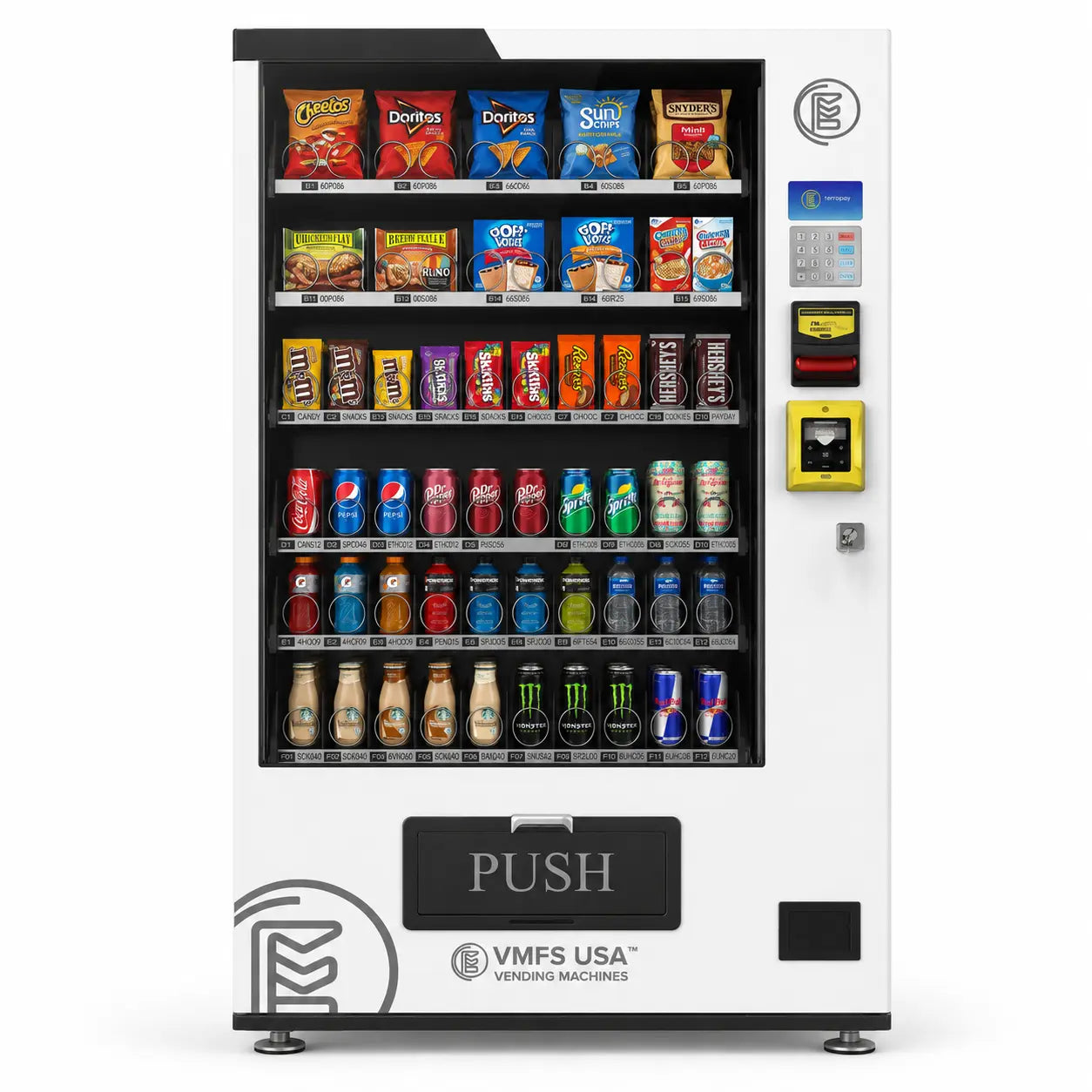
The main types of office vending machines are snack machines, drink machines, combo machines, coffee machines, refrigerated and fresh-food machines including AI coolers, and micro markets. Most offices start with one combo machine and add a dedicated drink or coffee unit when demand outgrows it.
Snack machines
Spiral or coil machines for chips, candy, bars and nuts. Low maintenance because packaged snacks have long shelf lives.
Drink machines
Refrigerated cans and bottles. The best second machine once a combo runs out of beverage space.
Combo machines
Snacks and cold drinks in one footprint. The default for small breakrooms and the first machine in most offices.
Coffee machines
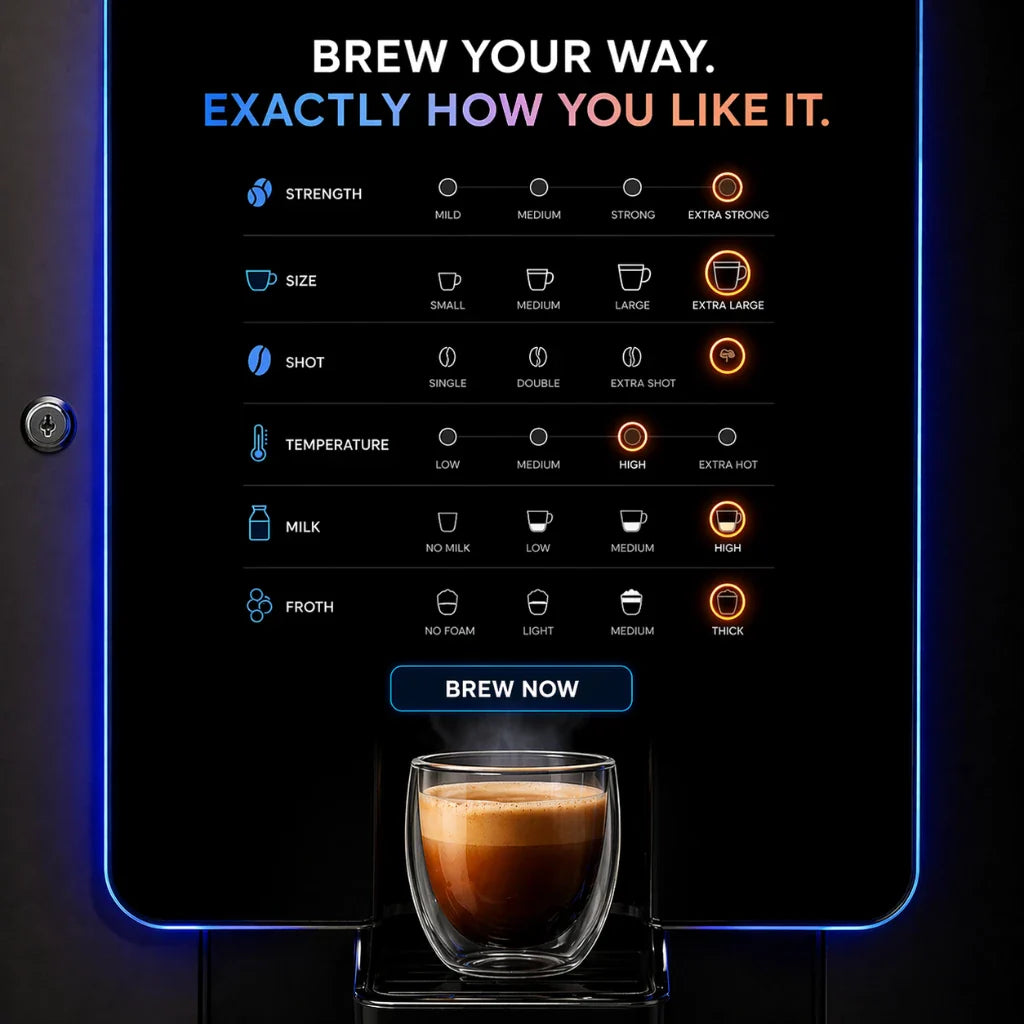
Bean-to-cup or instant hot drinks paid per cup, a self-serve alternative to an office coffee service.
Fresh food and AI coolers
Refrigerated cabinets for sandwiches, salads and yogurt; AI coolers let people open the door and take items.
Micro markets
Open shelves and coolers with a self-checkout kiosk. The widest selection, for larger sites.
Traditional snack vending machines are still the most common office snack machine because they are affordable, easy to maintain and hold shelf-stable products that rarely spoil. Their limit is freshness: they cannot carry perishables, so offices that want real food pair them with a refrigerated unit. Modern versions add card readers, touchscreens and remote stock tracking, which removes the old frustrations of exact change and empty spirals.
Dedicated drink vending machines make sense where cold beverages outsell snacks, such as warehouses, labs and warm climates. Our guide to choosing a drink vending machine for the office covers that decision in detail. For most breakrooms, combo vending machines are the better first purchase or placement because they cover both needs in a single footprint, which matters in city offices where every square foot is accounted for.
Integrating coffee vending into a corporate office comes down to three decisions: where the machine sits (near the breakroom water line or a counter with an outlet), whether drinks are paid or employer-funded, and who cleans and refills it. Pay-per-cup coffee vending machines let a company offer café-style drinks without a barista, and they can sit next to a combo machine to form a complete break area. If you are comparing brewers, pods and bean-to-cup units for free office coffee instead, see our roundup of the best office coffee machines.
Refrigerated vending machines let offices without a cafeteria offer sandwiches, salads, cheese, yogurt and protein shakes. They need more frequent restocking because perishables have short shelf lives, so the operator's route frequency matters. AI grab-and-go coolers take this further: an employee taps a card to open the door, takes what they want, and cameras and sensors charge the card for the items removed. Glass bottles and fragile items vend safely because nothing drops.
A micro market is a self-serve store with open shelves, coolers and a self-checkout kiosk. It carries far more products than a machine and suits larger offices, but it needs dedicated space and a trusting environment. VMFS can set up micro market vending for offices and campuses, and our micro market operator guide covers costs, shrink and when a market beats a bank of machines. Offices that want tech accessories or PPE can also add an electronics or supply machine alongside food vending.
One machine for snacks and cold drinks
Compare VMFS combo machines for breakrooms, lobbies and shared office floors.
Browse combo machinesStock an office vending machine with a mix of familiar snacks and drinks plus a meaningful share of better-for-you items, then let sales data decide the rest. A useful starting point comes from CC Vending, quoted by Cantaloupe for small-office markets: about 60% mainstream products and 40% healthier items. In the same 2019 article, the operator said customers were willing to pay $2.55 for a Kind bar instead of $1.69 for a Snickers, a reminder that healthier items can carry higher prices rather than being a margin sacrifice.
Ask employees before the first fill. A two-question survey (favorite snacks, dietary needs) catches gluten-free, vegetarian, halal or low-sugar needs that a generic planogram misses, and it gives staff a sense of ownership. After launch, use sales data instead of guesswork: slow sellers come out, best sellers get more facings, and seasonal or local products rotate in to keep the machine from feeling static. Our guide to healthy vending machine snacks lists products that sell, and what sells best in vending machines covers the mainstream side.
A typical office mix includes water and sparkling water, low-sugar and diet sodas, energy and protein drinks, chips and baked chips, candy and chocolate, protein and granola bars, nuts and trail mix, and, in a refrigerated unit, sandwiches, salads and yogurt. Morning-heavy offices sell more coffee and breakfast items; afternoon slumps favor sweets, caffeine and protein. If your office already runs a wellness program, healthy vending machines with dedicated better-for-you layouts make that commitment visible.
One rule applies to larger operators: the FDA requires operators who own or operate 20 or more vending machines to disclose calorie information for food sold from them, with some exemptions and a front-of-package option for glass-front machines. A single office machine you own falls under the threshold unless you register voluntarily, but most professional operators serving offices are covered, so ask how they handle it.
An office vending machine should accept cards, tap-to-pay and mobile wallets, because most vending sales are now cashless and office workers rarely carry change. Cantaloupe's 2026 micropayment trends report found that 78% of vending sales were cashless in 2025, up from 73% the year before; contactless made up 85% of cashless vending sales, and cashless tickets averaged $2.45 against $1.57 for cash. For an office, that means a cash-only machine is leaving most of its potential sales unrealized.
Badge and prepaid payments are the office-specific layer. Payment providers support closed-loop accounts where a physical employee card or an app holds a balance; Nayax describes employers loading those balances daily, weekly or monthly and setting discounts on office vending or coffee machines. This is how most subsidized programs run in practice, and it gives HR a clean report of what the perk costs each month. Our guide to the cashless payment system for vending machines compares the main readers.
On VMFS machines, payment hardware varies by model, so check each product page. The AI Grab & Go Cooler includes a card reader. VMFS-built models such as the Smart Combo, Slim Combo, AI Smart Combo and CorePro Coffee list a $450 credit card reader upgrade, and Seaga models list a $550 reader. Card processing on the VMFS payment system page is shown as about 2.5% plus $0.10 or about 5.95% flat per transaction depending on plan, with reader service of $7.95 to $18.95 per month. VMFS Cloud works with every VMFS machine; plans start at $7.99 per machine per month (Basic), with Advertising Cloud at $16, which adds remote pricing, and AI Cloud at $39.99. AI machines also carry an AI recognition fee of $0.07 per transaction, plus $0.03 when weight sensors are enabled.
Cloud reporting also answers the office manager's two recurring questions without anyone walking to the breakroom: what is running low, and is the machine working. Stock levels, sales by item and fault alerts reach the operator directly, so restocking becomes scheduled rather than complaint-driven.
An office vending machine needs roughly the floor space of a refrigerator, a standard wall outlet within reach, and a visible spot where people already pass or gather. The breakroom is the default, but a corridor near elevators, a print area or a lobby in a multi-tenant building can outperform a hidden corner. Leave room in front for people to stand and choose, and for the door to swing fully open on AI coolers and fridges.
Power is usually the host's cost under a placement agreement. According to the VMFS location matching page, a refrigerated machine draws roughly 3 to 4.4 kWh a day, while snack machines draw far less. For comparison, the Department of Energy's Federal Energy Management Program lists 3.71 kWh per day as the ENERGY STAR maximum for a Class A refrigerated beverage vending machine with 30 cubic feet of refrigerated volume, or 1,354 kWh and about $134 a year. Ask for the machine's rating in writing and weigh it against any commission.
Accessibility applies too. The 2010 ADA Standards require that where vending machines are provided, at least one of each type complies with section 309 on operable parts, which includes the 15 to 48 inch unobstructed reach range in section 308 and a maximum operating force of 5 pounds. If your office has one snack machine and one drink machine, each should meet those rules. Many machines advertise ADA-compliant keypads, but placement matters as well: a machine squeezed behind a counter or table can fail the reach requirement even if the machine itself complies.
To get a vending machine in your office, decide whether you want free operator placement or your own machine, describe your site honestly, and agree terms in writing before anything is installed. The steps below cover both paths.
A fair placement agreement is short. VMFS describes the standard as a one-year first term that usually renews automatically, 30 to 60 days' notice for either side to end it, commission and payment frequency spelled out in writing, and clear terms for swapping a slow machine and for who covers damage. Multi-year exclusivity on a first agreement is not standard, so question it if an operator insists. Our vending machine contract template shows the clauses to look for.
If you would rather own the machine, buying is straightforward. In-stock VMFS machines usually ship within 7 to 10 days, while custom builds, wraps and special configurations take around 45 days. Every VMFS machine carries a 1-year parts warranty, and vending machine financing lets you spread the cost into monthly payments. For a wider look at prices across machine types, see how much a vending machine costs.
The VMFS machines that suit offices range from the $1,900 Countertop Snack Vending Machine for a small team to AI fridges and elevator combos for large sites. Prices below are current list prices from active VMFS product pages; where a model has variants, the column shows the starting price.
| Machine | Type | Capacity (per product page) | Card payments | Starting price |
|---|---|---|---|---|
| Countertop Snack Vending Machine | Countertop snack | 9 slots, up to 99 items | Cashless-only design; card reader listed as a $450 upgrade | $1,900 |
| AI Grab & Go Cooler | AI cooler | About 294 items | Card reader included | $2,950 |
| Seaga QB2200 | Slim snack and soda | About 330 items | Seaga reader $550 | $2,999 |
| Seaga SM2300 SnakMart | Compact combo | 23 slots, 253 items | Seaga reader $550 | $3,450 |
| Slim Combo | Slim combo | 36 coil slots, about 180–300 items | Reader +$450 | From $3,650 |
| AI Smart Combo | AI cooler | 5 shelves, 300 items | Reader +$450 | $3,950 |
| Seaga ENV4S | Full-size snack | 32 slots, 468 items | Seaga reader $550 | $3,950 |
| Smart Combo | Combo | 60 slots, up to 400 items | Reader +$450 | From $4,650 |
| CorePro Coffee | Bean-to-cup coffee | About 300 cups | Reader $450 | $4,950 |
| Seaga Prosper | Drinks | 18 selections, about 300 drinks | Seaga reader $550 | $5,450 |
| Pro Combo Elevator | Elevator combo | Up to 800 items | See product page | From $8,650 |
| AI Smart Fridge | AI fridge | Up to 360 items | Reader +$450 | From $9,950 |
For a small office, the Countertop Snack machine or an AI cooler fits where a full-size cabinet would never get approved. For a mid-sized office, a Smart Combo or Seaga SM2300 covers both snacks and drinks, with a Seaga Prosper or CorePro Coffee added when beverages or coffee become the bottleneck. Large and multi-shift sites benefit from elevator combos that vend glass bottles and fragile items safely, or AI fridges for fresh food. Remember to add the card reader where it is not included, and budget for VMFS Cloud if you want stock and sales visible remotely.
For vending operators, offices are steady accounts: the same people buy every workday, demand is predictable, and the site rarely needs security beyond a locked cabinet. The trade-off is that headcount caps volume, so office accounts work best when they are dense on a route, with several buildings or floors served in one stop.
Pitch the facility or office manager with what they care about: zero cost, zero work, a healthier menu they can influence, cashless payments, and a clear exit clause. Bring a one-page agreement with commission terms matched to their size rather than a promise you cannot keep, and offer monthly sales summaries from your telemetry so they can see the amenity is used. Our guide to scouting and pitching a vending location covers the outreach itself.
Vending machines for office buildings with many tenants are worth a separate approach. The property manager controls lobbies and shared amenity floors, and one agreement can put a machine in front of every tenant's staff. Operators looking for office sites can also find vetted location requests through VPlaced, the VMFS location matching network, which lists office buildings among the location types it places.
Price the account honestly. Commission comes out of gross sales, product costs and card fees come next, and an office that only buys during business hours on weekdays sells less than its headcount suggests. Model the site with real attendance before agreeing to a high commission, and keep the option to swap the machine if sales fall short.
Want a machine in your office at no cost?
Tell VMFS about your location and we will match you with a vetted operator who serves your area.
Request free placement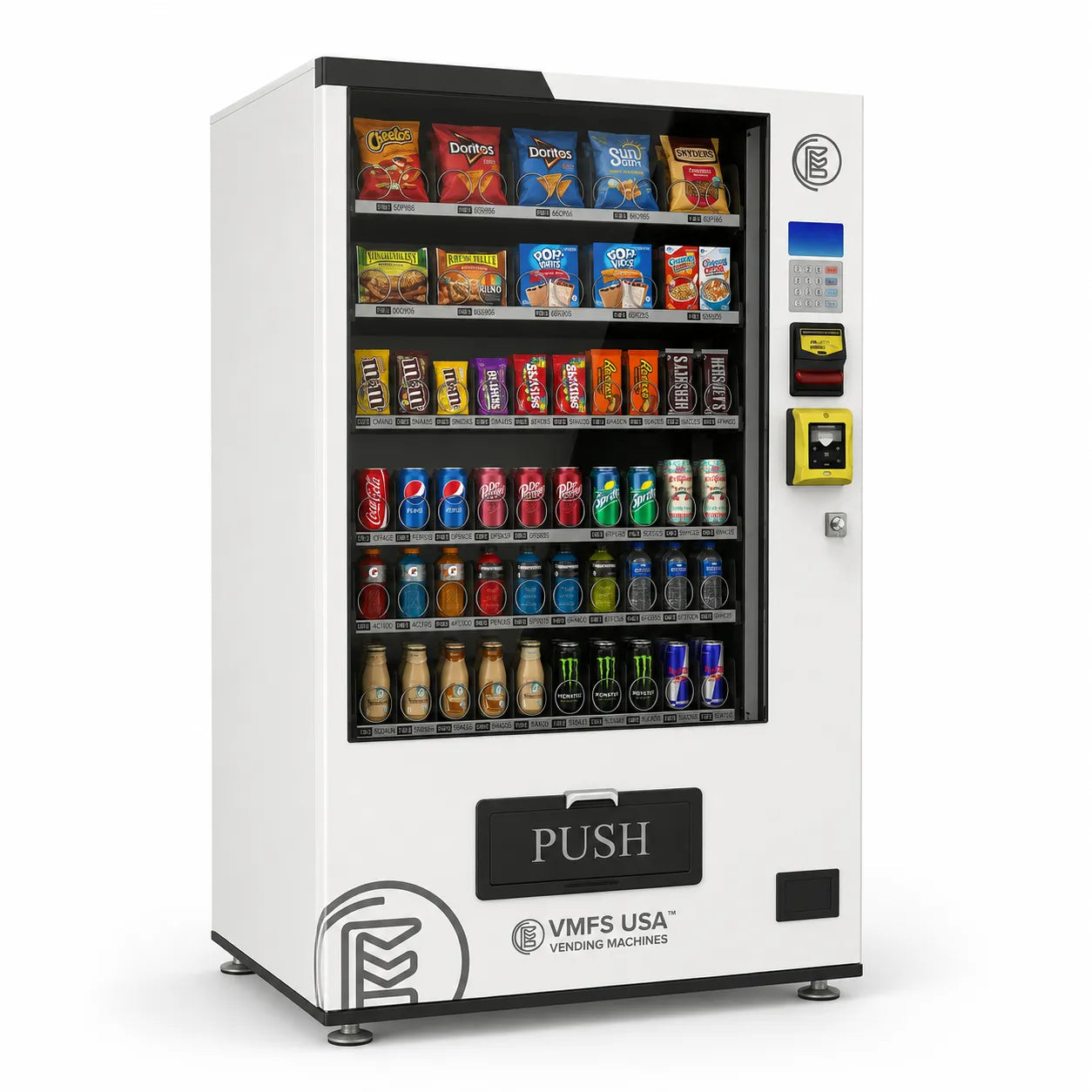
Share:
Is It Legal To Own And Operate Alcohol Vending Machines In Alaska?
Used Combo Vending Machines vs New Combo Vending Machines