




Design the perfect vending solution for your location and customers.

Join the VMFS newsletter and step into a thriving network dedicated to collective success.
One signup. Endless possibilities.
A Nayax card reader is a cashless payment terminal that mounts on a vending machine, plugs into its MDB connection and lets customers pay by chip, tap, phone wallet or QR code, while it reports every sale to Nayax's cloud back office. The VPOS Touch, the Nayax reader sold online to US vending operators, lists at $399 per unit for one to four units, and on top of that you pay a monthly service fee and a processing fee on each card sale.
This guide covers the two vending models, the full cost stack and fee math, the settings to choose before you install, how operators run the reader in Nayax Core and the MoMa app, how customers pay, what the V00, V01 and V02 error codes mean, and how Nayax compares with Cantaloupe on a VMFS machine.
A Nayax card reader is an unattended payment device built for vending machines, kiosks and other self-service equipment: it accepts card and mobile payments and doubles as a telemetry unit that reports sales to Nayax's management software. Nayax supplies the hardware and also handles the payment processing, so an operator buys the reader, signs one agreement and receives deposits from Nayax. Nayax's vending page says no separate merchant account fees or applications apply, which is the main practical difference from wiring a generic payment terminal into a machine.
On the payment side, Nayax's US listing for the VPOS Touch card reader set covers debit, credit and prepaid cards by swipe, chip and contactless EMV, closed-environment prepaid cards, mobile NFC payments and static or dynamic QR codes. Nayax says it accepts more than 80 payment brands worldwide; for a US vending route the ones that matter are the major card networks and NFC phone wallets such as Apple Pay and Google Pay.
The reason operators fit one is simple: customers have stopped carrying cash. Cantaloupe's 2026 Micropayment Trends Report found that 78% of vending sales were cashless in 2025, up from 73% the year before, that contactless payments made up 85% of cashless vending sales, and that the average cashless purchase was $2.45 against $1.57 for cash. A machine without a reader is closed to most of the people walking past it, which is why a reader is now the core of any cashless payment system for vending machines rather than an optional extra.
People also search for a "Nayax vending machine". Nayax does not build snack or drink machines in that sense; the phrase means a machine fitted with a Nayax reader. Nayax also sells devices for car washes, laundromats and amusement equipment, but this guide sticks to vending.
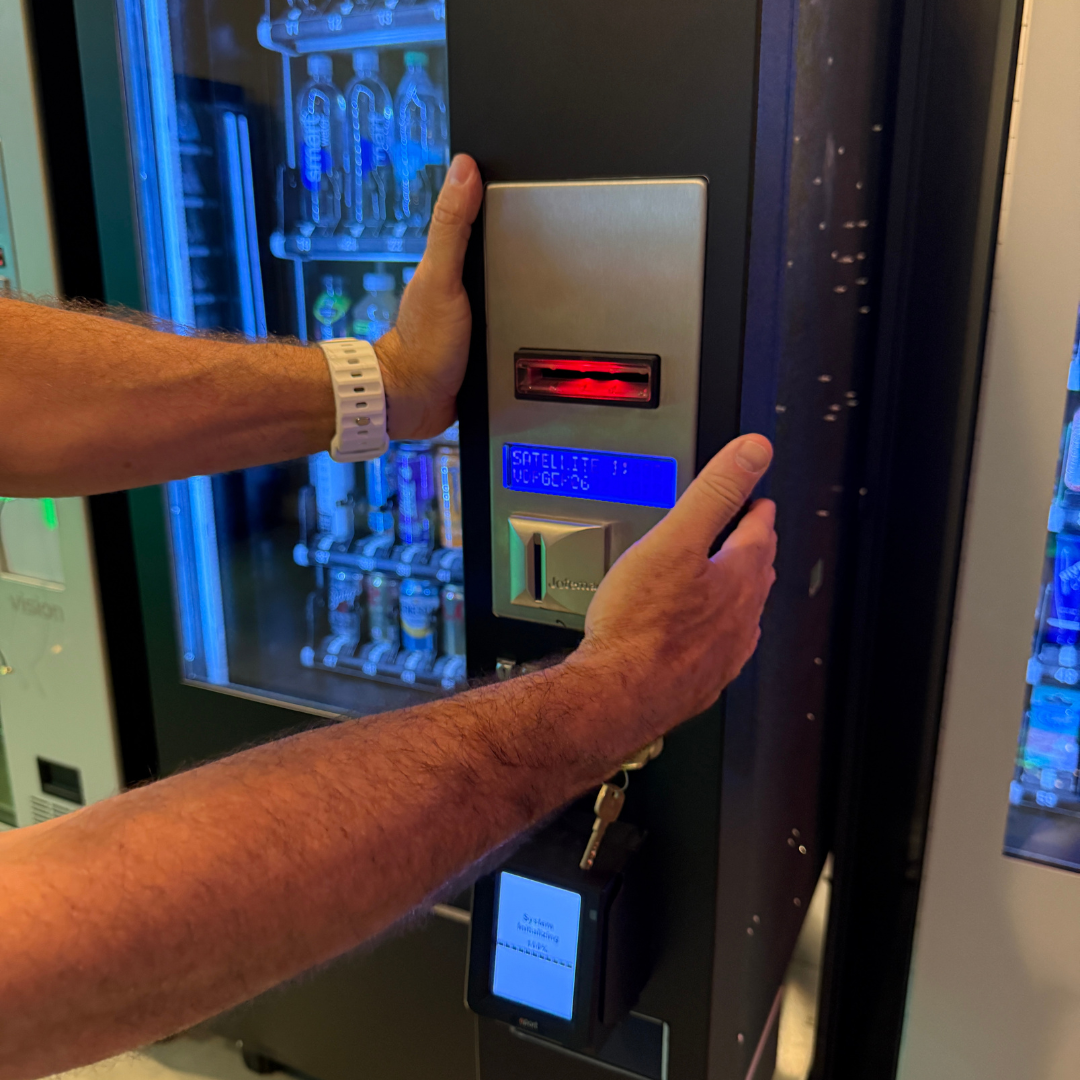
A Nayax reader sits between the customer and the vending machine controller (VMC): it talks to the controller over the MDB bus, talks to Nayax over a cellular or Ethernet connection, and only lets the machine vend once the payment is authorized. In practice the customer taps or inserts a card, the reader sends the request to Nayax for authorization, the controller receives the approved credit and drops the product, and the reader settles the amount and logs the sale with the product, price and time.
MDB (Multi-Drop Bus) is the shared connection that coin mechanisms, bill validators and cashless devices use to talk to the controller, so an MDB machine treats a Nayax reader as one more payment peripheral. Nayax's spec sheet for the VPOS Touch lists MDB, DEX, DDCMP, Pulse, VCCS and JVMA protocols, 3G/4G and Ethernet connectivity, and a set that ships with the device, antenna, cable and a QR sticker. If you want the background on the two ports, our guide to MDB and DEX explains how they differ.
DEX is the audit port. With DEX connected, the reader can pull the machine's own sales and inventory counts, not just the card sales it handled itself, which is what makes cash sales visible in the dashboard too. Nayax's vending page also describes an offline mode: if the connection drops, the reader stores transactions locally and keeps accepting payments with cached authorization, then uploads them once it is back online, so a weak-signal hour does not have to mean lost sales.
The MDB level decides whether the customer pays before or after picking a product. Nayax University's MDB configuration guide describes Level 1 as either pre-selection ("card first, choose second") or pre-authorization, where a fixed amount is reserved before the product is chosen, and Level 3 "Always Idle" as "browse first, pay second". The VPOS Touch order page asks you to pick Level 1 or Level 3 and says Level 1 covers a list of established machine brands while Level 3 suits smart vending machines, many of them made in Asia.
Level 3 usually feels more natural to customers because it works like a store checkout, but it depends on the machine's controller supporting it. Whichever level you use, Nayax's guide says Default Credit must always be set and recommends setting it higher than the most expensive product in the machine. Get that wrong and the reader declines your priciest items while everything else sells normally, a fault that is easy to mistake for a card problem. With Level 1 pre-authorization, Nayax's guide describes a fixed amount being authorized before the product is chosen, which is exactly why that amount has to cover the most expensive item.
The two Nayax readers US vending operators meet most are the VPOS Touch and the Onyx, and for most new installs the VPOS Touch is the default because it is the one Nayax sells online to US operators. When we checked Nayax's US card reader category in October 2026, it listed the VPOS Touch alongside a mobile POS and a self-checkout kiosk, but not the Onyx, so Onyx pricing goes through Nayax sales or a distributor.
| Spec | VPOS Touch | Onyx |
|---|---|---|
| Payments | Swipe, chip and contactless EMV; NFC mobile payments; static and dynamic QR; prepaid and closed-environment cards | EMV chip, NFC contactless, QR codes and prepaid cards; over 80 forms of payment |
| Display | 2.4-inch color touchscreen (320 × 240), 4 LEDs, 6 touch buttons | Screen with up to two default languages; voice interaction in 36 languages |
| Connectivity | 3G/4G, Ethernet, NFC | SIM card with external antenna |
| Machine protocols | MDB, DEX, DDCMP, Pulse, VCCS, JVMA | MDB for vending, Pulse for pulse machines |
| Security | Contact and contactless EMV chip acceptance (per Nayax) | EMV Level 1 and 2, PCI P2PE compliant (per Nayax) |
| Durability | IP55; operates -4°F to 131°F (-20°C to +55°C) | IP55; Gorilla Glass; indoor or outdoor with optional brackets and cases |
| Warranty | 12-month limited | 12-month limited from delivery |
| US price | $399 (1–4 units) on Nayax's US shop | Not listed on Nayax's US shop; quote from Nayax or a distributor |
VPOS Touch
The standard vending reader: compact touchscreen, MDB or pulse cabling, cellular with an Ethernet option, and online ordering with volume tiers.
Onyx
A newer reader that Nayax describes as EMV Level 1 and 2 certified and PCI P2PE compliant, with offline payments and outdoor mounting options. It is not a contactless-only device.
NOVA 55F and Nova Market
Nayax also lists a $349 mobile POS with a printer and a $2,500 self-checkout kiosk. Neither is a reader you mount on a vending machine.
An older version of this article described the Onyx as a contactless-only model. Nayax's own Onyx page lists EMV chip, NFC, QR code and prepaid card payments, so treat that as corrected. The Onyx connects to vending machines over MDB in the same way as the VPOS Touch. If you plan to fit either reader to an older snack machine from a brand like Crane, the first check is the same: confirm the controller has an MDB port and room on the door for the reader before you order.
A Nayax card reader costs $399 for the VPOS Touch hardware when you buy one to four units from Nayax's US shop, plus a one-time $20 activation fee, a monthly service fee per machine, and a processing fee on every card sale. The hardware is the smallest part of the lifetime cost on a busy machine; the processing rate in your agreement matters more.
Nayax's US shop prices the VPOS Touch set at $399 per unit for one to four units, $314 for five to 14, and $289 from 15 units, with free shipping added at 20 to 40 units and a sales quote above 40. Distributors sometimes undercut the list price: Kleen-Rite's VPOS Touch MDB listing showed $353.75 against a $399 MSRP when we checked. Nayax's shop FAQ adds a one-time $20 activation fee on your first order and states that Nayax does not accept returns, so confirm the MDB level, configuration and cable before you buy. Nayax also promotes financing through Nayax Capital at checkout, subject to eligibility.
If you pay someone to fit the reader, Nayax's vending page puts installation at $50 to $100, and it gives $200 to $600 per machine as the general range for vending card reader hardware. Buying the reader with a machine is the other route: the VMFS payment system page lists Nayax hardware at $450, and the VMFS machine pages we checked list the reader as a priced upgrade at checkout, $450 on most models and $550 on some, so check each product page before you budget.
The monthly fee covers connectivity, the management software and support for each reader, and Nayax deducts it from your payouts rather than billing it separately. Nayax's VPOS Touch page lists a "Cashless, Operations & Inventory" plan at $9.99 per month, Kleen-Rite lists a $7.95 monthly service fee per device, and the VMFS payment system page quotes $7.95 to $14.95 per device depending on the plan. The figure that applies to you is the one in your Nayax agreement.
Nayax processing is usually offered as a choice between a flat percentage and a percentage plus a fixed fee. Kleen-Rite's listing gives 5.95% per transaction, recommended for items $5 and under, or 2.5% plus $0.10 per transaction, recommended for items over $5, and the VMFS payment page shows the same pair. Nayax's vending page puts typical vending transaction fees at 3% to 5%, and rates also vary by sales channel: VTM Vending's FAQ, for machines it ships with VPOS Touch readers, quotes $9.99 a month plus 3.5% and $0.20 per transaction. Read the rate in your own contract before you price your machine.
On fee math alone, the two Kleen-Rite options cost the same at a vend price of about $2.90 (0.0595 × price = 0.025 × price + $0.10). Below that, the flat 5.95% is cheaper; above it, 2.5% + $0.10 wins, and the gap widens quickly on higher-priced items. That crossover sits well below the $5 rule of thumb, so a route selling mostly $3 to $5 items should run its own numbers rather than default to the flat rate.
| Vend price | Fee at 5.95% | Fee at 2.5% + $0.10 | Cheaper option |
|---|---|---|---|
| $1.50 | $0.09 | $0.14 | 5.95% |
| $2.00 | $0.12 | $0.15 | 5.95% |
| $2.50 | $0.15 | $0.16 | 5.95% |
| $3.00 | $0.18 | $0.18 | About even ($0.1785 vs $0.175) |
| $4.00 | $0.24 | $0.20 | 2.5% + $0.10 |
| $5.00 | $0.30 | $0.23 | 2.5% + $0.10 |
| $10.00 | $0.60 | $0.35 | 2.5% + $0.10 |
Worked example: a machine that takes 600 card payments a month at an average of $2.25 does $1,350 in card sales. At 5.95% the processing comes to about $80.33; at 2.5% + $0.10 it would be $93.75. Add a $9.99 service fee and the flat-rate option costs about $90 a month, roughly 6.7% of card sales. Build that into your prices with our operator pricing guide.
The first-year cost of a Nayax reader, before processing fees, runs from about $430 to about $630 per machine depending on where you buy it and which monthly plan you take. The table adds up the hardware, any one-time fee and twelve months of service at the published figures; it is our arithmetic, not a quote from any seller, and it leaves out processing because that depends on your sales.
| Where you buy | Hardware | One-time fee | 12 months of service | First year before processing |
|---|---|---|---|---|
| Nayax US shop (1–4 units) | $399 | $20 activation | $119.88 at $9.99/mo | $538.88 |
| Nayax US shop (15+ units) | $289 | $20 activation | $119.88 at $9.99/mo | $428.88 |
| Kleen-Rite listing | $353.75 | Not listed | $95.40 at $7.95/mo | $449.15 |
| With a VMFS machine | $450 | Not listed | $95.40–$179.40 at $7.95–$14.95/mo | $545.40–$629.40 |
Processing is usually the larger number on a busy machine. In the worked example above, about $80 a month of processing adds roughly $964 over a year, more than the reader itself. If you pay a technician to fit the reader, add Nayax's $50 to $100 installation estimate. The reader is a small line next to the machine, which our guide to how much a vending machine costs breaks down in full.
Nayax pays operators by bank transfer at the end of each payment term, after deducting the monthly service fee per machine. The shop FAQ describes weekly transfers to the bank account named in your contract, the VPOS Touch page says you receive an invoice each term for the previous period's funds, and both the VPOS Touch page and Kleen-Rite list weekly or monthly terms. New customers must complete onboarding and Know Your Customer (KYC) forms before processing funds are released, and Nayax asks you to allow up to 7 business days for a new device to be set up under your account.
Buy a machine that is ready for a card reader
Every VMFS machine includes MDB support and DEX audit data, so a Nayax or Cantaloupe reader can go in at order or later.
Shop card reader machinesFor most staffed locations a Nayax reader pays for itself, because most vending buyers now pay by card; the real question is how quickly the extra sales cover $419 up front ($399 plus the $20 activation fee) and about $10 a month. Nayax's vending page says revenue increases are usually 20% to 35% and that the ROI timeline is typically 4 to 8 months, but those are the vendor's own figures and your location decides the result, so do the math yourself.
The payback formula is: hardware plus activation, divided by the extra monthly gross profit the reader brings in, after processing fees and the service fee. As an illustration, not a forecast, suppose a reader adds 100 sales a month at $2.00 with a $1.00 product cost. That is $100 in extra gross profit, minus about $11.90 in processing at 5.95% and $9.99 in service, leaving about $78 a month, so $419 is recovered in a little over five months. Halve the extra sales and payback stretches to roughly a year, which is why high-traffic sites are where readers earn back fastest; our guide to the best vending locations covers how to find them.
There is also a ticket-size effect. Cantaloupe's report puts the average cashless sale at $2.45 against $1.57 for cash, which reflects both higher-priced items and customers who are not limited to the coins in their pocket. A reader also lets you stock items above the old cash comfort zone, which is part of the case in our vending machine profitability guide.
Advantages
Limitations
Most Nayax install problems are decided at the order stage, not with a screwdriver: the MDB level, the price configuration, the cable and the connection type all have to match the machine, and Nayax does not take returns. Nayax's shop says installation is plug and play in many cases, after which Nayax emails activation instructions for its management system, so the physical job is usually short once those choices are right.
Work through these before you order or open the machine:
The physical steps are the familiar ones: power off, mount the reader in the door, connect the MDB harness (and DEX for audit data), place the antenna where it can see a signal, power up, activate the device and run a test vend with a real card. Registration in Nayax Core, product mapping and setup-specific faults are covered step by step in our guide to set up and activate a Nayax card reader, so this guide does not repeat them.
Day to day, an operator runs a Nayax-equipped machine from Nayax Core, the web back office, and MoMa, the mobile app. A typical week is checking sales and alerts, adjusting prices, building restock lists and handling the occasional refund, mostly without visiting the machine.
Nayax Core is where you set up machines, products and prices and read sales reports per machine and per location. The MoMa app, which Nayax says is included for Nayax customers on iOS and Android, puts most routine work on a phone: alerts and thresholds for stock, sales, cash and machine status; remote changes to prices, configurations and firmware; machine resets and refunds without a site visit; picklists based on expected demand; and actions applied across many machines at once.
The best use of that data is routing. When the dashboard shows which machines are close to empty, you can restock on need rather than on a fixed calendar, the same idea we cover in remote monitoring for vending. Start with one machine, watch its first few days of transactions to confirm the data looks right, then roll the configuration out to the rest of the route.
Refunds are issued from the back office or the MoMa app, and Nayax says they go back to the original payment source in 3 to 5 days. Nayax's vending page also lists an audit trail, dispute documentation and transaction history with 7-year record retention, which helps when a customer says a product did not drop. Put a refund contact on the machine, check the failed-vend record before you refund, and treat repeated failures on one column as a mechanical fault to fix during your next vending machine maintenance visit.
A customer pays at a Nayax-equipped machine by tapping, inserting or swiping a card or phone, waiting for approval and then choosing a product; on Level 3 machines they pick the product first and pay second. The process takes a few seconds once the reader is online.
Because Nayax processes the payment, the line on the customer's card statement carries a Nayax descriptor rather than the operator's business name. If customers ask about it, point them to our explainer on the Nayax charge on a credit card statement. At sites with a varied customer base, the Onyx's voice prompts in 36 languages and two display languages are worth a look.
Most Nayax reader problems come down to three causes: power or MDB wiring, weak network signal, or a configuration setting such as Default Credit. Check them in that order, and read any code on the screen first, because Nayax's "cash only" codes tell you which side of the MDB link has failed.
Nayax University's guide to cash-only error codes explains the three V codes. V00 means no MDB signal is reaching the Nayax device at all; V01 means the MDB connection exists but is inactive because the controller has not finished its startup sequence; V02 means the controller has sent a "reader disable" command and cashless stays blocked until the machine re-enables it.
| Code or symptom | Likely cause | First fix |
|---|---|---|
| V00 on the reader | No MDB signal from the machine | Check and reseat the VMC and MDB cables; confirm cashless is enabled on the controller; reset communication parameters in Nayax Core |
| V01 on the reader | Controller has not finished startup on the MDB link | Set MDB Flags to "06 Ignore + Pre Selection" in Nayax Core or MoMa, then allow a couple of minutes |
| V02 on the reader | Controller sent a reader-disable command | Close the door, clear any pending cash credit, restart the machine |
| Reader screen stays dark | No power, loose MDB cable or blown machine fuse | Power off, reseat the MDB connection, check the machine's fuse and main switch |
| Communication or no-network message | Weak signal, antenna loose or inside the cabinet, SIM data issue | Reseat the antenna, move it outside the steel cabinet, power-cycle; consider Ethernet |
| Card approved but some items decline | Default Credit set below the item price | Raise Default Credit above the most expensive product |
| Sales missing from the dashboard | Reader offline or DEX not connected | Confirm the device shows online in Nayax Core; check the DEX lead and reload data |
Restart in a controlled way: power the machine down, wait, then power up and give the reader time to reconnect before testing. If a problem survives a restart and a cable check, contact Nayax support with the device serial number and the exact screen message. When the reader is fine but the machine still misbehaves, our guide to common vending machine problems covers coils, bill validators and controllers.
Nayax and Cantaloupe are both mainstream MDB card readers that work on VMFS machines, and the choice usually comes down to fee structure, contract terms and which back-office software your team prefers. Hardware prices are close.
| Nayax VPOS Touch | Cantaloupe Engage Combo Gen 2 | |
|---|---|---|
| Hardware (list) | $399; $314 at 5–14 units; $289 at 15+ | $329 |
| Monthly fee | $9.99 plan on Nayax's shop; $7.95 via Kleen-Rite | $9.95 or $12.95 |
| Processing | 5.95% or 2.5% + $0.10 (Kleen-Rite listing) | 5.95% |
| Contract | Terms in the Nayax contract; $20 activation; no returns | 12-month commitment; early termination fee |
| Software | Nayax Core and MoMa app | Cantaloupe platform; Seed Cashless+ via optional VDI setup |
| Through VMFS | $450 hardware; $7.95–$14.95 a month | $450 hardware; about $9.95–$18.95 a month |
Cantaloupe's figures come from its Engage Combo Gen 2 store listing, and the "Through VMFS" row from our payment system page. The fee table shows where each tends to fit: if your average vend is above about $3, Nayax's 2.5% + $0.10 option undercuts a flat 5.95% rate, while for a route of low-priced snacks the rates converge and contract terms and software decide it. Many operators standardize on one brand so drivers learn one dashboard. For the other side of the comparison, read our guide to Cantaloupe card readers and the Cantaloupe setup guide, and for a wider field, our roundup of the best card readers for vending machines.
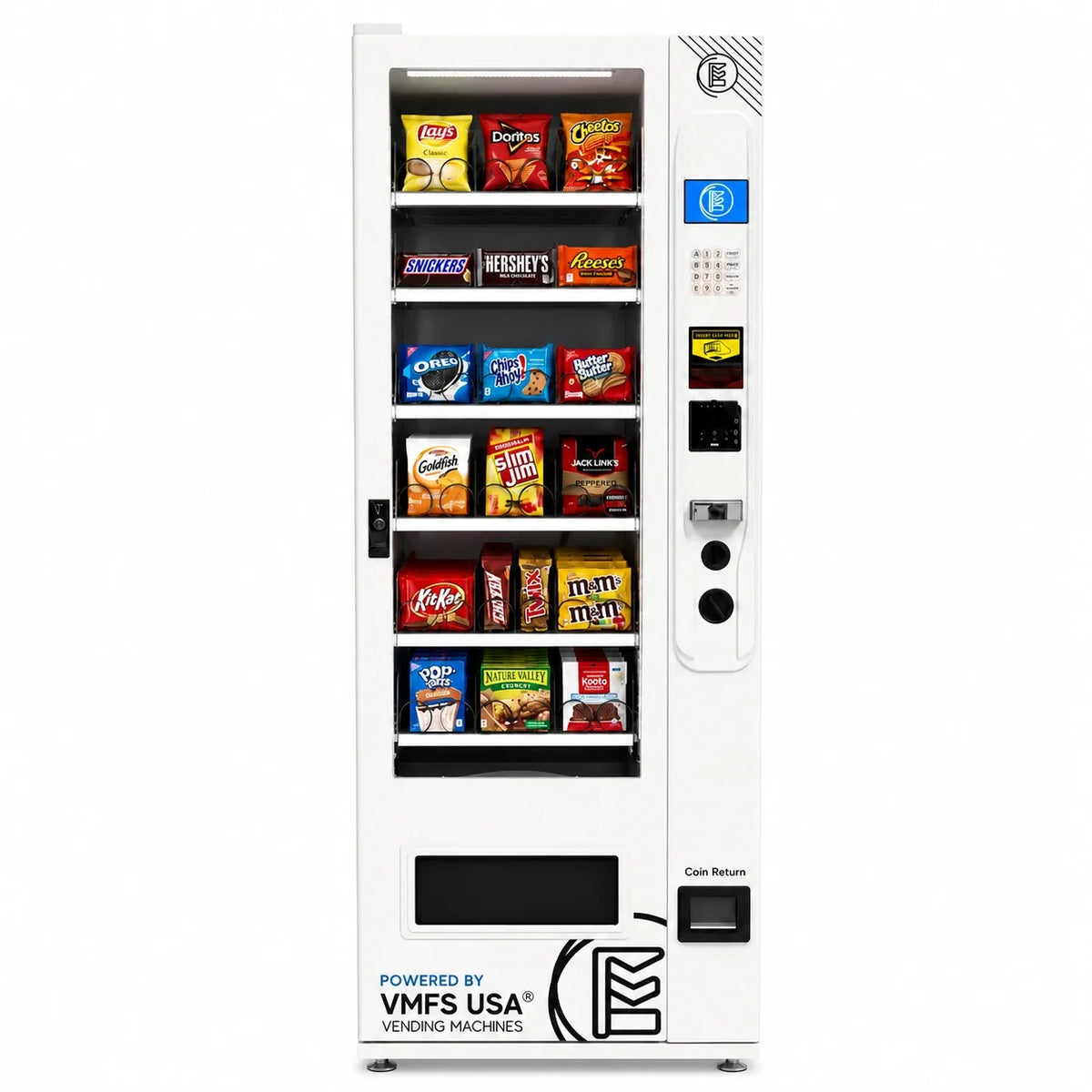
A Nayax reader connects to VMFS machines over MDB, because every VMFS machine includes MDB support by default and supports DEX, according to our payment system page. That page also says most operators choose Nayax or Cantaloupe readers. You can bring your own reader or add one at checkout; browse our vending machines with card readers to see which models offer it.
On the product pages we checked in October 2026, the reader is a separate line from the machine price, so check each model and budget for it. The Countertop Snack Vending Machine is $1,900, the lowest-priced new VMFS machine, and the CounterCompact Vending Machine is $1,950; both product pages list a credit card reader upgrade at $450, as does the Slim Combo Vending Machine, which starts at $3,650. The Seaga QB2200 snack and soda machine is $2,999 and lists a "Credit Card Reader (Seaga)" upgrade at $550. Some models, including the Trading Card Vending Machine and the Premium Countertop Touch Screen Coffee Machine, list a $550 reader, so compare the full range of vending machines with the reader included in your budget.
Nayax Core handles payments and card sales; VMFS Cloud handles the machine itself. VMFS Cloud works with every VMFS machine; plans start at $7.99 per machine per month (Basic), with Advertising Cloud at $16 adding remote pricing and settings and AI Cloud at $39.99. Its alerts include a payment reader down warning alongside jam, door, temperature and low-stock alerts. Card processing rates are separate from VMFS Cloud pricing and are set by your processor.
On cover and logistics: VMFS machines carry a 1-year parts warranty, while the Nayax reader has its own 12-month limited warranty from Nayax. In-stock machines usually ship within 7 to 10 days per our shipping information.
Compare card reader fees before you buy
See Nayax, Cantaloupe and PAX hardware, monthly and processing costs side by side on our payment system page.
See payment options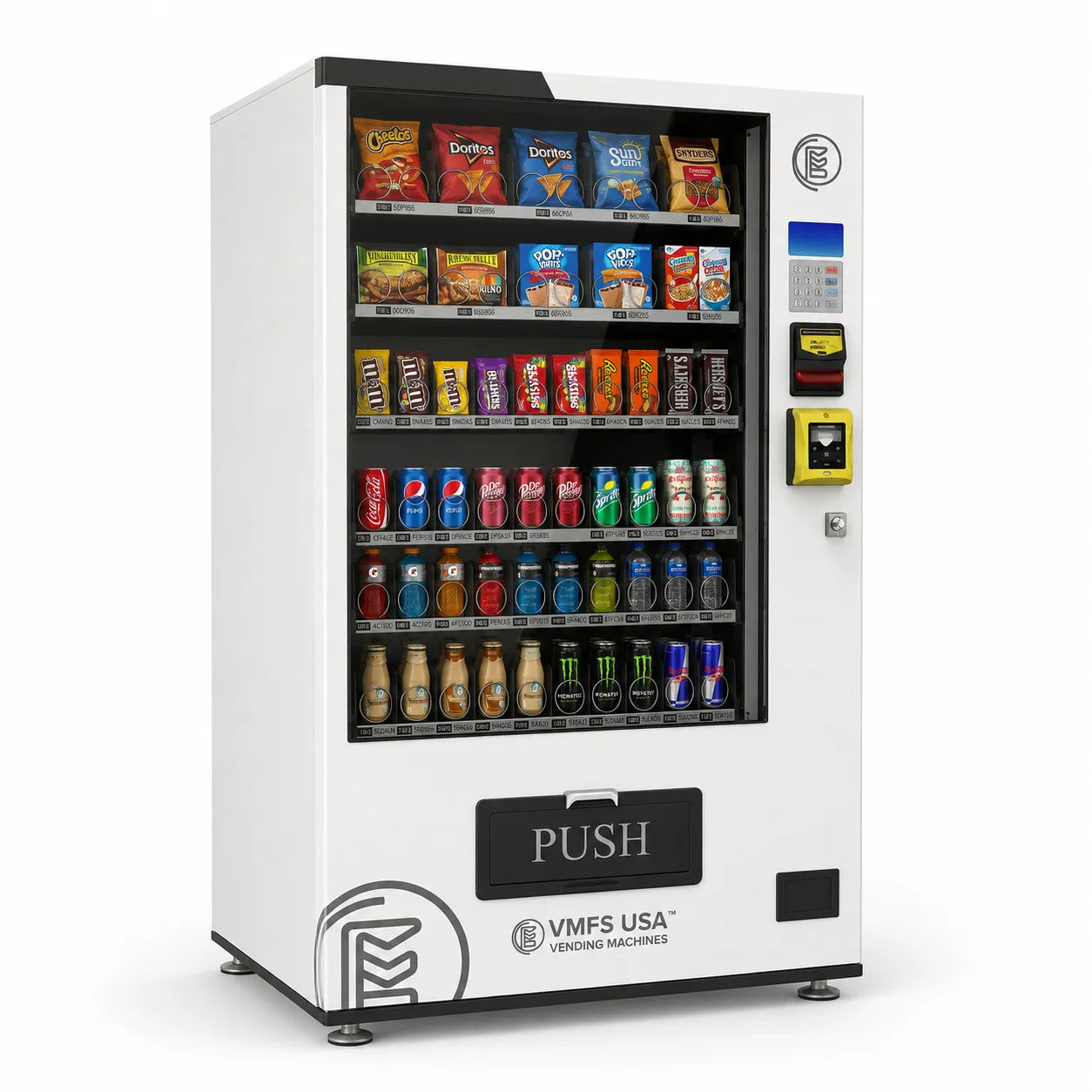
Share:
What Is A Digital Vending Machine? Complete Overview
How Elevator Vending Machines Work Explained Step by Step