




Design the perfect vending solution for your location and customers.

Join the VMFS newsletter and step into a thriving network dedicated to collective success.
One signup. Endless possibilities.
When you check your credit card bill and see a charge from “Nayax,” it can look confusing at first. Most people assume it’s an error or an unfamiliar online store, but in reality, it’s a completely normal charge. Nayax is a company that processes cashless payments for vending machines, kiosks, and other self-service systems. If you’ve ever tapped your card or phone to buy a snack, drink, or ice cream from a vending machine, that payment probably went through Nayax. The system securely transfers the amount from your card to the operator’s account, which is why the name “Nayax” appears instead of the vending company or store name. It’s simply the technology working behind the scenes to make cashless vending quick, safe, and easy. So the next time you spot a Nayax charge, there’s no reason to worry. It just means you made a purchase through a modern cashless machine that uses Nayax to process payments smoothly.
Before decoding the charge itself, it helps to know the company behind the name. Nayax Ltd is a global fintech business founded in 2005 and headquartered in Herzliya, Israel. It trades publicly on both the Nasdaq and the Tel Aviv Stock Exchange under the ticker NYAX, which means its financials and corporate disclosures are a matter of public record rather than guesswork.
Nayax operates through regional subsidiaries, and the one that appears on your statement depends entirely on where the machine was installed:
Nayax describes itself as a fully compliant payment facilitator for unattended retail, and it states plainly that its own name and address may appear on your bank statement when you use one of its customers’ machines. That single detail explains almost every confused search that brings people to this page.
 Now that you know what Nayax is, let’s look at how it actually works. The process may seem complicated, but it’s surprisingly simple once you understand what happens behind the screen when you tap your card at a vending machine.
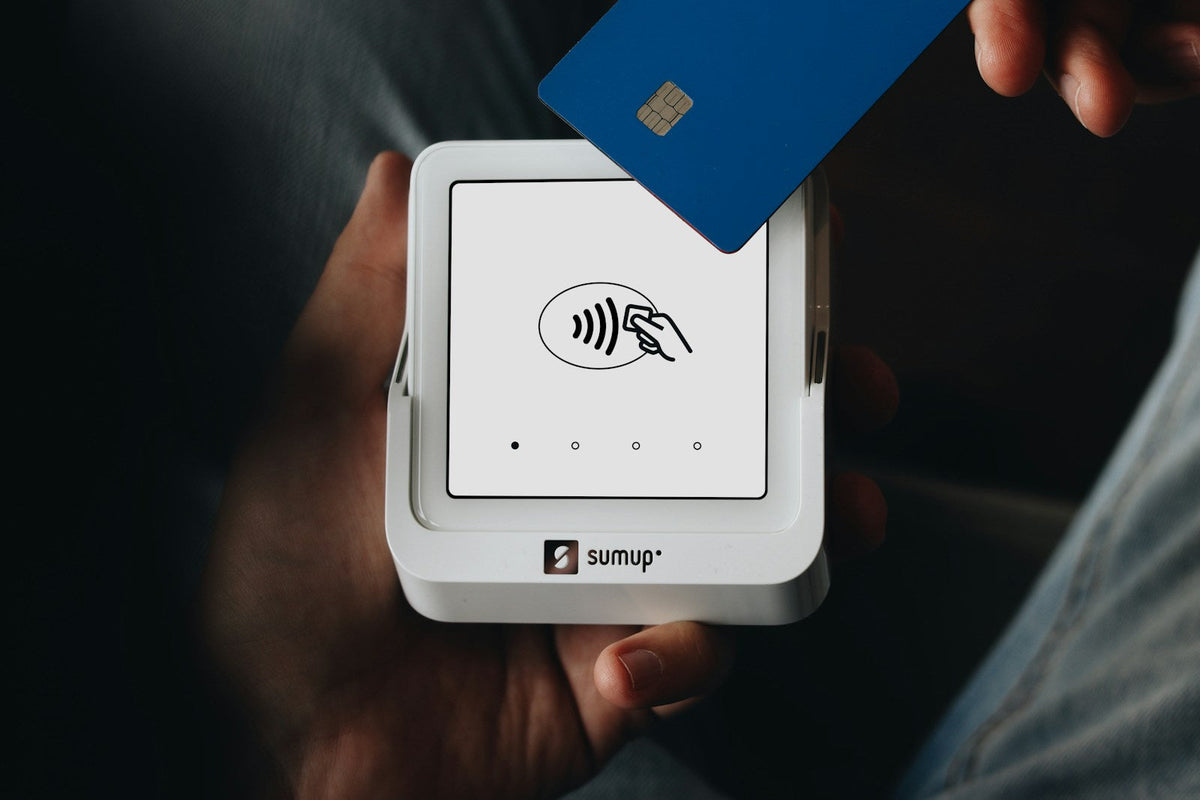
Every time you tap or swipe your card on a vending machine, the reader instantly connects to Nayax’s secure network. Within seconds, your payment details are encrypted, verified by your bank, and sent to the vending operator’s account. You get your snack, and the operator gets their payment, all within a blink.
Nayax’s system runs through MDB-compliant hardware that connects directly to the machine’s control board. MDB, short for Multi-Drop Bus, is the long-standing communication standard that lets a payment device talk to a vending controller regardless of who built the machine. This universal setup allows it to work with most digital vending machines, from snack and drink units to coffee or ice cream systems. It’s the reason operators can mix different machine types under one platform without compatibility issues. What makes Nayax stand out is how it combines payment processing with real-time data. Operators can monitor sales, track cashless transactions, and manage the machines behind them through a cloud dashboard such as VMFS Cloud. This cloud-based monitoring system helps them manage dozens of machines across multiple locations without ever leaving their office.
For customers, it means faster, safer payments without worrying about carrying cash. For operators, it means fewer coin jams, less maintenance, and 24-hour visibility over every machine’s performance. All this happens through a fully automated process that runs quietly in the background. Think of Nayax as the silent link that connects banks, vending operators, and your favorite machines, making every quick purchase feel effortless.
Banks shorten and reformat merchant names, which is why the same company can show up a dozen different ways. Almost every version you are likely to see is in the table below, along with what triggered it. Find your wording here and the mystery usually solves itself in about ten seconds.
| What appears on your statement | What it actually means |
|---|---|
| NAYAX VENDING HUNT VALLEY | A snack, drink, or combo vending purchase in the United States, billed through Nayax LLC. |
| NAYAX LLC 20 HUNT VALLEY MD | The same US entity. The number is an internal terminal or batch reference, not a dollar amount. |
| 11350 MCCORMICK RD HUNT VALLEY MD | Your bank displayed Nayax LLC’s street address instead of its trading name. |
| NAYAX AMUSEMENTS HUNT VALLEY | An amusement or token style machine: arcade cabinets, carousels, ride tokens, or car wash vacuum bays. |
| NAYAX AUTOMATION | A broader unattended automation terminal. Air pumps, water refill stations, and lockers commonly bill this way. |
| NAYAX WASH HUNT VALLEY MD | A self-serve car wash bay, vacuum, or wash tunnel. |
| NAYAX PARKING | A parking kiosk, meter, or gated lot terminal. |
| NAYAX CANADA INC MASTE FREDERICTON NB | A Canadian purchase settled through Nayax Canada Inc on the Mastercard network. MASTE is simply a truncation of Mastercard. |
| NAYAX CANADA INC TORONTO ON | The same Canadian entity billing under its Ontario label. |
| C-IDP PURCHASE-####-NAYAX CANADA IN | An Interac debit purchase in Canada. The digits are the transaction reference. |
| APLPAY NYX=######## HUNT VALLEY MD | An Apple Pay transaction. NYX is the Nayax shortcode and the digits identify the terminal. |
| PENDING or PRE-AUTH NAYAX | A temporary authorization hold, not your final charge. It reconciles to the real amount shortly. |
A "Nayax Vending Hunt Valley" charge on a credit card statement indicates a cashless purchase made at an automated self service machine, such as a snack vending unit, drink dispenser, car wash, or parking kiosk. "Hunt Valley" appears because Nayax LLC, the company’s North American arm, is based at Executive Plaza 1, 11350 McCormick Road, Suite 1004, Hunt Valley, Maryland 21031, and settles the card transaction on behalf of the local machine operator. The machine you used may have been hundreds of miles away, in another state entirely. The Maryland label reflects where the payment is processed, not where you bought your snack. Statement amounts may temporarily show pre authorization holds ($1.00 to $5.00) that reconcile to the exact purchase price, usually within 24 to 48 hours.
If your statement reads NAYAX CANADA INC rather than Hunt Valley, the purchase was settled through Nayax’s Canadian subsidiary. It is the same company and the same technology, simply the regional entity that handles machines installed across Canada, reachable on +1 (416) 450-0072.
The wording that confuses people most is NAYAX CANADA INC MASTE FREDERICTON NB. Reading it left to right makes it far less mysterious. Nayax Canada Inc is the payment facilitator, MASTE is your bank truncating the word Mastercard, and Fredericton NB is the New Brunswick billing label attached to the Canadian entity. None of it indicates that you shopped in New Brunswick. Cardholders regularly report this descriptor after buying a coffee in Ontario, renting a locker at a ski resort in Alberta, or using a hospital vending machine in another province entirely.
Canadian pre authorization holds tend to run slightly higher than American ones, with $5.00 being a frequently reported figure before the true amount settles. If you tapped for a $2.25 drink and see $5.00 pending, give it a day or two before assuming something went wrong.
 After a purchase, you might expect your statement to show the vending company’s name. Instead, it says “Nayax.” That’s because Nayax, not the vending operator, is the registered payment facilitator that carries the transaction to the card networks. The processor handles the transaction, verifies security, and transfers the money safely to the operator’s account, so Nayax is the name that reaches your bank. This setup protects both sides. Your card details never reach the vending operator, they stay encrypted within Nayax’s secure network. That means you get safer transactions, and the operator avoids managing sensitive payment data. It’s a win for everyone. Operators can also request a custom billing descriptor through Nayax so the charge carries their own trading name. For example, instead of just “Nayax,” it might read “Nayax - Healthy Snacks” or “Nayax - Drink Hub.” Most operators never set one up, so if you see only “Nayax,” that’s completely normal and nothing to worry about.
Yes, in the ordinary case. Nayax readers are EMV certified and PCI DSS compliant, card data is encrypted at the terminal, and mobile wallet payments through Apple Pay or Google Pay use a one-time token rather than your actual card number. Nayax LLC also carries an A+ rating with the Better Business Bureau, and the company publishes guidance confirming that its name may show up on your statement in place of the machine operator’s.
It is worth being straightforward about one recent event rather than pretending it did not happen. In July 2026, Nayax disclosed a security incident affecting a cloud account belonging to one of its subsidiaries. The company reported that its production and core systems were never breached, that the exfiltrated material was a backup of scanned documents and payment transaction records, and that those records did not contain cardholder names, CVV codes, or identification numbers, because Nayax does not retain that data. Nayax confirmed customer funds were untouched and declined to pay the extortion demand. As with any incident of this kind, the sensible response for a cardholder is routine rather than dramatic: keep an eye on your statement, and query anything you do not recognise with your bank.
What a Nayax charge is not: it is not a subscription, not a membership, and not an online store. Every legitimate Nayax entry traces back to a single physical tap at a machine.
Sometimes, a Nayax charge might seem slightly higher, lower, or even appear twice. This usually happens because of how card authorizations work in vending systems. These small differences are temporary and often clear up on their own within a few days.
| Cause | What It Means |
|---|---|
| Service Fee | Some vending operators add a small card-use fee, often around 25 cents, to cover processing costs. Where one applies, it is normally signposted on the machine itself. |
| Temporary Hold | Your bank might place a small hold, commonly $1.00 in the US and up to $5.00 in Canada, to confirm that your card is active before finalizing the transaction. |
| Refund or Reversal | If a product didn’t drop or a cancellation occurred, you may see a duplicate entry that balances once the refund is complete. |
| Several Taps, One Visit | Multi-bay sites such as car washes, vacuums, and air pumps authorize each bay separately, so one visit can produce several small entries on the same day. |
These small inconsistencies are part of how digital payments are authorized and verified. Once the system reconciles the data, the final amount on your account will reflect the actual purchase price.
Nayax is more than just a payment processor. For vending operators, it acts as a full business management platform that connects machines, payments, and performance data into one easy system. Everything that happens inside the machine is visible through real-time dashboards. Operators can track sales, product levels, and transaction history without physically visiting each location. Using VMFS Cloud, they can see every card payment processed through Nayax, along with alerts if a machine goes offline or stock runs low. This helps them save time, reduce wasted trips, and keep customers happy by preventing empty shelves.
This technology turns vending into a smart, data-driven business. Instead of guessing what sells or when to refill, operators make decisions based on actual sales patterns. It also means the machine type no longer limits the payment experience. A countertop mini vending machine in a salon waiting area accepts the same tap as a full-size bank of units in a distribution center, and a lobby coffee vending machine reports into exactly the same dashboard as the snack unit beside it. With Nayax and VMFS Cloud working together, even small vending operators can manage hundreds of machines across multiple cities without losing control.
Carrying coins and bills is becoming less common every year. Customers expect quick, touch-free transactions that work with cards or phones. That’s why cashless vending has shifted from a trend to a standard feature. Machines that don’t support card payments often miss out on sales simply because people no longer carry cash. Modern digital vending machines now come equipped with built-in card readers and cloud reporting tools. These features not only make the buying process faster for customers but also safer and more efficient for operators. With every transaction recorded digitally, there is less room for counting errors and theft.
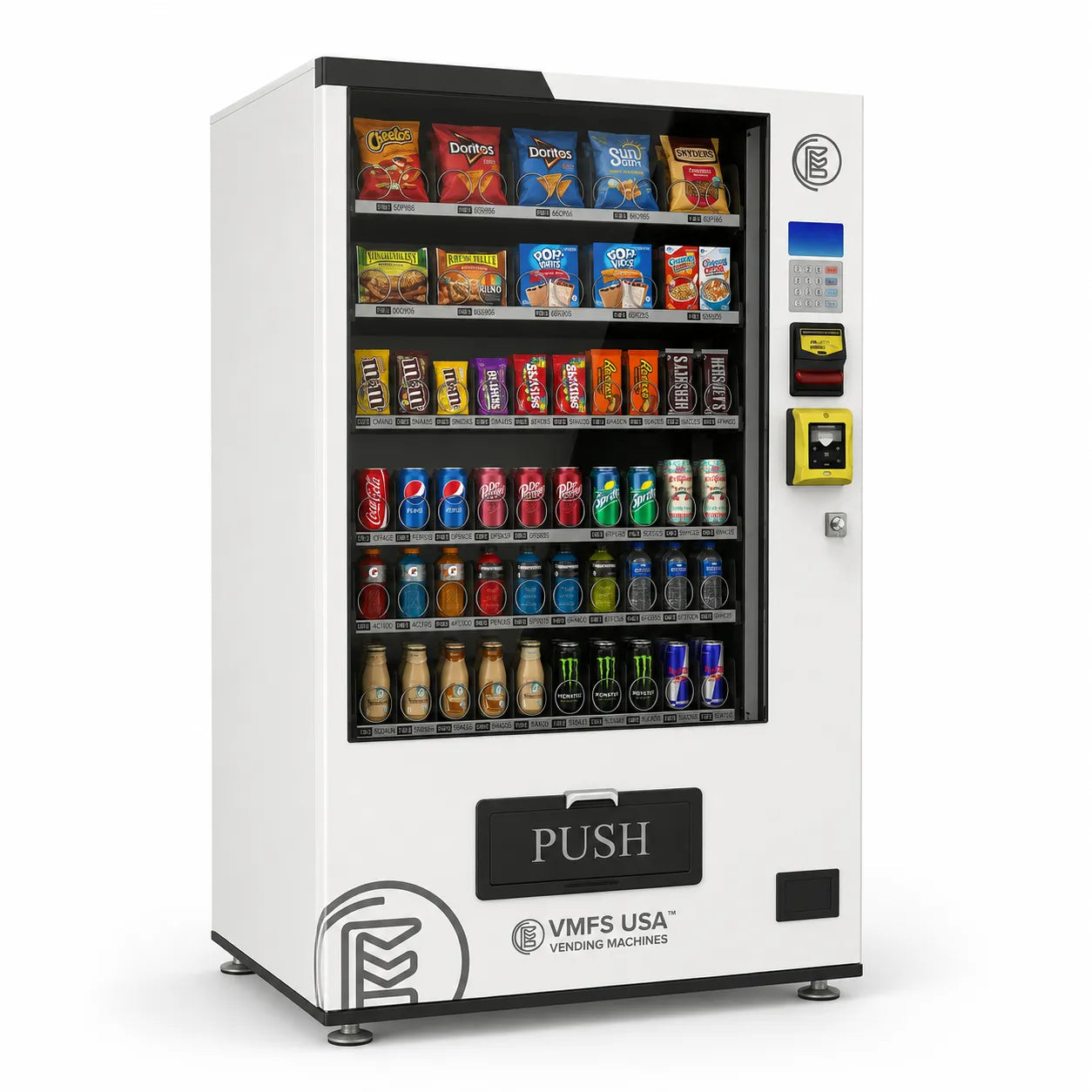
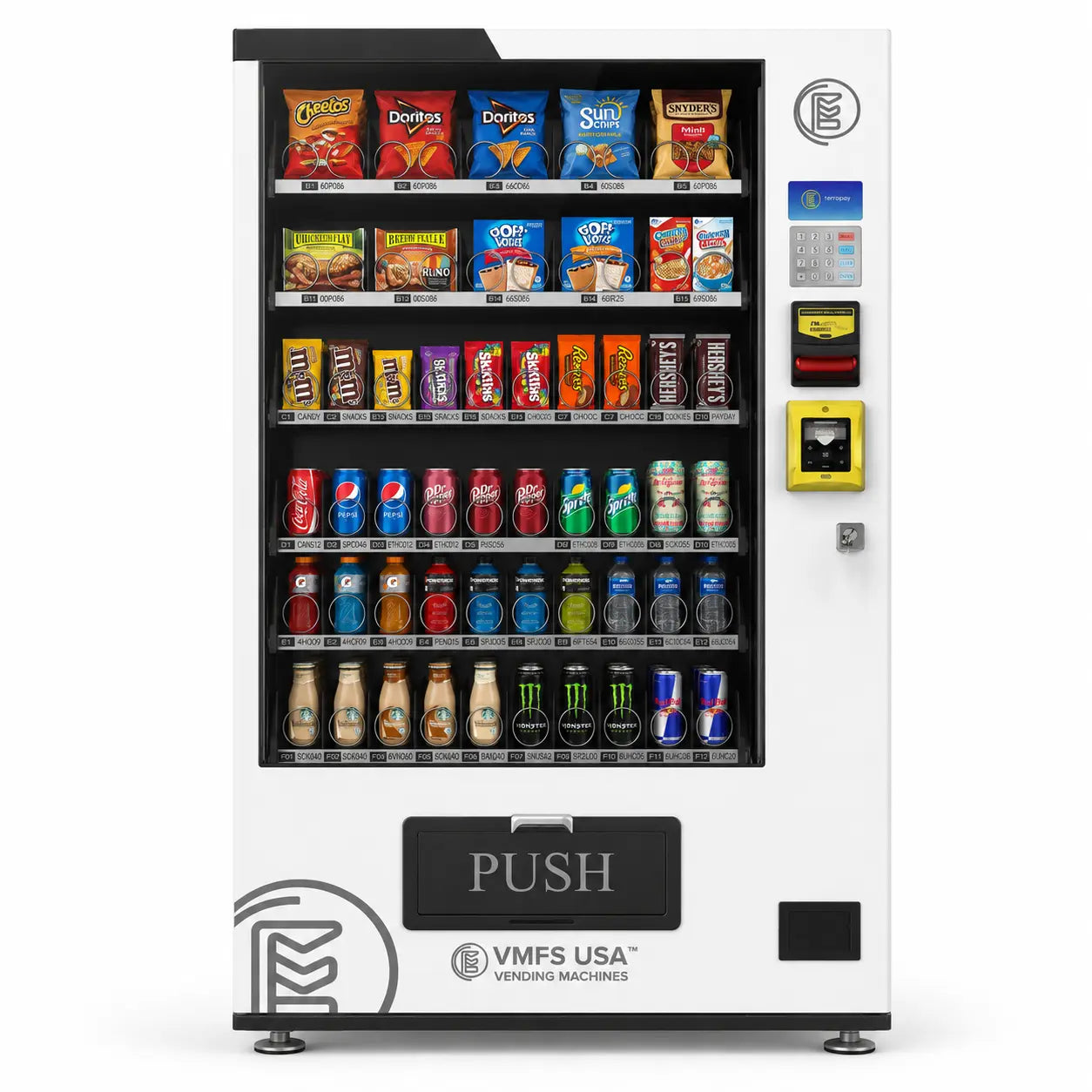
If you are looking at this from the operator side rather than the cardholder side, the practical question is which unit to put where, and what the card reader and payment system adds on top. VMFS USA helps operators make this transition easy with vending machine financing programs that reduce upfront costs. Businesses can browse the full range of vending machines for sale and upgrade to newer models that support cashless payments and cloud monitoring while spreading out payments over time. It’s a practical step toward running a modern vending business that keeps up with customer expectations. If you are earlier than that and still weighing the idea, our guide on how to start a vending machine business walks through machine choice, placement, and startup costs in order.
Cashless vending machines have become the face of convenience. They improve customer satisfaction, reduce maintenance work, and open the door to valuable data that drives smarter business decisions.
If you notice a Nayax charge on your credit card statement and want to make sure it’s legitimate, there are simple steps you can follow. Most of the time, it’s just from a vending purchase you made without realizing the brand behind the payment system.
Almost every legitimate Nayax charge comes from secure vending systems, not online stores. If you remember buying something from a self-service kiosk, you can safely assume the charge is valid.
A Nayax transaction on a credit card statement indicates a cashless purchase made at an automated, self service device such as a vending machine, car wash, laundromat, parking kiosk, or air/vacuum pump. Nayax acts as the registered payment facilitator for the machine operator, handling card taps, mobile wallets (Apple Pay, Google Pay), and transaction settlement, which is why its name reaches your bank instead of the operator’s. Statement entries may show temporary pre authorization holds ($1.00 to $5.00) or small card processing surcharges (for example, $0.25) that adjust once the final charge reconciles within 24 to 48 hours.
Sometimes, a product may not dispense, or a refund might not appear automatically. The process to resolve it is quick and transparent. Since all transactions are stored in the operator’s cloud dashboard, you can easily get your money back.
Refunds generally take one to three business days to appear, depending on your bank. Operators value reliability because it affects customer trust, which is why most vending owners using vending machines with card reader hardware handle refund requests promptly. If you often use vending services and want peace of mind, choose machines that show verified payment processors like Nayax. These systems follow strict compliance rules and make resolving issues straightforward.
Yes. Nayax Ltd is a publicly traded fintech company founded in 2005, listed on the Nasdaq and the Tel Aviv Stock Exchange under the ticker NYAX, with its North American arm, Nayax LLC, based in Hunt Valley, Maryland.
Hunt Valley is where Nayax LLC is registered and where the payment is settled. It has no connection to the physical location of the machine you used.
They are regional entities of the same parent company. Nayax LLC settles transactions for machines in the United States, and Nayax Canada Inc settles them for machines in Canada.
That is almost certainly a pre authorization hold rather than a completed charge. It should adjust down to the real amount within a day or two once the transaction settles.
Card fraud can involve any merchant descriptor, so if the date, amount, and machine type genuinely do not match anything you did, treat it like any other unrecognised transaction and contact your bank.
Seeing “Nayax” on your credit card statement usually means you made a purchase from a secure cashless vending machine. Nayax handles payments for thousands of modern machines, ensuring fast, protected transactions for both customers and operators. Whether the descriptor reads Nayax Vending Hunt Valley, Nayax Canada Inc, Nayax Amusements, or Nayax Automation, the answer is the same: a single tap at a physical machine, settled by the company that carries the payment on the operator’s behalf. With tools like VMFS Cloud, operators can track sales, watch stock levels, and keep machines running smoothly. It’s all part of the shift toward smarter, cashless vending that makes buying and managing easier for everyone.
Share:
How to use Nayax vending machine
How to use Nayax vending machine