


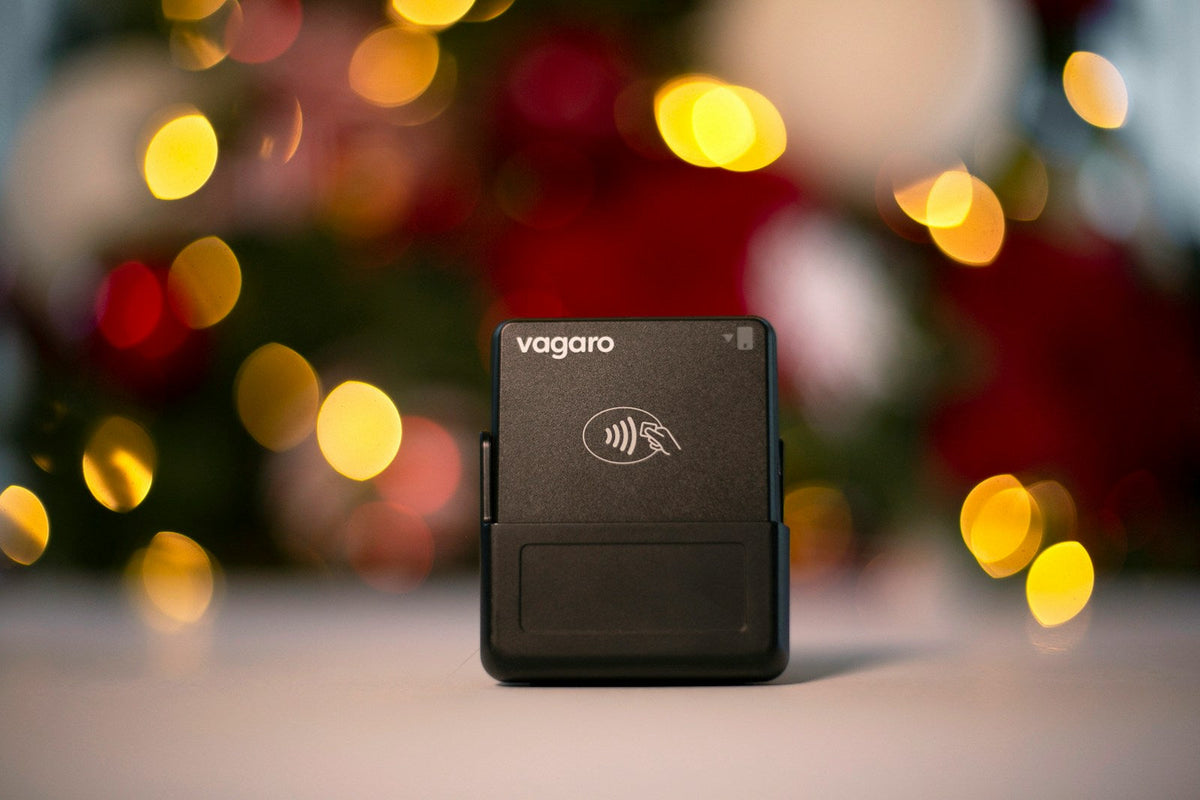


Design the perfect vending solution for your location and customers.

Join the VMFS newsletter and step into a thriving network dedicated to collective success.
One signup. Endless possibilities.
Cashless payment systems for vending machines let customers pay with a chip card, a contactless tap, Apple Pay, Google Pay, a QR code or an app instead of coins and bills. A card reader plugs into the machine's MDB controller, sends each sale to a payment processor over cellular or Wi-Fi, triggers the vend once it is approved and logs the transaction to a cloud dashboard.
This guide covers how the system works from tap to deposit, which payment types matter, what readers and processing really cost, what the sales data does and does not prove, how PCI security applies to operators, and how to choose between retrofitting an older machine and buying one that is cashless-ready.
A cashless payment system for a vending machine is the combination of a card reader mounted on the machine, a payment processor that approves each charge, and a cloud platform that records every sale. Together they let a machine accept credit and debit cards, contactless cards, phone and watch wallets, and in some setups QR codes or a mobile app, either alongside a coin mechanism and bill validator or in place of them.
The reader is the only part customers see, but the operator is buying three services: hardware that tells the controller to release a sale, a processing account that moves the money, and software, usually called telemetry, that turns every transaction into data. That last piece is why cashless readers became the default way US operators connect a fleet, not just a way to take cards.
It helps to separate two kinds of cashless setups. An open-loop system accepts the cards and wallets people already carry, processed over the Visa, Mastercard, American Express and Discover networks. A closed-loop system uses a balance that only works inside one venue, such as a campus ID card, a stored-value key fob or an app wallet loaded in advance. Closed-loop "cashless card systems" are common in universities, hospitals and large employers; open-loop readers are what most operators install on machines that serve the public. Many modern readers handle both.
Card reader
The terminal on the machine front that reads chip, tap, wallet and sometimes magstripe payments and talks to the controller over MDB.
Processor and network
The merchant account that authorizes each charge over cellular, Wi-Fi or Ethernet and deposits funds to the operator.
Telemetry and dashboard
Cloud software that logs every sale, flags errors and low stock, and lets you change prices remotely.
Cash hardware (optional)
Coin mechanisms and bill validators that sit on the same MDB bus when you run a hybrid machine.
A cashless sale works by having the reader ask the processor for approval and the machine's controller for permission to vend, then settling the exact amount only after the product drops. The whole loop usually takes a few seconds, and the customer only sees a tap, a beep and a delivered item.
MDB (Multi-Drop Bus) is the standard wiring and communication protocol that lets a vending machine controller talk to payment peripherals such as coin mechanisms, bill validators and card readers. It is maintained by NAMA, the National Automatic Merchandising Association, and its most recent revision, version 4.3, released in August 2019, changed only Section 7, the part that governs cashless devices. Because the standard is shared, a reader from one brand can generally drive a machine from another brand as long as the machine's controller supports MDB. Our explainer on MDB and DEX in vending machines covers the protocol in more depth.
Most vending readers are sold as a package that bundles the merchant account, so the operator does not negotiate directly with a bank. The reader typically pre-authorizes a set amount, then captures only what the customer actually bought. Nayax calls this incremental authorization, and it is what lets a customer add a second or third item to one transaction instead of tapping again for each product. Because the final amount is captured after the vend, a jammed spiral or a failed drop normally results in no charge or an automatic reversal rather than a refund request.
Every approved sale is uploaded with the item, price, time and machine, which is what makes cashless readers double as telemetry. Readers from Nayax and Cantaloupe ship with built-in cellular data, so the machine reports sales even where the location has no Wi-Fi. DEX (Data Exchange) is the companion standard that lets the controller report its own audit data, including cash sales and error codes, so a connected reader or telemetry module can show the full picture instead of only card sales. VMFS machines include DEX reporting alongside MDB, and they can also connect over Wi-Fi or 4G to VMFS Cloud for telemetry, remote configuration and diagnostics without a third-party reader platform.
Readers do not stop selling when the signal drops. Nayax, for example, describes an offline mode that stores transactions locally and forwards them when the connection returns, which protects sales in basements and steel-framed buildings. Refunds for failed vends go back to the original card; Nayax's own FAQ puts that at three to five days. When a customer sees an unfamiliar line on a statement, it usually carries the reader brand's name, which is why our guide on the Nayax charge on a credit card statement is one of the most-read pages on the subject.
A current vending reader should accept EMV chip cards, contactless cards and phone or watch wallets as a baseline, with QR and app payments as optional extras for specific locations. Contactless now dominates: in Cantaloupe's 2026 Micropayment Trends Report, 85% of cashless vending transactions in 2025 were tap-to-pay, up from 78% a year earlier, a figure that includes both physical contactless cards and mobile wallets.
EMV is the global chip-card standard. A chip read generates data unique to that transaction, which makes stolen card details far less useful than the static numbers on a magnetic stripe. Most vending readers still read magstripe as a fallback because some prepaid and older cards rely on it, but chip and tap should be what customers use.
Contactless payments use NFC, the short-range radio standard behind tap-to-pay. EMVCo's contactless specifications cover proximity NFC payments made by waving or tapping a card or device at an EMV contactless terminal, and an NFC reader that accepts contactless cards also accepts Apple Pay, Google Pay and Samsung Pay without extra hardware. That is why "do vending machines take Apple Pay?" usually has the same answer as "does it have a contactless reader?". For the customer-side steps, see our guide on how to use Apple Pay on a vending machine.
QR and app payments let a phone pay without the machine taking a card at all. App-based systems such as PayRange use a prepaid balance in the app; its BluKey Plus device is sold as a mobile payment add-on for any MDB-standard vending machine, and PayRange says the technology works without a network at the machine. The trade-off is adoption: customers must download the app and load funds first, so app payments work best where the same people buy every day and poorly where most buyers are one-time visitors.
Stored-value campus IDs, employee badges and key fobs are a closed-loop option that some universities and large employers require. If you are bidding on that kind of account, confirm early whether the client's card platform has a vending integration, because it often decides which reader you can use. Biometric and cryptocurrency payments appear in trend pieces, but they remain niche in US vending and are not a reason to choose one reader over another today.
| Payment type | How the customer pays | Hardware needed | Best fit |
|---|---|---|---|
| EMV chip | Inserts the card | EMV card reader | All locations; required baseline |
| Contactless card | Taps the card | NFC-enabled reader | All locations; the most-used method |
| Apple Pay, Google Pay, Samsung Pay | Taps a phone or watch | Same NFC reader | Offices, campuses, gyms, younger buyers |
| QR code / mobile app | Scans or opens an app with a prepaid balance | App add-on device or reader that supports QR | Repeat-use sites with steady regulars |
| Closed-loop card or fob | Taps a campus or employee credential | Reader integrated with the client's platform | Universities, hospitals, large employers |
| Coins and bills | Inserts cash | Coin mech and bill validator on MDB | Sites with cash-reliant customers |
Cashless acceptance raises vending revenue mainly by capturing customers who carry no cash and by lifting the average ticket, and the best public data shows both effects clearly. What the data does not show is a guaranteed percentage increase for any single machine, so treat round-number promises with caution.
Start with how Americans pay. The Federal Reserve's 2026 Diary of Consumer Payment Choice found that cash made up 14% of consumer payments in 2025, about six of the 47 payments the average consumer made each month, while debit and credit cards together accounted for two-thirds. Five of every six cash payments were for less than $25, which is exactly vending's price range, so cash has not disappeared; it has become a minority habit concentrated in small purchases.
Vending data tracks that shift. Cantaloupe, whose reports draw on transactions from about 621,000 connected devices in the US and Canada, found that 78% of vending sales were cashless in 2025, up from 73% the year before. The average cashless vending transaction was $2.45, compared with $1.57 for cash, a 59% difference per sale. In its 2025 report, covering 2024, the gap was $2.24 versus $1.78, and mobile payments made up 29% of cashless sales.
Read the ticket gap carefully: a $2.45 cashless average versus $1.57 in cash shows that card and phone buyers spend more per transaction, partly because they buy multiple items and higher-priced products. It does not prove a reader will raise any one machine's revenue by 59%, because some of those buyers would have paid cash anyway.
The mechanisms behind the gap are practical rather than psychological. A buyer without exact change or with only a $20 bill simply walks away from a cash-only machine. A single tap can cover a drink and a snack together through incremental authorization. And products priced at $3 to $5 or more, such as fresh food, energy drinks or trading cards, are awkward to sell with coins. Reader vendors publish their own uplift figures; Nayax's vending page, for example, advertises roughly a 30% revenue increase. Those are marketing claims rather than independent studies, so the honest way to measure the effect is your own before-and-after sales on the same machine and planogram, which a vending ROI tracking routine makes straightforward.
Shop Machines Built for Card and Tap Payments
Browse MDB-ready snack, drink, combo and specialty machines set up for cashless readers and telemetry.
View Card Reader MachinesA cashless vending system costs a one-time reader purchase of roughly $200 to $650, a monthly service fee of about $8 to $19 per device, and a per-transaction processing fee that typically lands between about 3% and 6% of each sale. Those ranges combine the fee table on the VMFS payment system page with what reader makers publish: Nayax's vending FAQ quotes $200 to $600 for hardware and 3% to 5% in transaction fees, and Cantaloupe's online store lists its Engage Combo (Gen 2) reader at $329 with a $9.95 or $12.95 monthly service plan and a 5.95% processing rate. Televend, a European telemetry provider, describes card acquiring fees in the same territory: 2% to 5% of each sale plus a fixed fee per transaction.
| Reader | Hardware | Monthly fee | Transaction fee | Connectivity |
|---|---|---|---|---|
| Nayax | $450 | $7.95 to $14.95 per device | About 5.95%, or about 2.5% + $0.10 | Cellular, Wi-Fi, Ethernet |
| Cantaloupe | $450 | About $9.95 to $18.95 per device | About 5% to 5.95% | Built-in 4G/LTE |
| PAX | $500 to $650 | Usually no fixed platform fee | About 2% to 3% + a fixed fee, can be higher | 4G, Wi-Fi, LAN, Bluetooth, USB |
Figures are from VMFS's payment system page and change with plans and processors, so confirm current rates in writing before you sign.
The reader is the only large upfront cost. On a machine that already has an MDB port and harness, installation is a matter of mounting the reader, plugging it into the harness, powering on and running a test vend. Older machines without MDB, or with a controller that needs an update, add parts and labor that you should price before deciding to retrofit.
The monthly fee covers cellular data, the processing account and the management software. Read the contract term as carefully as the price: Cantaloupe's store, for example, states a 12-month commitment on reader service, with an early termination fee calculated from the monthly fee and the months remaining. If you move or retire machines often, that term matters as much as a dollar or two of monthly cost.
Vending tickets are small, so the shape of the fee matters more than the headline rate. A flat percentage charges the same share on every sale, while a lower percentage plus a fixed cents-per-transaction fee hits a $1.50 drink much harder than a $6 sandwich. Using the two Nayax plan types in the table, 5.95% and 2.5% + $0.10 cost the same at an average ticket of about $2.90. Below that, the flat percentage is cheaper; above it, the lower percentage plus fixed fee wins. With cashless vending averaging $2.45 per transaction in Cantaloupe's data, many snack and drink machines sit on the side where a flat rate is the better deal, while coffee, fresh food and specialty machines often do not.
Take a machine with 400 cashless vends a month at a $2.45 average, or $980 in card sales. On a 5.95% plan the processing cost is $58.31; add a $9.95 monthly fee and the total is $68.26, about 7.0% of cashless revenue. On a 2.5% + $0.10 plan the same month costs $24.50 plus $40.00 in fixed fees, plus the $9.95 service fee, or $74.45, about 7.6%. VMFS's payment page gives the simpler rule of thumb: on a $2.00 vend you may receive around $1.90 after fees.
To judge payback, add the reader price to a year of service fees. A $450 reader plus 12 months at $9.95 is $569.40, or about $47 a month in the first year. If each extra sale earns you $1.20 in gross profit (substitute your own margin), roughly 40 additional vends a month covers it, before counting the larger tickets from existing customers. Our vending ROI calculator runs the same math for a whole machine, and the guide to how much a vending machine costs puts the reader in the context of the full purchase.
Cashless vending is secure when the reader encrypts card data and keeps it away from the operator, which is how reputable vending readers are built. The operator's main jobs are to use a PCI-validated reader and processor, keep the hardware physically secure and watch the dashboard for anomalies.
The Payment Card Industry Data Security Standard (PCI DSS) sets the baseline technical and operational requirements for any business that stores, processes or transmits cardholder data, which includes merchants and their service providers. In a typical vending setup, the reader encrypts the card data and the processor handles it, so the operator never sees full card numbers and the compliance burden is mostly carried by the reader company. Ask any vendor to confirm its PCI DSS status in writing, and avoid setups where card data passes through software or networks you control.
The payment methods themselves add protection. EMVCo notes that contactless devices support cryptographic functions that make transactions more secure than magnetic-stripe cards. Phone wallets go further: Apple states that Apple Pay never sends the actual card number to the merchant, using a Device Account Number stored in the phone's Secure Element plus a transaction-specific dynamic security code, and the payment must be authenticated with Face ID, Touch ID or a passcode. A skimmer on a vending machine has little to steal from a tapped phone.
Physical security improves too: a machine holding less cash is a less attractive break-in target and needs fewer collection runs. Platforms also flag unusual patterns, such as repeated declines, so you can investigate remotely. Inspect the reader during service visits and log serial numbers so a swapped device stands out.
Nayax and Cantaloupe are the two cashless platforms most US vending operators choose, with PAX terminals and app-based add-ons such as PayRange filling specific niches. All of them work over MDB; the real differences are fee structure, software, connectivity options and contract terms.
Nayax pairs its readers with a management suite and mobile app that cover remote price changes, inventory dashboards, temperature and stock alerts, and incremental authorization for multi-item sales, and it lists more than 80 supported payment brands. Readers connect over cellular, Wi-Fi or Ethernet. Our Nayax vending card reader guide compares its models, and the walkthrough on how to set up and activate a Nayax card reader covers installation.
Cantaloupe built its business on vending and emphasizes route reporting and operational data, with readers that run on built-in 4G/LTE. Its micropayment reports are also the largest public dataset on vending payments. See our Cantaloupe card reader comparison and the step-by-step guide to setting up a Cantaloupe reader. PAX terminals suit operators who want to bring their own processor and avoid a fixed platform fee, at the cost of doing more integration work themselves. For a side-by-side of every major option, read our roundup of the best card readers for vending machines.
Nayax
Broad payment coverage, multi-item authorization, strong fleet software. A good default for mixed routes and multi-machine operators.
Cantaloupe
Vending-first platform with built-in LTE and route reporting. Popular with operators who value simple setup and operational data.
PAX
Flexible terminal hardware with your own processor and usually no platform fee. Best for operators comfortable with more setup.
App add-ons (e.g. PayRange)
Low-cost mobile payments on MDB machines using prepaid app balances. Best as a supplement at sites with regular users.
The best vending machine payment system is the one that fits your machines' controllers, your locations' connectivity and your average ticket, at a total monthly cost you have calculated rather than guessed. No single brand is best for every route, so compare on the criteria below.
Run a pilot before you standardize: two systems on comparable machines for a month show real decline rates, connectivity gaps and support quality better than any demo. Route operators with several sites should favor one dashboard for the whole fleet, which is how they manage cashless payments across multiple locations without visiting each machine to check sales.
A second decision is whether to keep cash at all. Cashless-only machines remove coin and bill hardware, cash collection and most theft risk, but they turn away customers who rely on cash. Hybrid machines keep both on the same MDB bus.
Cashless-only: advantages
Cashless-only: limitations
Retrofitting makes sense when an existing machine already has an MDB controller and years of service left; buying new makes sense when the machine lacks MDB, needs other repairs, or you want touch screens, telemetry and modern payments built in. The deciding factor is usually the controller, not the reader.
To add a card reader to a vending machine, open the service door, locate the MDB harness where the coin mechanism and bill validator connect, mount the reader in the machine's payment panel or with a bracket, plug it into the harness, power the machine on, and run a test vend at the lowest price. The reader then needs to be activated on the processor's platform and mapped to your product prices. Machines built before MDB was common, or with proprietary payment wiring, may need a controller upgrade or an adapter, and at that point the cost of the retrofit can approach the price of a newer used or refurbished machine.
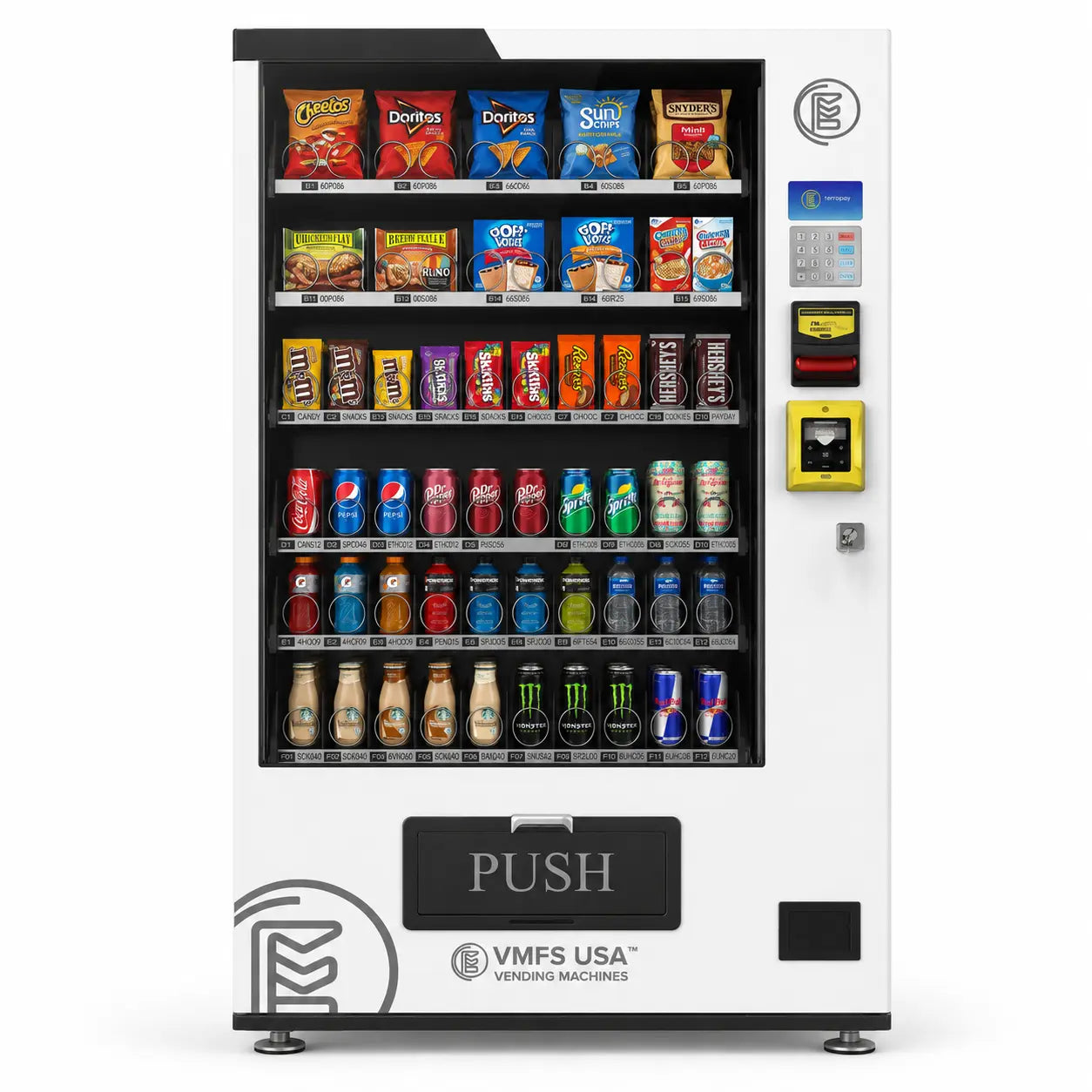
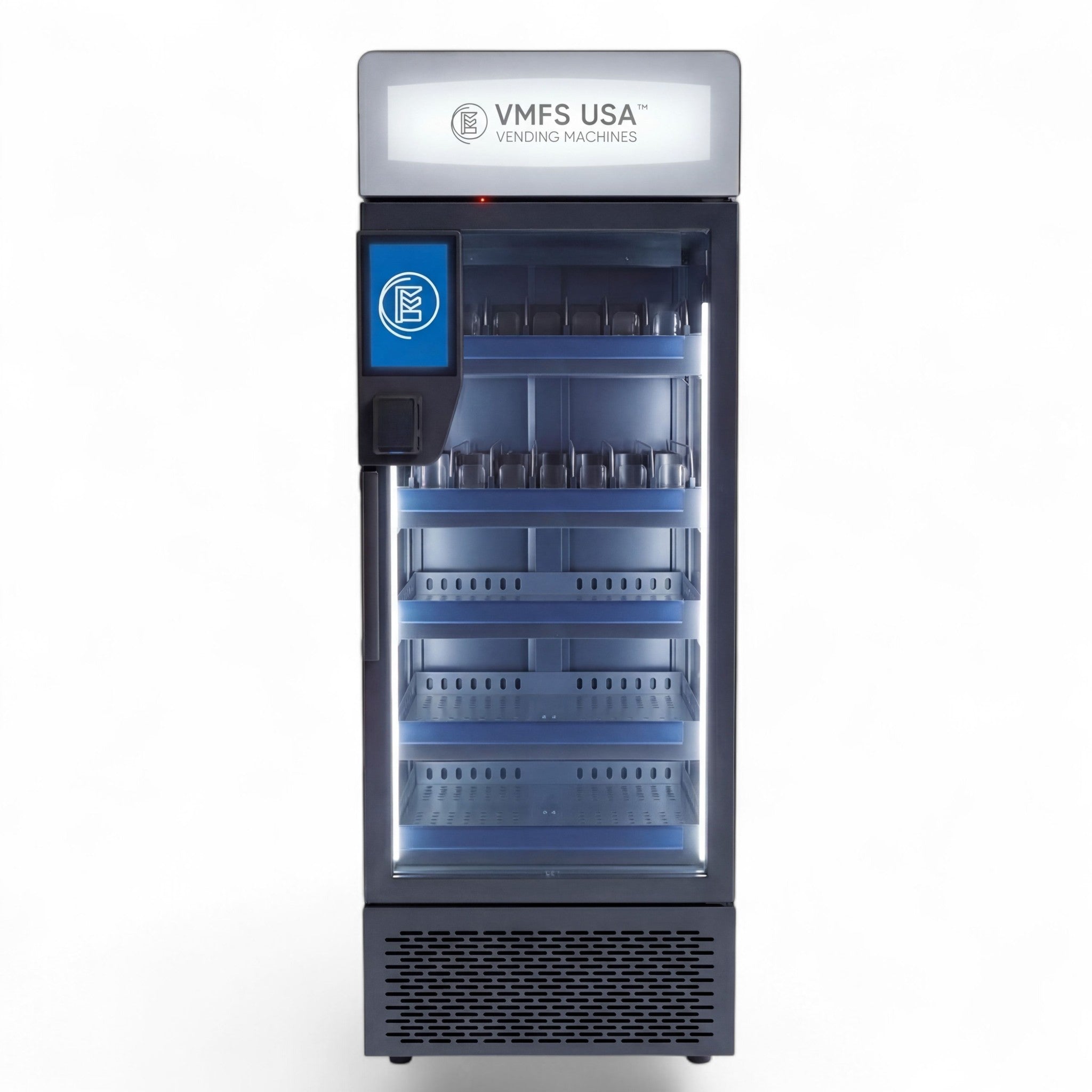
Every VMFS machine ships MDB-ready, so a Nayax, Cantaloupe or other MDB reader plugs into the existing harness without special wiring, and DEX audit data is built in. The vending machine with card reader collection spans compact and full-size formats. For example, the Seaga QB2200 snack and soda machine is listed at $2,999 and holds around 330 items in a slim footprint, the Slim Combo Vending Machine is $3,650 to $3,950, and the Smart Combo Vending Machine is $4,650 to $4,950 with up to 60 adjustable slots and cloud management. For age-restricted products, the CounterCompact Vending Machine at $1,950 combines cashless payment support with integrated ID verification.
Some formats are cashless by design. On the AI Smart Cooler Vending Machine ($4,950), customers tap to open the door, take what they want and close it, and the system charges the card for what was removed. That model, also used across our AI grab-and-go vending machines, cannot work with cash at all. If upfront cost is the obstacle, VMFS offers vending machine financing on new equipment.
Cashless vending pays off most in locations where customers rarely carry cash, buy during short breaks or face higher price points: offices, hospitals, campuses, gyms, transit hubs and any machine selling items above a few dollars. It pays off least where buyers are mostly cash users and ticket sizes are small.
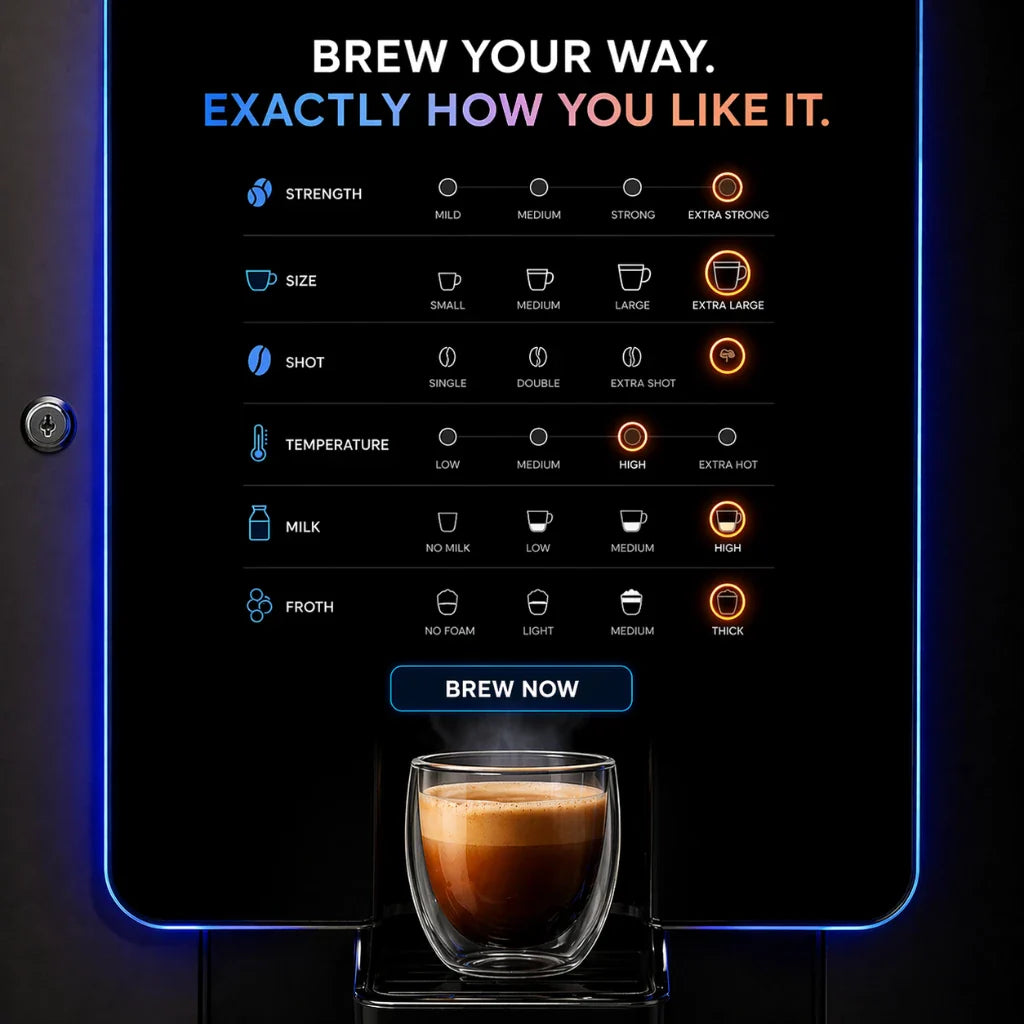
Offices and corporate campuses are the clearest case, because employees buy during short breaks with a phone or badge and return daily, which also makes app and closed-loop payments viable. Hospitals run around the clock and serve staff, patients and visitors who need a sale to work at 3 a.m. without an attendant or change machine. Universities, gyms and apartment buildings suit both tap and app payments because the same people buy repeatedly. Higher-ticket concepts depend on cashless almost entirely: fresh meals, coffee vending machines and specialty products are difficult to sell when the customer has to feed in several bills. For coffee specifically, see our guide to cashless payments for coffee machines.
Cash still has a role. The Fed's data shows cash remains common for small purchases, so a machine at a laundromat, a blue-collar worksite or a rural stop may lose sales if you remove the bill validator. In those spots a hybrid machine is the safer default, and your own sales split will tell you within a few weeks whether cash is worth keeping. Our guide to the best vending locations covers how to judge foot traffic and buyer profile before you place a machine.
The biggest long-term payoff from a cashless system is the data, because every sale tells you what sold, where and when, and lets you act on it remotely.
Start with the planogram. Per-item sales show which products earn their slot and which only take up space, so you can swap slow movers for proven sellers and move the best performers to eye level. Low-stock and temperature alerts let you plan routes around machines that need attention instead of visiting every site on a fixed schedule, which is where cashless telemetry ties directly into lower vending machine maintenance and fuel costs.
Pricing gets more flexible, too. Because cards do not care about coin denominations, you can price at $2.35 or $2.65 instead of rounding to the nearest quarter, change prices remotely by product or category, and test bundles such as a drink plus a snack. Some platforms also support loyalty programs or prepaid wallets that reward repeat buyers, and a touch screen can promote those offers at the point of sale.
Compare Reader Fees Before You Buy
See the full Nayax, Cantaloupe and PAX fee breakdown, MDB setup steps and VMFS Cloud options on one page.
See the VMFS Payment System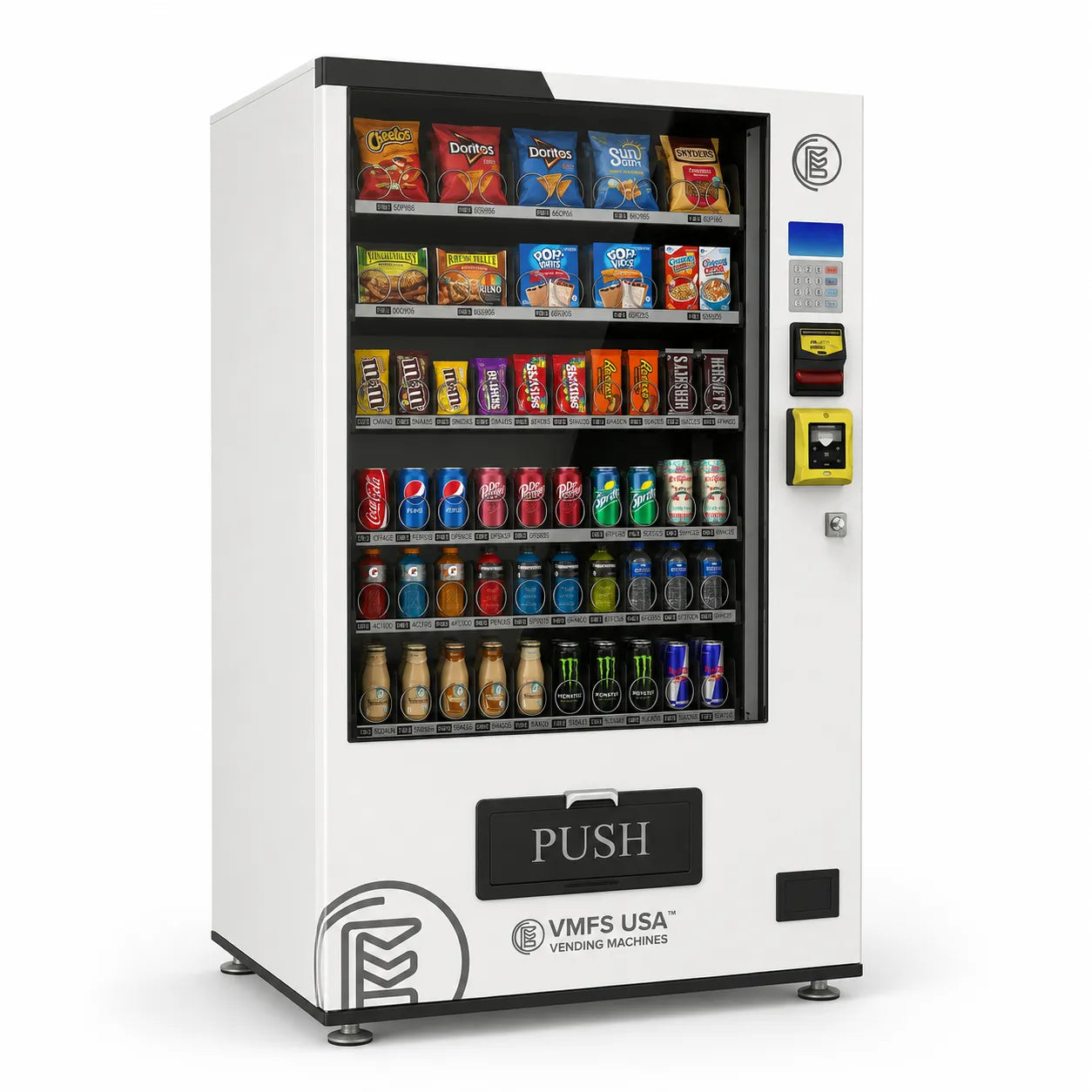
Share:
Smart Vending Machines Cost | Pricing, Types, And Features
Best Vending Machines To Buy Based On What Actually Works