




Design the perfect vending solution for your location and customers.

Join the VMFS newsletter and step into a thriving network dedicated to collective success.
One signup. Endless possibilities.
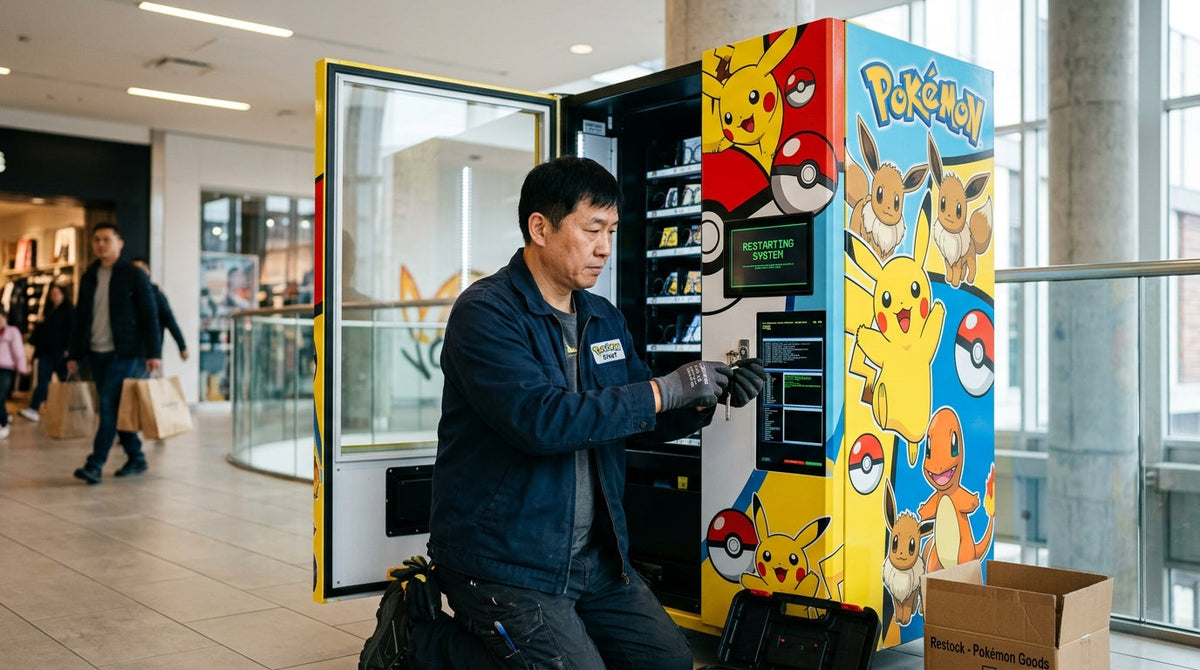
Resetting a Pokemon vending machine means power-cycling the control board, clearing a jammed dispensing motor, or reinitializing the payment terminal after an error, and the correct method depends entirely on which component is failing. Most reset issues resolve in under five minutes with a controlled power cycle, but a small share require a technician because the fault sits in the motor driver or the card reader firmware. This guide walks through every reset scenario an operator will run into, from a frozen touchscreen to a machine that won't accept payment.
Looking for what time Pokémon vending machines reset each day? See Pokémon vending machine drop times.
A Pokemon vending machine needs a reset when its control board freezes, a dispensing motor stalls mid-cycle, or the payment terminal loses connection to the processor. These faults happen because the machine runs continuously and accumulates small software or mechanical errors the same way any always-on retail device does. Understanding the underlying hardware helps diagnose the issue faster — this complete guide to how Pokemon vending machines work covers the core mechanics in detail.
A frozen touchscreen, an unresponsive coin or card reader, a motor that spins without dispensing, or a blank display are the four most common signs. Operators who run daily checks catch these signs before a customer does, which is part of the broader operating routine covered in this guide on how to use a Pokemon vending machine.
A basic reset clears most software freezes without affecting stored sales data or inventory counts, and it should always be the first troubleshooting step before opening the cabinet.
Find the primary power switch, usually inside the service panel at the base or rear of the unit. Avoid unplugging from the wall outlet directly, since a sudden power cut can corrupt the control board's memory in some models.
Switch the machine off and wait a full 30 seconds before restoring power. This pause lets capacitors on the control board fully discharge, which clears the frozen state that a quick on-off cycle often fails to fix.
Turn the machine back on and observe the boot sequence on the display. A successful reset shows the home screen or idle inventory display within 60 to 90 seconds; if the screen stays blank or shows an error, move to the error code section below.
Complete one test purchase with cash and one with card before reopening the machine to customers. This confirms the reset fixed the fault rather than just clearing the display temporarily.
Error codes tell you exactly which subsystem failed, so reading the code before resetting saves repeated reset attempts that won't fix a hardware fault. The table below covers the error patterns operators report most often.
| Symptom | Likely Cause | Fix |
|---|---|---|
| Blank or frozen screen | Control board software freeze | Basic power-cycle reset |
| Motor runs, no product dispensed | Slot jam or misaligned coil | Manual jam clear, then reset |
| Card reader unresponsive | Lost connection to payment processor | Payment terminal reset |
| Repeated error tone on selection | Empty slot sensor misfire | Restock slot, recalibrate sensor |
| Machine won't power on at all | Blown fuse or power supply failure | Technician inspection required |
A reset only clears software-level faults; it cannot fix a mechanical jam or a failed power supply. Attempting repeated resets on a hardware fault wastes time and can worsen a motor issue, so match the symptom to the table above before power-cycling the unit.
A jam happens when a sealed pack sits at an angle in the coil or the motor advances without enough clearance to release the product, and resetting the machine before clearing the physical jam just repeats the same failure. Open the service panel, locate the stuck slot, and gently realign the pack by hand before powering the unit back on.
Most jams originate during a rushed restock, when packs are loaded unevenly or stacked past the coil's rated capacity. Following a consistent loading routine during every restock trip — outlined in this guide to Pokemon vending machine restocking — cuts jam-related resets significantly.
The payment terminal needs its own reset separate from the main control board because it connects to an external processor over Wi-Fi or cellular, and that connection can drop independently of the machine's internal software. Power-cycle the terminal using its dedicated reset button, wait for the network indicator to reconnect, and run a $0 authorization test before accepting live payments again.
If the terminal reset doesn't restore connectivity within two attempts, the issue is likely with the network signal at the location rather than the machine itself. Confirm cellular or Wi-Fi signal strength at the install point before assuming the hardware has failed.
Track every reset event in a simple log with date, symptom, and fix applied. Recurring resets at the same location often signal a location-specific issue like power fluctuation or weak signal, not a machine defect.
Call a technician when the machine fails to power on after a fuse check, when a motor makes grinding noise without movement, or when the same error code returns immediately after every reset attempt. These symptoms point to hardware failure that a software-level reset cannot resolve, and continuing to force resets risks damaging the control board further.
Note the exact error code, the sequence of troubleshooting steps already attempted, and the machine's model and serial number before calling for service. This cuts diagnostic time significantly and often resolves simple issues over the phone without a technician visit.
Regular maintenance reduces reset frequency because most faults trace back to accumulated dust, loose connections, or overdue firmware updates rather than sudden component failure. Wipe down the coil mechanism, check cable connections, and confirm firmware is current at every restock visit rather than waiting for a failure to trigger the check.
Pairing maintenance checks with your existing restock cadence — typically every 5 to 10 days depending on location traffic — means the machine gets inspected without adding a separate site visit. Operators scaling to multiple units benefit from standardizing this routine across every location, a practice detailed further in this 2026 Pokemon card vending machine operator guide.
If you're still deciding on hardware or evaluating a first purchase, this guide on how to buy a Pokemon vending machine and this walkthrough on how to start and operate a Pokemon vending machine cover the setup steps that precede day-to-day troubleshooting.
Get a durable, card-safe vending unit built specifically for sealed Pokemon TCG product.
Shop the TCG Vending MachineCombine sealed Pokemon packs with snacks or drinks in one high-traffic unit.
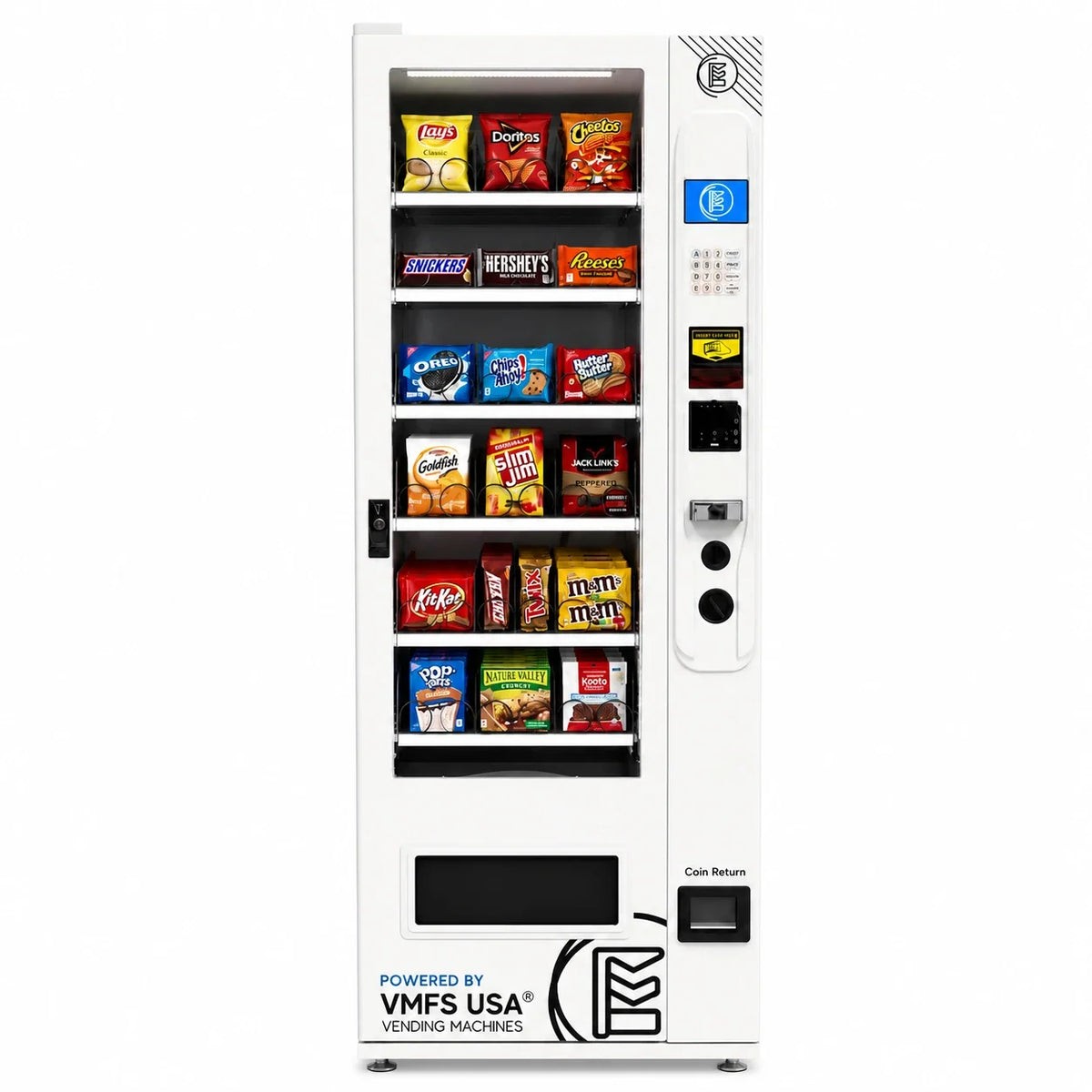
View MachineHigher-capacity unit built for malls, grocery chains, and high-volume retail.
View MachineList your location, get matched with vetted operators, and start earning from a Pokemon vending machine without buying or maintaining the equipment yourself.
List Your Location With VPlaced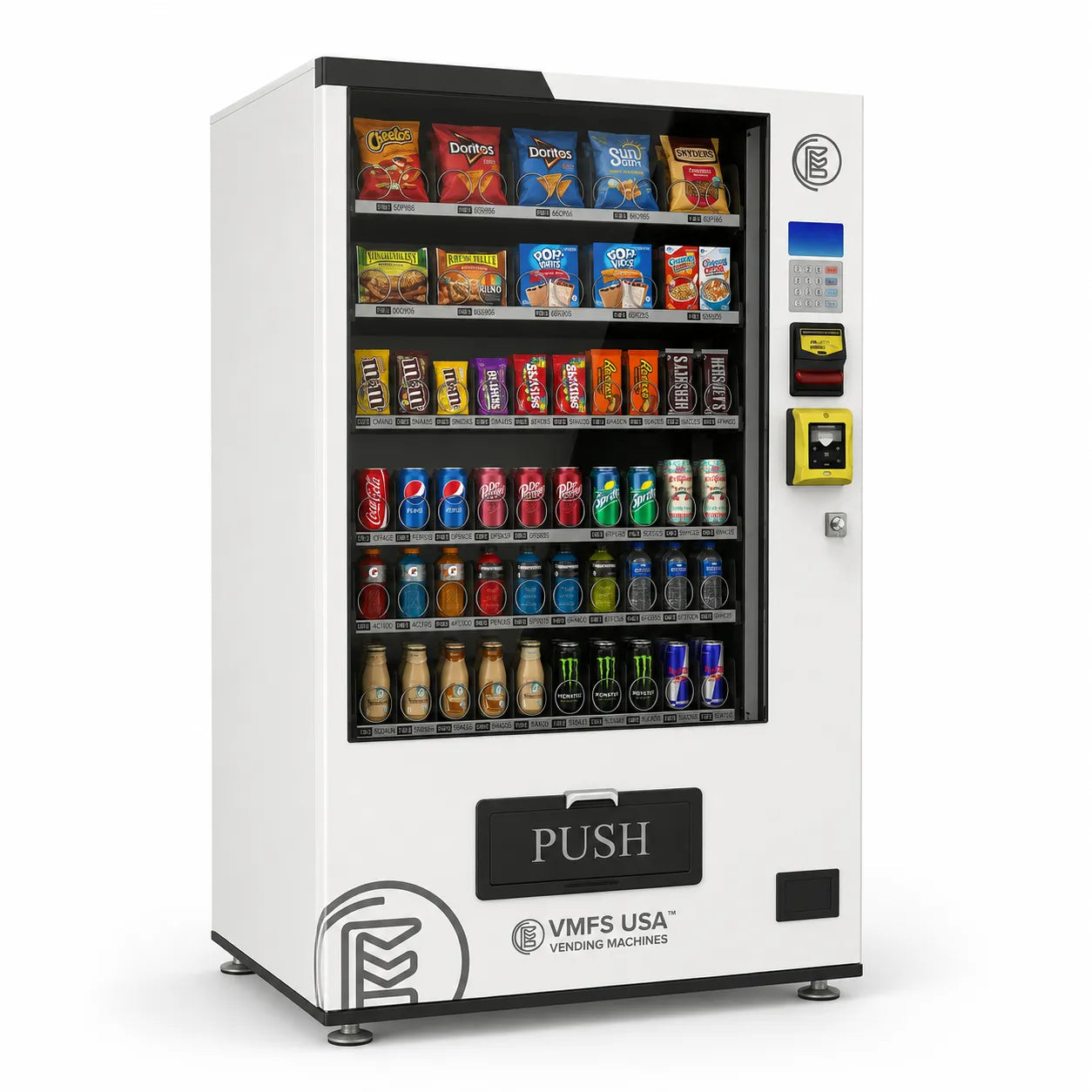
Share:
How to Start and Operate a Pokemon Vending Machine: The Complete Guide
How Much Does a Smart Combo Vending Machine Cost?