




Design the perfect vending solution for your location and customers.

Join the VMFS newsletter and step into a thriving network dedicated to collective success.
One signup. Endless possibilities.
Installing a Cantaloupe card reader is one of the most practical ways to upgrade your vending operation for today’s market. Before installation, confirm that your vending machine meets the basic hardware and software requirements. Most new vending machines, including snack, drink, combo, and coffee models, already support the MDB and DEX protocols needed for the reader to communicate with your machine. Start with a quick preparation checklist. Make sure your vending machine:
You will also need a basic toolkit with screwdrivers, the mounting hardware provided with the reader, zip ties to secure wiring, and a clean, well-lit workspace. Always power off the vending machine before beginning the installation. According to Cantaloupe’s official compatibility guide, the Engage and Combo card readers work with a wide range of vending machine brands, including AMS, Automatic Products, Crane National, and Dixie Narco, as long as the machine supports MDB and DEX communication and the firmware is current. You can confirm details in the Cantaloupe Engage Compatibility Guide. VMFS USA vending machines are also fully compatible with major cashless reader systems, including Cantaloupe and Nayax.
Once you’ve confirmed compatibility, you can begin installing your Cantaloupe card reader. The process is straightforward and usually takes about 20 to 30 minutes for most digital vending machines. Follow each step carefully to make sure your reader is installed securely and functions correctly from the start.
Before touching any wiring or panels, prepare the machine properly. This prevents accidental damage and ensures a clean installation.
Once the area is prepared, you can mount the reader securely to the vending machine door.
The cable connections are the most important part of installation. Proper connection ensures your reader communicates with the vending controller and reports data accurately.
After all cables are connected, it’s time to power up and allow the reader to initialize.
Testing ensures your installation was successful and confirms the reader communicates correctly with your vending system.
After testing, inspect all wiring to confirm everything is tight and properly routed. Avoid coiling excess cable near motors or fluorescent lights, as electrical noise can affect data signals. Good cable management ensures reliable long-term operation. Once you have completed these steps, your modern vending machine is ready to process secure, cashless payments. The reader will now communicate with your management system, providing live data and transaction records for each sale.
After your Cantaloupe card reader is installed and online, your customers can immediately enjoy faster, easier, and more flexible payment options. The reader allows buyers to complete transactions using cards or mobile wallets without the need for cash or coins. This upgrade is one of the most effective ways to modernize vending machine payment systems and improve the overall customer experience.
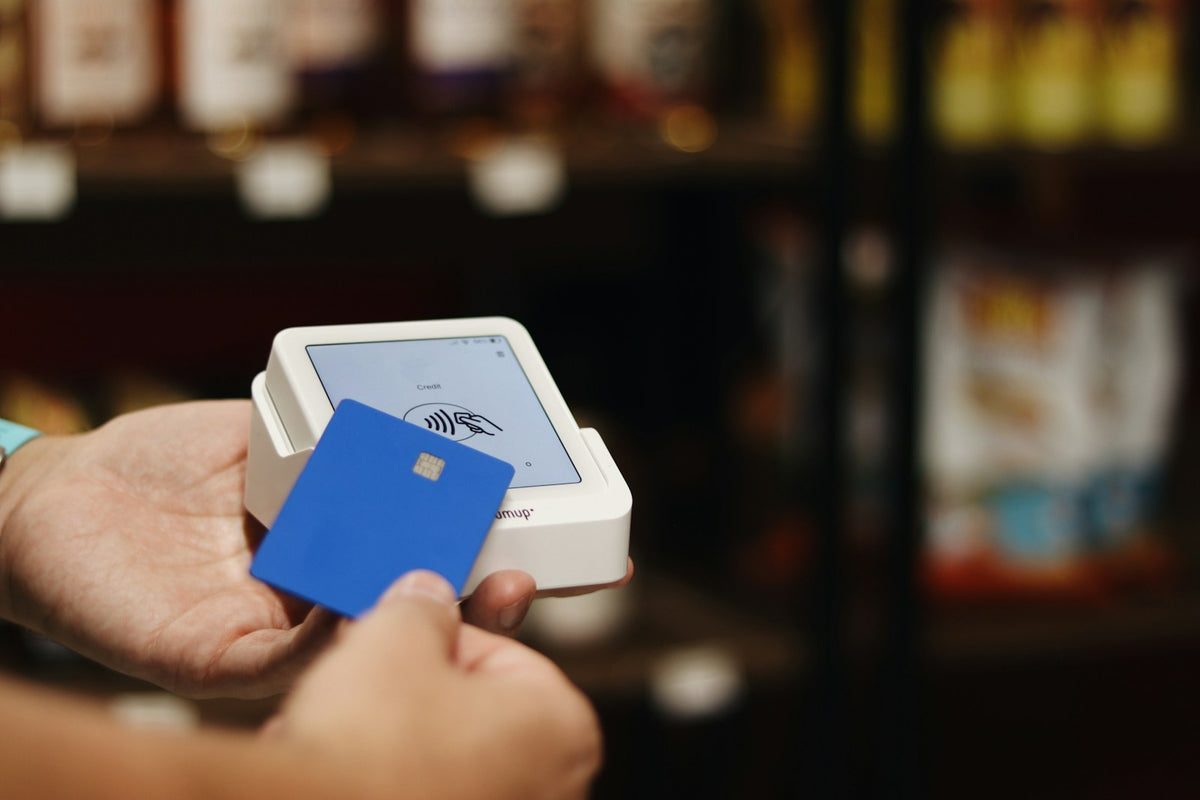
The transaction process is designed to be quick and intuitive. Customers interact with the machine just as they would with any retail card terminal.
Speed and simplicity make a strong impression on customers. A well-installed card reader allows transactions to process in about two to three seconds, significantly faster than cash payments. This short wait time keeps lines moving in busy areas such as schools, gyms, and offices. In addition, the reader’s digital display provides clear feedback for each transaction. Customers see messages like “Authorizing,” “Approved,” and “Thank you,” which create confidence that their payment was accepted. This kind of reliability helps your smart vending machines attract repeat customers and build trust in unattended retail locations.
Modern customers often prefer not to carry coins or bills. Accepting cards and mobile wallets allows your vending machines to serve a wider audience. It also helps capture impulse sales from users who may have skipped a purchase if only cash were accepted. Each Cantaloupe card reader supports NFC (Near Field Communication) and EMV transactions, which meet today’s security standards for cashless vending. These technologies are essential for operators who want to stay current with evolving cashless vending machines trends and regulations.
Every sale made through the reader is securely logged and transmitted to your management system. This provides operators with live visibility of daily revenue, machine activity, and any service alerts. When paired with cloud software for vending management, you can even monitor transaction counts and signal strength remotely. By making the customer experience smooth and reliable, a modern vending machine equipped with a Cantaloupe reader not only increases sales but also strengthens brand perception at every location.
The Cantaloupe card reader works with a wide range of vending equipment across the industry. Whether you operate traditional units or advanced smart vending machines, this reader integrates smoothly to enable cashless payments and real-time data communication. Understanding which machines are compatible and where to place them can help you maximize your return on investment.
The Cantaloupe Engage and ePort models are designed to fit most vending equipment that supports MDB (Multi-Drop Bus) and DEX (Data Exchange) protocols. These are standard in most digital vending machines manufactured in the last decade.
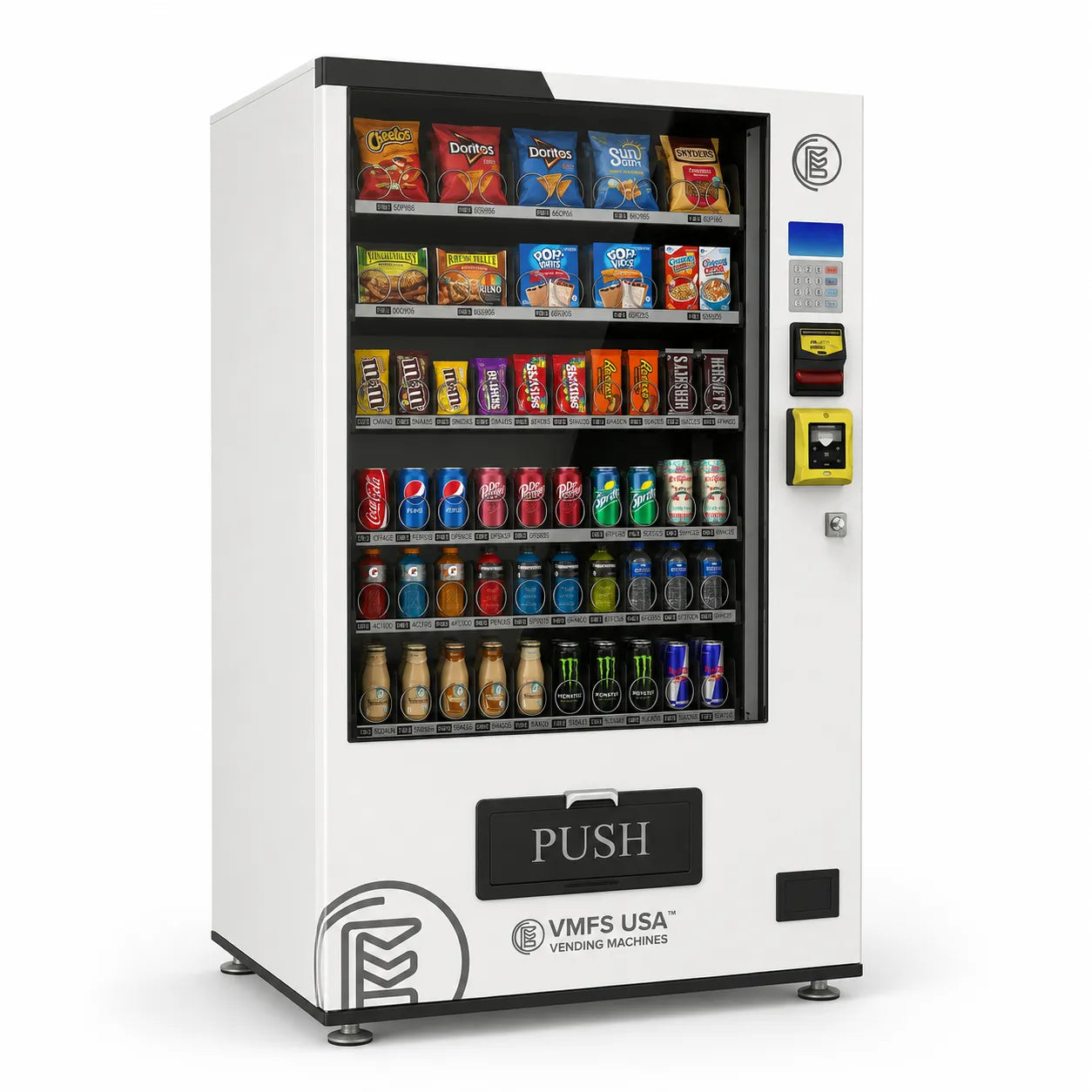
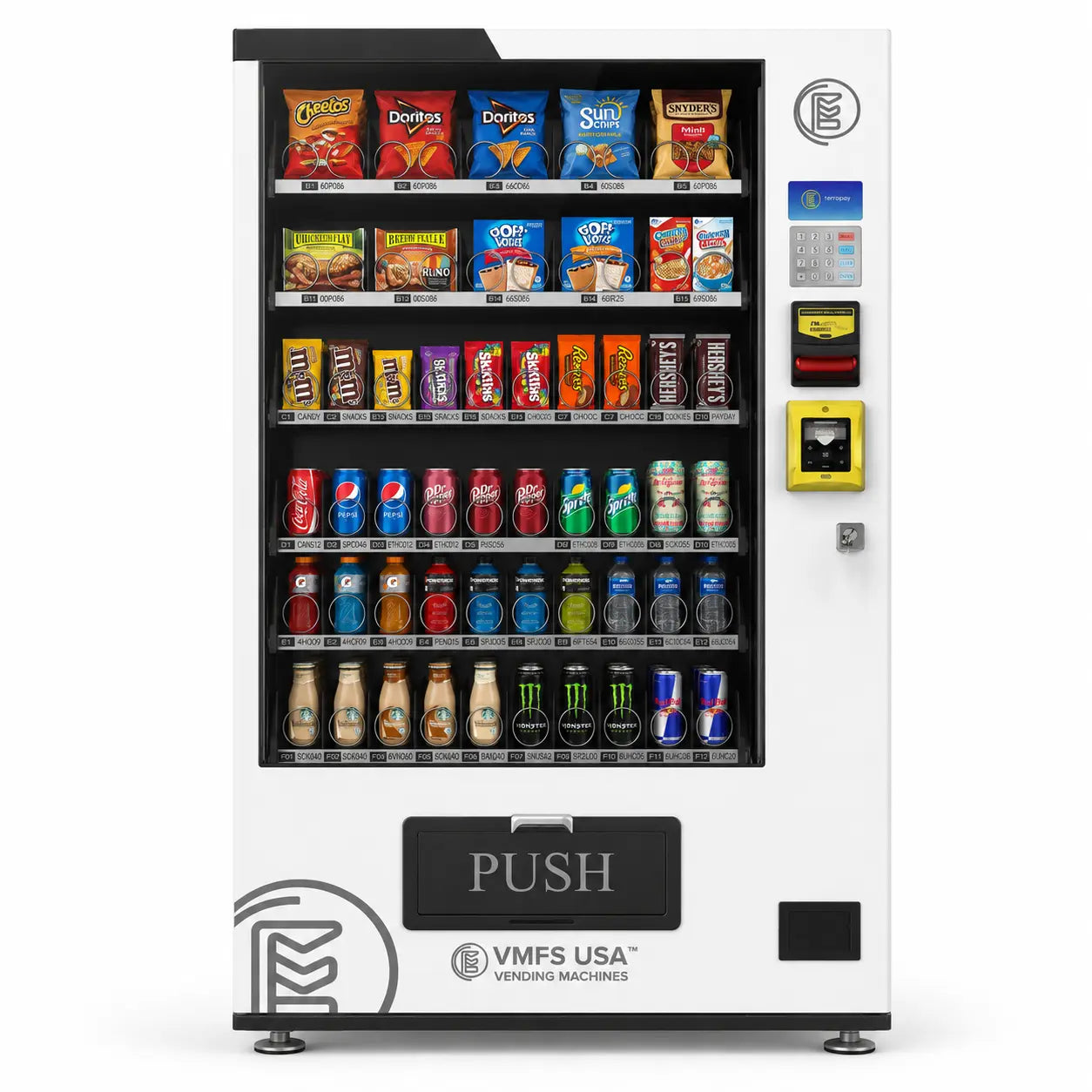
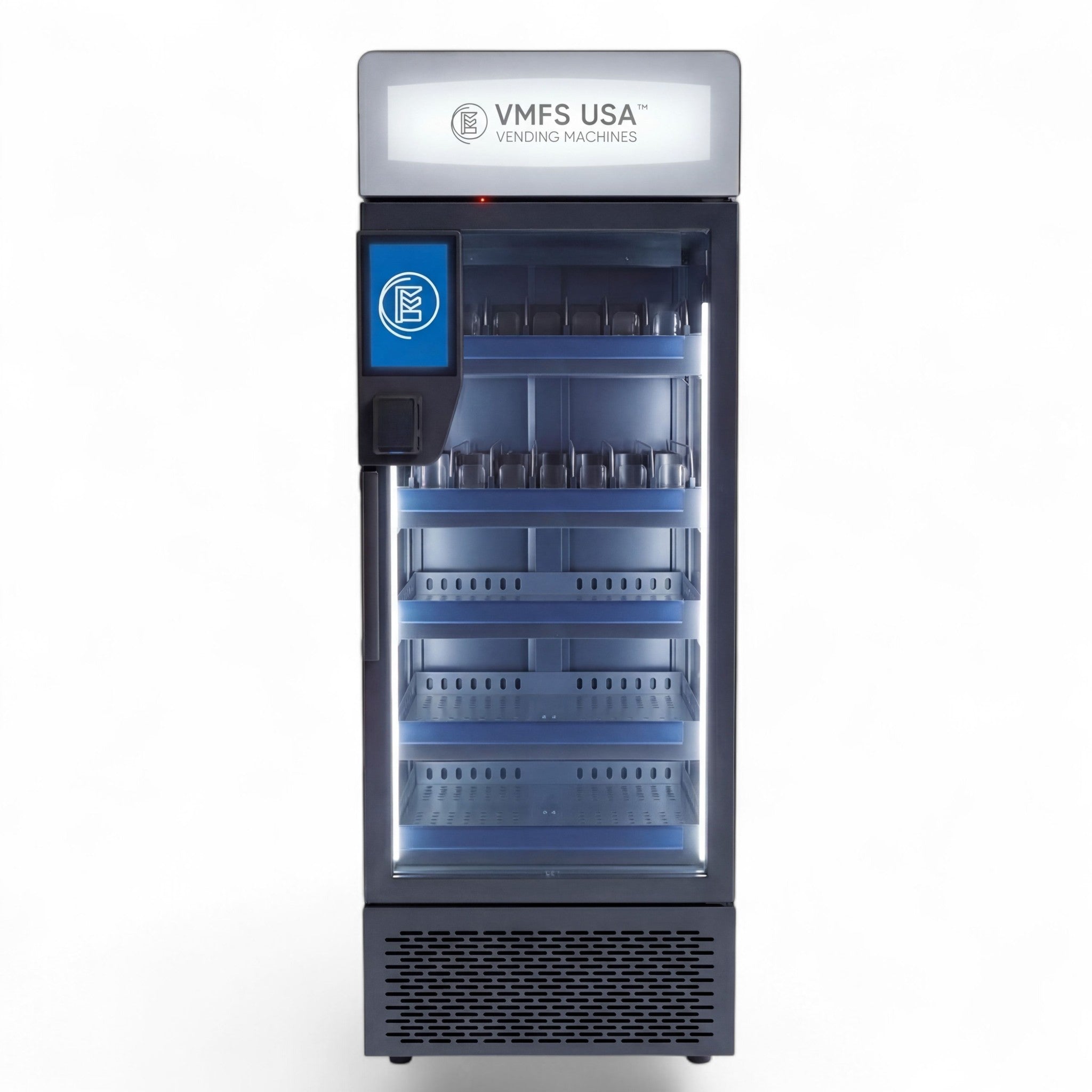
VMFS USA and other top vending manufacturers supply machines that are fully compatible with Cantaloupe and Nayax cashless systems. Every VMFS USA model includes MDB connections and power support, making them plug-and-play ready for modern payment technology.
Location is one of the biggest factors in the success of a cashless vending setup. Even the best reader and machine combination will underperform if placed in a low-traffic or poor-signal area.
Proper machine placement does more than drive traffic. It improves reliability and reduces service calls. For example, readers installed in areas with weak cellular coverage may experience slow authorizations or failed transactions. Use your location matching for vending placements strategy to identify strong, profitable sites before deployment.
Strategic placement affects both sales volume and uptime. A machine located in a busy area with reliable network coverage not only sells more but also maintains consistent data flow for telemetry and remote monitoring. When combined with cloud software for vending management, operators can track performance and optimize routes for each location. By matching compatible machines with well-chosen sites, you can ensure every modern vending machine in your route performs efficiently and keeps customers satisfied.
Even after successful installation, your Cantaloupe card reader may occasionally experience connectivity or payment issues. Most problems are easy to fix once you know what to look for. The following guide covers common issues, their likely causes, and recommended solutions to keep your cashless vending machines operating reliably.
Routine maintenance extends the life of your reader and prevents unnecessary downtime. The following steps can be done during each service visit.
If problems persist after basic troubleshooting, contact Cantaloupe’s technical support team. Provide your reader’s serial number, vending machine model, and a brief description of the issue. This helps support technicians resolve problems faster. Keeping your readers in top condition ensures your customers enjoy a smooth payment experience while your machines maintain consistent uptime. Routine maintenance and proactive monitoring are key parts of running efficient cashless payment solutions in the vending industry.
After installing your Cantaloupe card reader, you’ve taken an important step toward building a more efficient and profitable vending operation. Cashless payment options not only attract more customers but also provide valuable data that helps you make better business decisions. With the right setup, cashless vending machines can significantly increase sales and reduce service costs across your route.
Once you’ve tested your first installation and verified performance, consider adding readers to all machines in your network. Locations that accept both card and mobile payments consistently outperform cash-only sites. Deploying readers across your route ensures every modern vending machine captures the growing number of customers who prefer contactless transactions.
If you still operate older units, upgrading them to smart vending machines or digital models will improve compatibility and open access to advanced features such as telemetry, video displays, and remote management. Many operators find that upgrading pays off within a year through increased reliability and higher sales.
Expanding your vending network or upgrading to new machines can require capital investment. Many suppliers, including VMFS USA, offer financing services that make it easier to scale without large upfront costs. This option allows you to upgrade your fleet gradually while maintaining steady cash flow.
Profitable vending depends on smart placement. Use your performance data and location matching for vending placements strategies to determine where your upgraded machines perform best. Relocating low-performing units to stronger sites can quickly boost route profitability.
By combining reliable hardware, advanced telemetry, and strategic upgrades, you create a vending business that adapts to consumer trends. Using integrated cloud software, cashless payment solutions, and smart vending machines, you can automate reporting, improve customer satisfaction, and drive steady growth. With the right investment and data-driven management, each upgraded vending location becomes more efficient, profitable, and competitive in today’s cashless marketplace.
Share:
What is cantaluope Charge on your Credit Card Bill/Statement
Alabama Vape Vending Machine Zoning and Location Restrictions - Guide