


MultiVend is a session feature that lets a customer purchase more than one item without restarting the buying process every time. It appears in two forms, cash and coin credit hold, and cashless card reader sessions. When it is configured correctly, it reduces friction, shortens lines, and can increase average ticket size with the same traffic you already have.
1) What MultiVend Means
MultiVend means a single customer visit can result in multiple vends. Think of it as a session rule, the session can be managed inside the vending controller (cash and coin), or inside the cashless reader logic (card and mobile payments). This matters because the place where the session lives determines where you enable it and how it behaves in the real world.
The two MultiVend types
- Cash and coin (credit hold), the machine keeps remaining credit after a vend so the customer can purchase again before taking change.
- Cashless (card reader session), the reader keeps the session open so the customer can vend multiple items with fewer repeated authorizations.
Where operators usually see the setting
- Machine service menu, often labeled as Multi Vend, Credit Hold, Change Return Mode, or Vend Timeout.
- Cashless reader portal, often labeled as MultiVend mode, basket mode, session timeout, limits, or authorization flow.
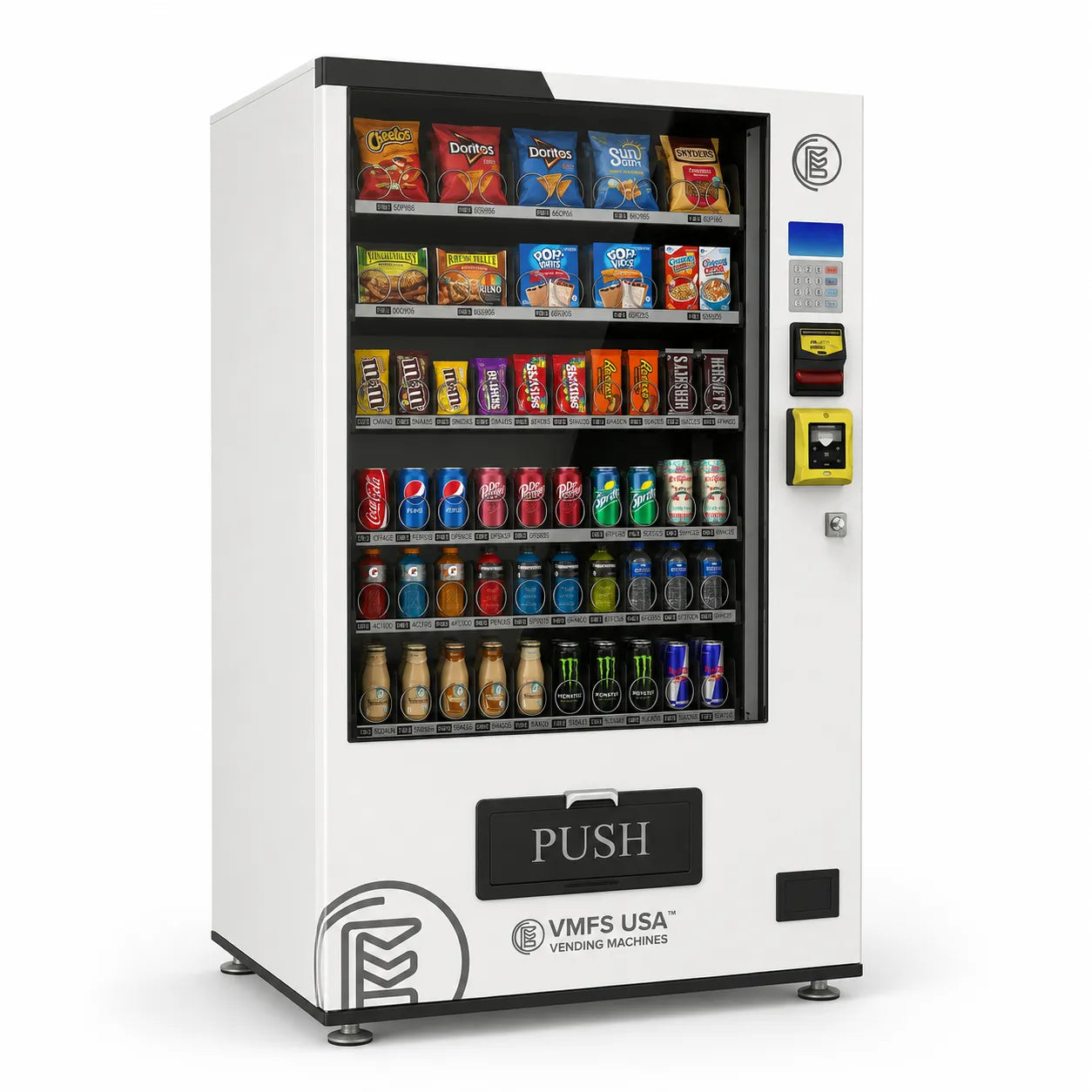
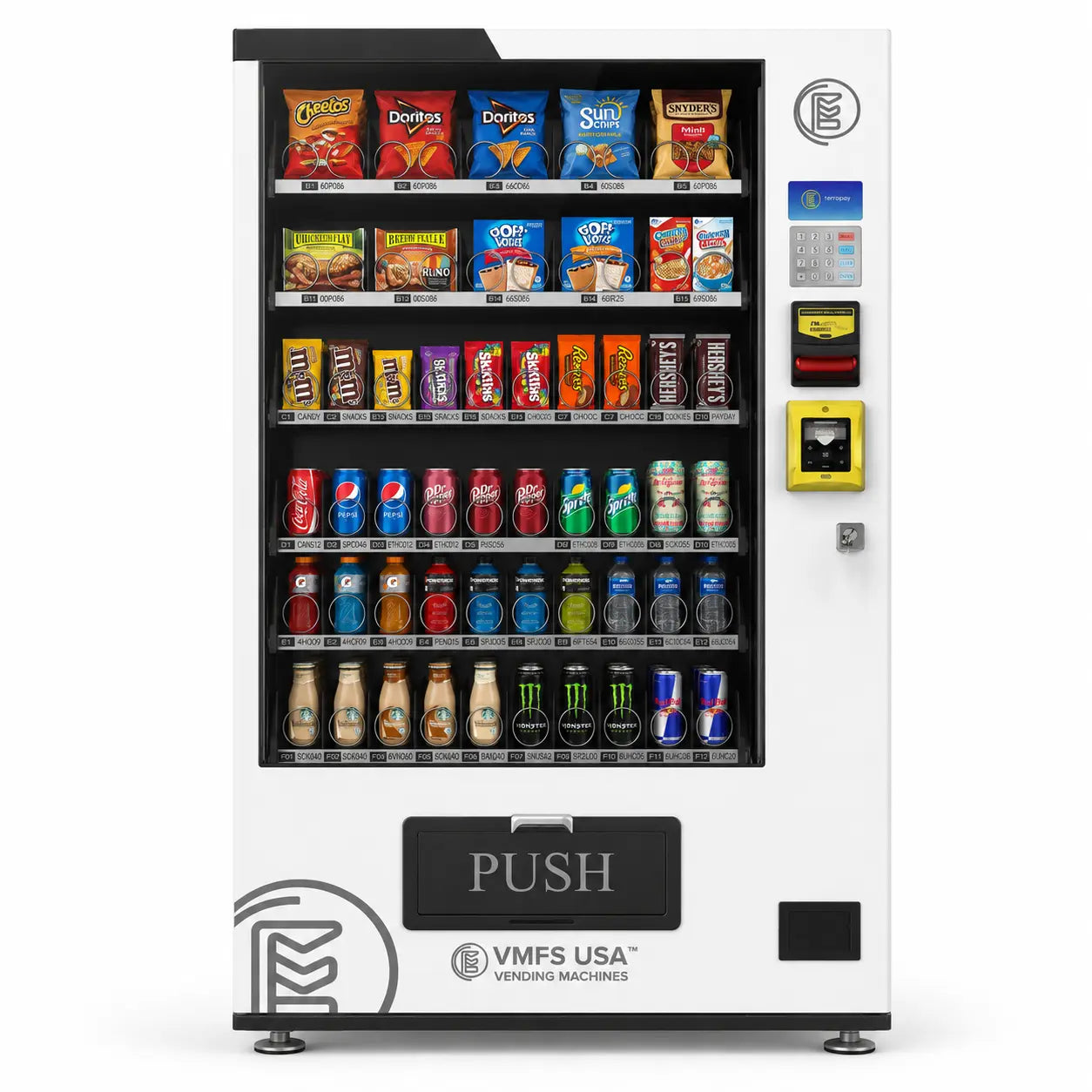
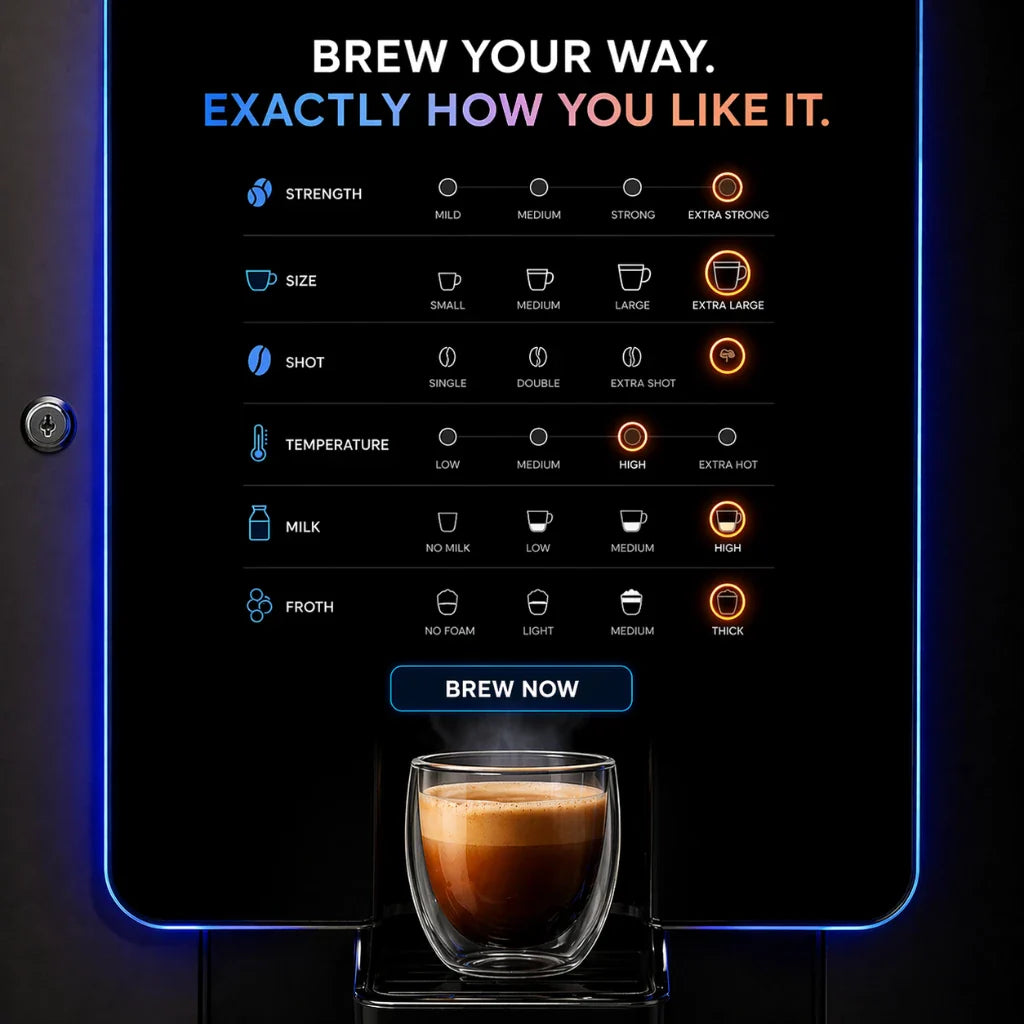
MultiVend tends to show the biggest lift on combo vending machines and coffee vending machines because customers naturally add a second item, like a snack plus a drink, or coffee plus an add-on.
2) Why MultiVend Matters For Operators
MultiVend is about removing friction that stops the second purchase. Many customers are willing to buy more, but they do not want to restart a flow, wait for another authorization, or wonder if they will be charged twice. When the session stays open, the second selection feels natural, not like a new transaction.
Benefits you can measure
- Higher average ticket, more items per customer visit without needing more foot traffic.
- Faster throughput, shorter lines during breaks and rush windows, fewer abandoned purchases.
- Cleaner upsell behavior, bundling works better when the machine stays “ready” for the next selection.
- Better customer experience, fewer repeated taps and less hesitation.
MultiVend also supports purposeful merchandising. If you design pairings, like snack plus drink, coffee plus pastry, or item plus accessory, it fits naturally into Custom Vending machines and Specaility vending machines where product mix and layout are engineered for add-ons.
Tradeoffs to keep in mind
- Long sessions can increase risk in high misuse locations, tighter timeouts and limits solve most of this.
- More configuration, you may need to set it in the machine and in the reader portal, depending on the system.
- Refund expectations, failed vend handling must be tested so customers do not feel “charged with no product.”
MultiVend tends to perform best when it is paired with clear product groupings, the same principle operators use to improve add-on behavior on coffee vending machines during rush windows, and on combo vending machines where snack plus drink is the default bundle.
3) ROI, How MultiVend Drives More Profit
MultiVend improves ROI by increasing items per session. You are not relying on new locations or higher pricing, you are capturing add-on purchases that already exist in the customer’s intent. Even a small daily lift compounds quickly over a month.
Simple ROI formula
Monthly profit lift = (extra items per day) × (profit per item) × 30
Quick ROI range table
| Extra Items Per Day | Profit Per Item | Estimated Monthly Lift |
|---|---|---|
| 2 | $1.50 | $90 |
| 5 | $3.00 | $450 |
| 10 | $6.00 | $1,800 |
These numbers are realistic for high-repeat environments. You will often see stronger lift on mini vending machines where impulse add-ons are common, and on combo vending machines where the second pick is easy. You will also see lift on coffee vending machines where add-ons are a natural behavior, and on mini vending machines where speed matters. If MultiVend is just a configuration change, ROI is immediate. If you need a cashless upgrade to unlock cashless MultiVend, compare your estimated monthly lift against reader fees and hardware costs first.
Where MultiVend tends to perform best
- Breakrooms, warehouses, and high-repeat sites with defined rush windows.
- Product mixes that naturally bundle, snack plus drink, coffee plus add-on.
- Machines with clear, fast UI where the next selection feels obvious.
If your product mix is built around pairing items, MultiVend becomes easier to monetize, especially when the layout and flow are planned like Custom Vending machines that are designed around add-ons and repeat picks.
4) How MultiVend Works, Cash And Coin Credit Hold
In the cash and coin version, MultiVend is credit hold behavior. A customer inserts cash, buys an item, and any remaining balance stays active so they can make another selection. The session ends when the balance reaches zero, the customer presses coin return, or the machine times out and returns change.
Step by step flow
- Customer inserts cash.
- Customer buys an item, the machine deducts the price from available credit.
- Remaining credit stays on the display for a short window.
- Customer buys again, or presses coin return to refund the balance.
What the machine is doing internally
- Stores a temporary credit balance between vends.
- Runs a timeout timer, then triggers change return or credit cancel.
- Protects against idle credit by clearing the session when time expires.
You often control this in the service menu under labels like Multi Vend, Credit Hold, Change Return Mode, or Vend Timeout. Many Seaga Vending Machines and similar MDB capable snack and combo units support this behavior, but the exact label and default value depends on the controller firmware and the coin or bill setup.
If you are standardizing a fleet, it helps to align settings across models so the experience is consistent, especially when you are deploying Seaga Vending Machines alongside other platforms in the same location network.
5) How MultiVend Works, Cashless Card Reader Sessions
In cashless MultiVend, the session is coordinated between the cashless reader and the machine controller. There are two common behaviors. Pre-selection means the customer selects items first, then taps once to authorize that set of vends. Basket style session means the customer taps once, then can continue selecting items while the session stays active, with the reader tracking the session and the machine reporting each vend.
The two cashless modes
| Mode | Customer Flow | When It Feels Best |
|---|---|---|
| Pre-selection | Select items first, then tap once | Touchscreen combos, clear multi-select UI |
| Basket session | Tap once, then select multiple items during session window | High throughput locations, fast repeat buying |
What has to be true for it to work
- Machine supports MDB cashless communication.
- Controller firmware supports multi vend or basket behavior.
- Reader supports MultiVend, and is configured to allow it in the portal.
- Timeouts and limits are set so the session is smooth but controlled.
Cashless MultiVend is not always enabled by default because operators may choose single vend mode for risk control in certain environments. When you enable it, keep rules tight, set a sensible session timeout, set a max vend limit per session, and test failed vend scenarios to confirm refunds and settlement match what customers expect. This approach can align with the same friction-removal goal that drives AI vending machines, even though the checkout logic on AI platforms can be different from a standard MDB cashless session.
If you are already deploying AI vending machines in the same route, MultiVend becomes part of a broader plan, reduce friction, increase items per visit, and keep checkout predictable.
6) What Machines Typically Support MultiVend
The most important compatibility rule is simple, MultiVend is usually determined by the payment interface and the controller firmware, not the cabinet logo on the front. In other words, two machines that look similar can behave differently if one has an older controller, a non-MDB setup, or firmware that does not support basket style cashless sessions. That is why you should evaluate MultiVend as a system feature, machine controller, payment interface, reader configuration, and firmware working together.
MultiVend tends to work best on modern snack, drink, combo, and touchscreen combo platforms because they are commonly installed with MDB controllers and are designed to handle repeated selections in a clean flow. It also performs well when the machine has clear UI prompts, fast vend cycles, and reliable vend sensing, because those reduce disputes and keep the session moving.
What usually supports MultiVend well
- Modern snack and drink machines with MDB controllers and current firmware.
- Combo platforms where bundling is common and the customer flow is fast.
- Touchscreen combos that can display prompts clearly, especially for pre-selection behavior.
- Outdoor setups when the goal is quick throughput in busy periods, assuming risk controls are configured.
What can limit compatibility
| Limiting Factor | What You See | Why It Breaks MultiVend |
|---|---|---|
| Older controller firmware | Cashless works, but only one vend per tap | The controller may not support basket session behavior even if it supports MDB. |
| Executive-only (non-MDB) setups | Reader options are limited, features missing | Cashless session features rely on MDB communication and supported feature sets. |
| Outdated reader configuration | Portal shows single vend mode | MultiVend can be turned off intentionally for risk control, even if hardware supports it. |
| Poor vend reporting | Disputes, refunds, failed vend confusion | MultiVend depends on accurate vend success reporting to keep settlement clean. |
If you are evaluating MultiVend for regulated or controlled categories, keep the flow strict and predictable. For example, a medicine vending machine or pharmacy vending machine setup can still benefit from a multi-item session when it is paired with tighter timeouts, lower per-session limits, and clear prompts. The goal is convenience without creating ambiguous charges or long open sessions.
Compatibility is also easier to manage when your machines are standardized within a product family, which is why operators often group routes around Seaga Vending Machines for consistent controller behavior and service workflows.
7) What Readers And Payment Systems Support It
On cashless, MultiVend usually depends on two things, the reader’s feature set and configuration, and how the machine controller handles the session. Most major reader ecosystems can support MultiVend behavior on compatible machines, but the mode is often optional and can be disabled for fraud control. That is why you should treat reader setup as part of the MultiVend decision, not a separate task.
In most portals, you will see settings related to MultiVend or basket sessions, session timeout, maximum vends per session, and whether the flow is pre-selection or pre-authorization. Small changes here can completely change what the customer experiences, so the safest approach is to set a controlled session window, then run real tests at the machine.
What you typically configure in the reader portal
- MultiVend or basket mode, allows multiple vends under a single session.
- Session timeout, the window where additional selections are allowed.
- Per-session limits, maximum vends or maximum value to reduce misuse.
- Authorization behavior, pre-selection vs tap-first session style.
- Receipts and settlement rules, so refunds and failed vends match expectations.
A practical approach is to align reader rules with the location profile. A quiet office can tolerate a slightly longer session window, a public site typically needs a shorter session, and a higher-risk area might require single vend mode. Treat this as a sliding scale, you are tuning convenience against risk, and you can adjust it after you see real behavior.
If your route includes fast repeat buyers, you will usually get a cleaner MultiVend lift when the product mix is paired with machines that naturally support add-ons, like combo vending machines and curated Specaility vending machines.
8) Settings Checklist, How To Turn It On Cleanly
The cleanest MultiVend deployments follow a simple pattern. First, confirm what kind of MultiVend you are enabling. Second, set the machine side behavior so credit and timeouts are predictable. Third, set reader side behavior so the cashless session is controlled and disputes are unlikely. Finally, test, because MultiVend is a customer experience feature, if the flow is confusing, your lift disappears.
Machine side checks
- Confirm the machine is set to MDB if you are using cashless.
- Locate the MultiVend or Credit Hold setting in the service menu.
- Set the hold timeout to a reasonable window so customers can add a second item without rushing.
- Confirm how change is returned, immediate return vs held until coin return or timeout.
Reader side checks
- Confirm the cashless mode supports MultiVend or basket sessions on your reader.
- Set a session timeout that matches the location risk profile.
- Set a per-session limit, max vends, or max value, to protect against misuse.
- Confirm the flow type, pre-selection vs tap-first session behavior, matches your keypad or touchscreen.
Test plan before you go live
- Run a two-item purchase back to back and confirm the session stays open as expected.
- Wait near the timeout limit and confirm the session closes cleanly with no odd charges.
- Force a controlled failed vend test (when possible) and confirm refunds and receipts are accurate.
- Check settlement reports to confirm transactions match your expected MultiVend behavior.
When you dial this in, MultiVend becomes a consistent revenue lever rather than an occasional feature. It is especially effective when your product mix is designed for add-ons, which is why operators often pair it with intentional product layout on Specaility vending machines.
If you are building a fleet strategy, it also helps to standardize the experience across machine categories, which can be easier when routes are organized around consistent design and flow, similar to what operators do with Custom Vending machines when they plan layout, prompts, and add-on behavior intentionally.
9) Common Problems And Fixes
Most MultiVend issues come from mismatched expectations. The operator expects one session, but the reader is configured for single vend. Or the operator expects a basket style flow, but the machine controller only supports tap-per-vend behavior. Use the symptoms below to find the real cause quickly.
| Issue | What It Usually Means | Fix |
|---|---|---|
| MultiVend enabled but it only vends once | Reader is locked to single vend mode, or the controller does not support basket sessions | Enable MultiVend or basket mode in the portal, confirm MDB mode, update firmware if needed |
| Customer charged twice when you expected one charge | The system is operating as tap-per-vend, not a basket session | Switch to pre-selection or basket mode if supported, otherwise set expectations and signage |
| Failed vend leads to charge complaints | Vend success reporting is unreliable or refund rules are not aligned | Confirm vend sensing, enable the correct refund behavior, test failed vends, tighten timeouts |
| Sessions feel too long and slow the line | Timeout is too generous for the location profile | Reduce session timeout, lower per-session limits, keep prompts clear and short |
If you are using MultiVend in high traffic locations, the fastest improvement is usually tightening session timeouts and setting clear per-session limits. That keeps the line moving while still capturing add-on purchases.
In practice, operators often see fewer disputes when the flow is paired with equipment that has clear prompts and predictable vend behavior, which is one reason curated Specaility vending machines and standardized Seaga Vending Machines fleets are easier to tune.
10) Best Practices By Location Type
There is no perfect universal MultiVend setting. The right configuration depends on how people behave at the location and how much risk you need to manage. Use the location profile to set timeouts and limits, and treat your first deployment as a test you refine over the first couple of weeks.
Recommended settings by location profile
| Location Type | Session Timeout | Per-Session Limit | Why It Works |
|---|---|---|---|
| Offices and breakrooms | Moderate to slightly longer | Moderate | Add-on purchases are common, low misuse risk, higher average ticket potential |
| Gyms and wellness locations | Moderate | Moderate | Bundles perform well, quick selections, customers often buy two items |
| Schools and public locations | Shorter | Lower | Controls session behavior, protects against lingering sessions and misuse |
| High risk locations | Short or disable MultiVend | Low | Single vend mode may be safer, prioritize dispute reduction over upsell lift |
If you want MultiVend to consistently lift revenue, pair it with a product mix designed for quick add-ons, and keep the customer prompts simple. That combination is why MultiVend is frequently deployed alongside purposeful layout strategies in Custom Vending machines that are built around the way people buy in real life.
MultiVend also becomes easier to maintain when your route strategy uses clear machine groupings, for example, a set of coffee vending machines for high-repeat beverage sites, a cluster of combo vending machines for general breakrooms, and targeted deployments of mini vending machines in small footprint locations.
If you deploy this alongside modern friction reduction strategies, it pairs naturally with AI vending machines where the goal is the same, make purchasing quick, predictable, and easy for repeat customers.
In controlled categories, keep the rules strict and predictable, especially when multi-item sessions are used for a pharmacy vending machine deployment.
Share:
How To Get A Vending Machine License And Permit In Colorado
How To Start A Vending Machine Business In Colorado